
EWWW Image Optimizer
Creative tools
Optimize WordPress image files without a separate desktop workflow
Editorial discoveryFreemium

Compress WordPress uploads and check the savings in the media library
Ver en español0 props
Be the first to give Props.
 Full size
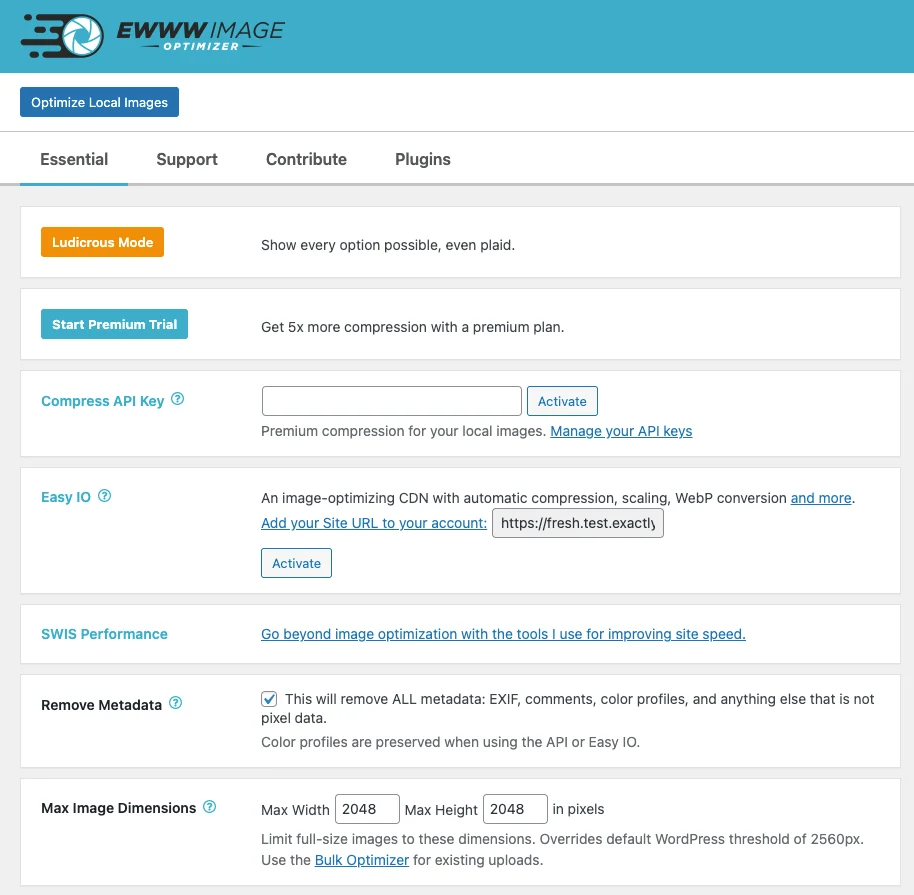
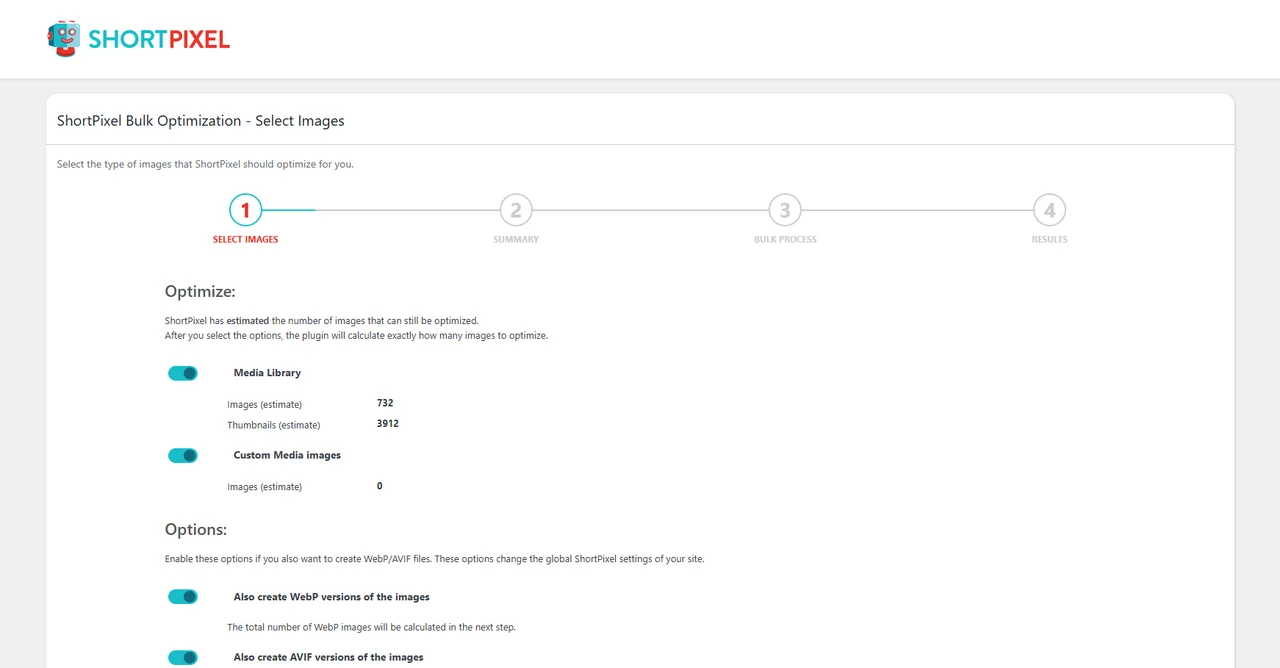
Make photo-heavy WordPress pages lighter by compressing their uploaded images. Choose an optimization setting, process a few samples and compare the results in the media library before running a larger batch.
Use it when contributors upload full-size photos and you want a repeatable optimization workflow from the dashboard. Check the current quota and backup options before processing every image on a busy site. Compare the result on a page with both a thumbnail and a large image before applying the same settings sitewide.
Good products deserve a good conversation.
Be the first to start one.
Creative tools
Optimize WordPress image files without a separate desktop workflow

Creative tools
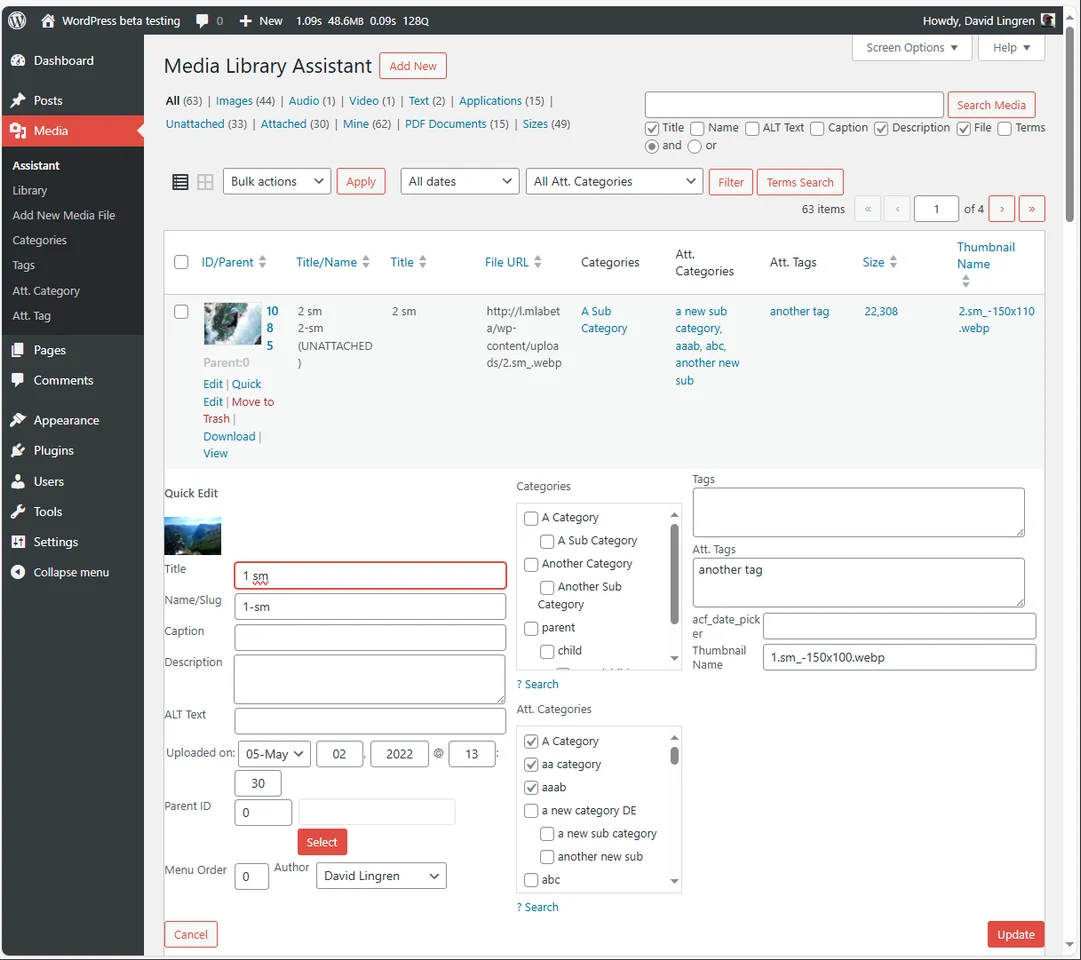
Filter and edit large WordPress media collections in bulk

Creative tools
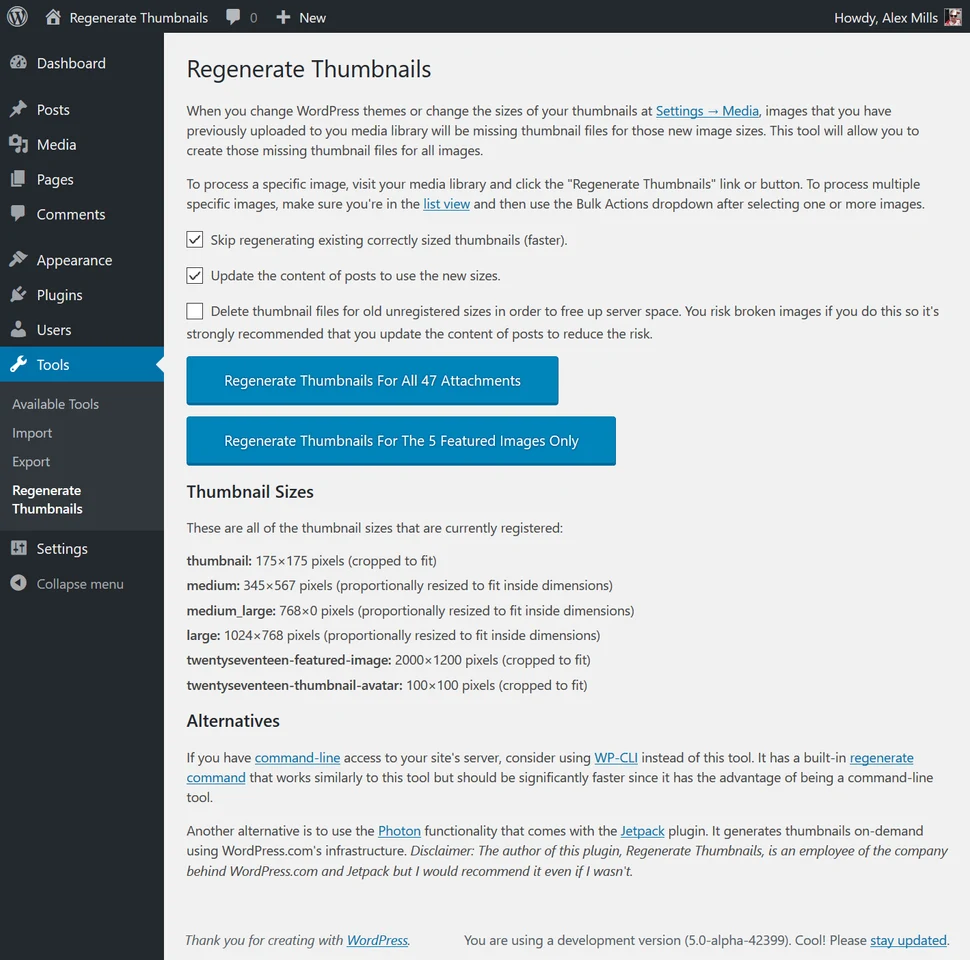
Rebuild WordPress image sizes after changing a theme