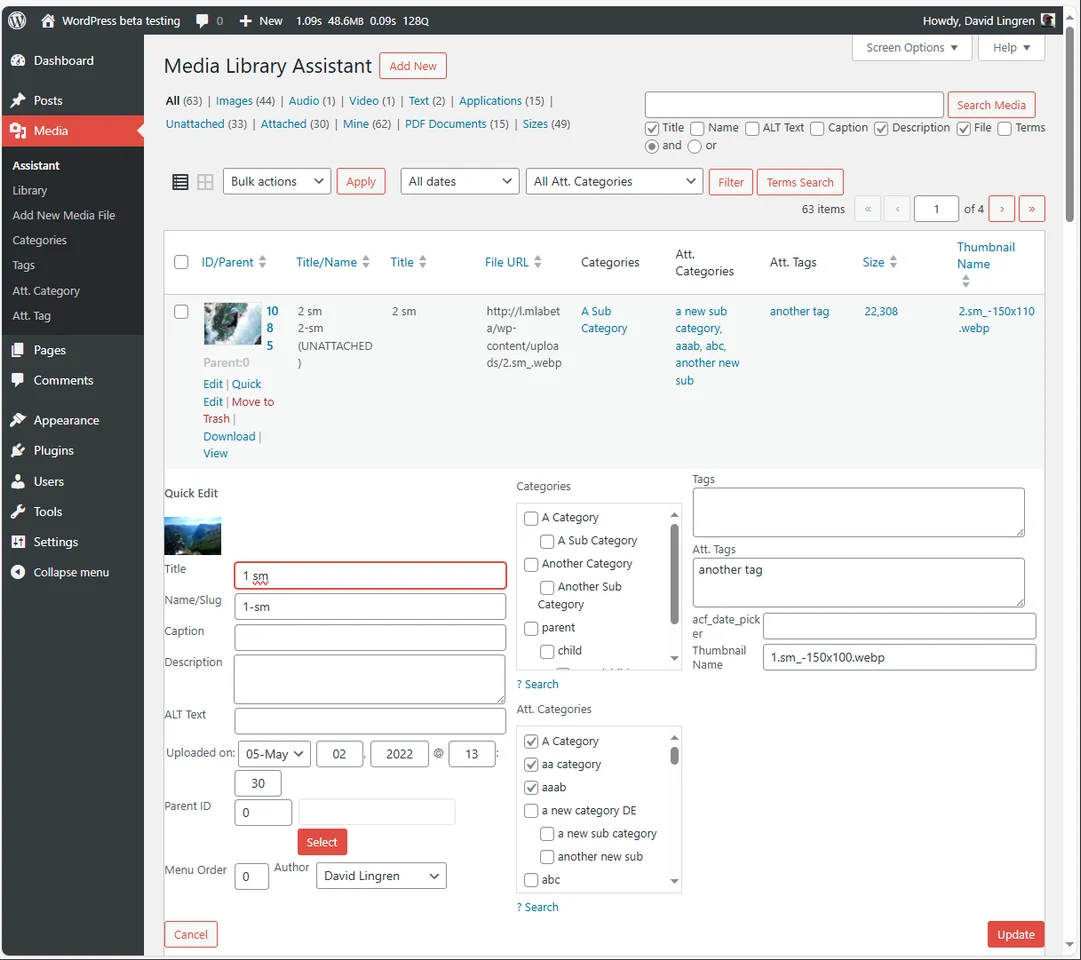
Media Library Assistant
Creative tools
Filter and edit large WordPress media collections in bulk
Editorial discoveryOpen source

Optimize WordPress image files without a separate desktop workflow
Ver en español0 props
Be the first to give Props.
 Full size
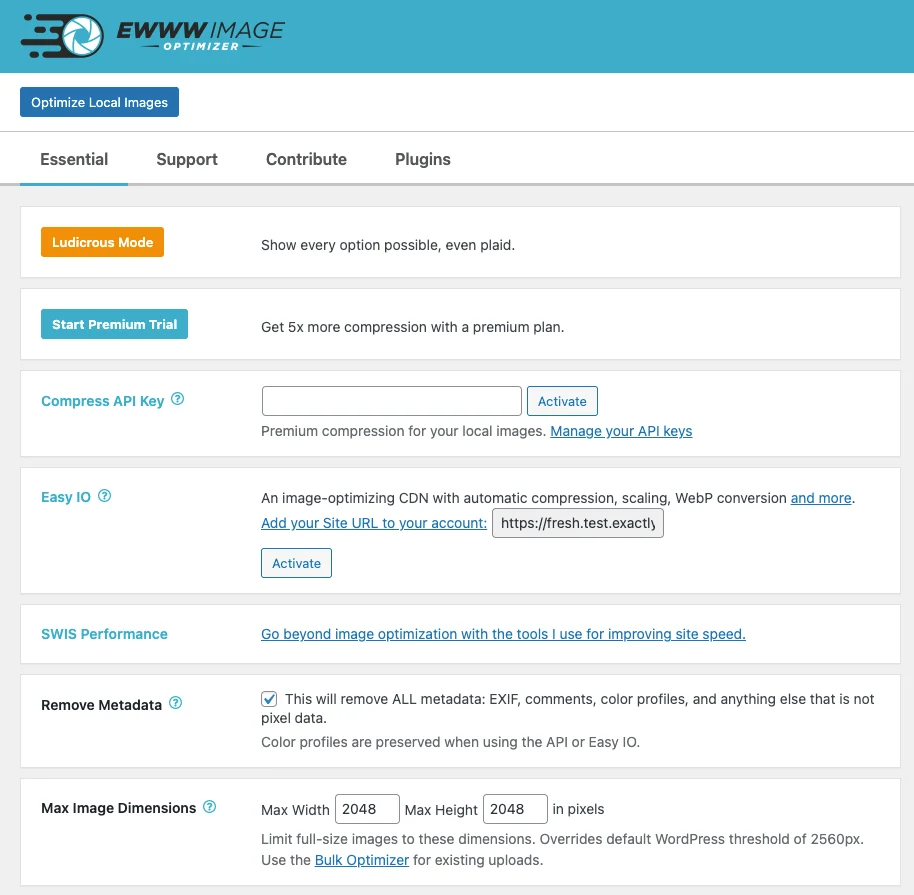
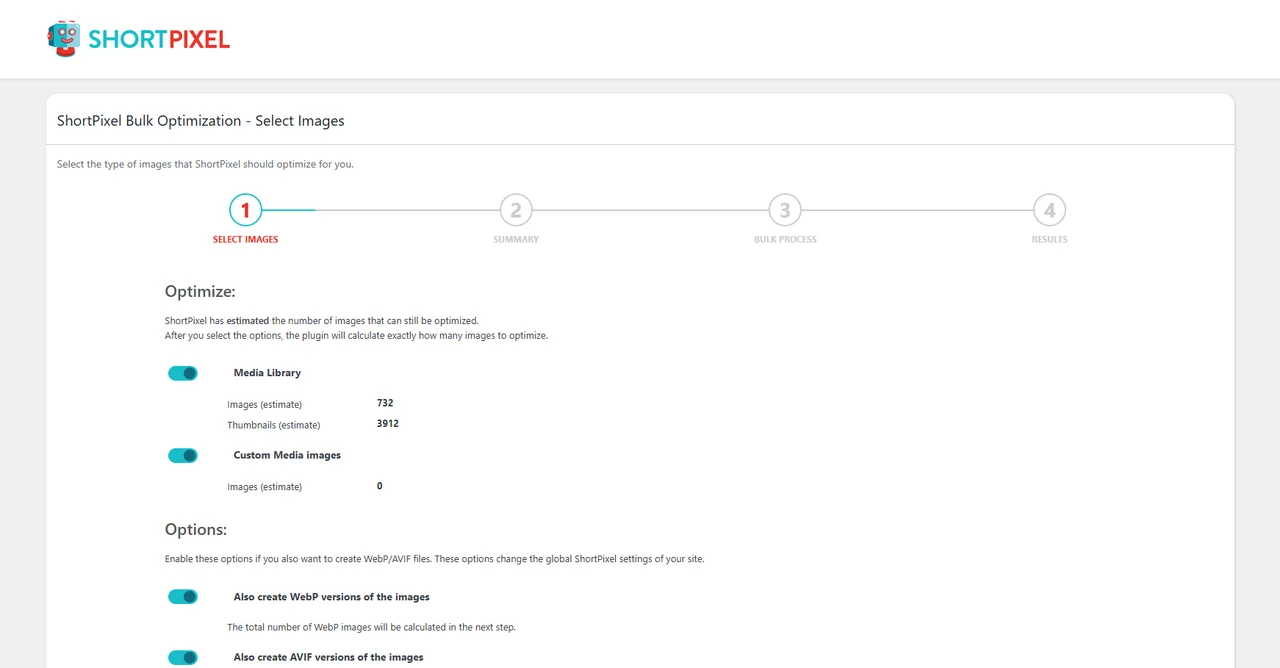
Reduce the file sizes of images that authors and store managers upload to WordPress. Choose the available optimization and format settings, then check the resulting files on a representative page before running a bulk job.
Keep image preparation inside the site's publishing workflow so editors can use the same process. Check which features depend on the plan or hosting environment and keep a recoverable set of originals. Check a sample upload as a visitor and confirm the new image looks right at its displayed size.
Good products deserve a good conversation.
Be the first to start one.
Creative tools
Filter and edit large WordPress media collections in bulk

Creative tools
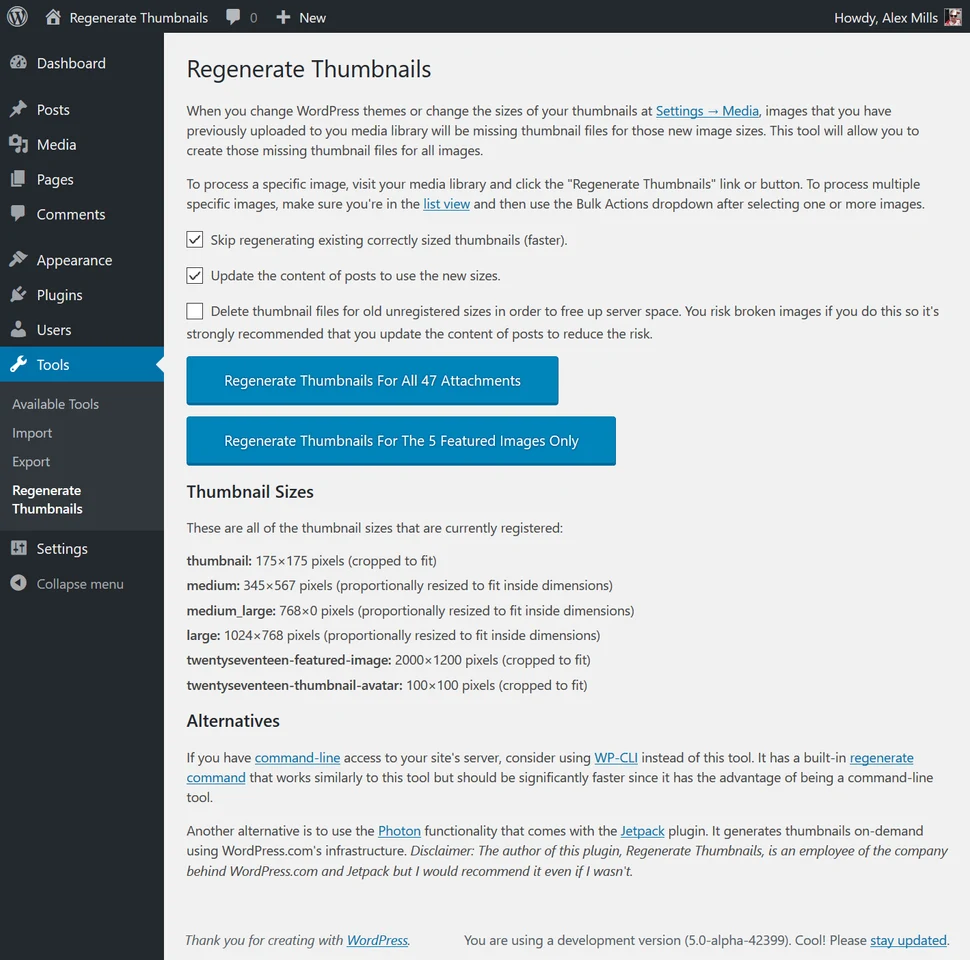
Rebuild WordPress image sizes after changing a theme

Creative tools
Compress WordPress uploads and check the savings in the media library