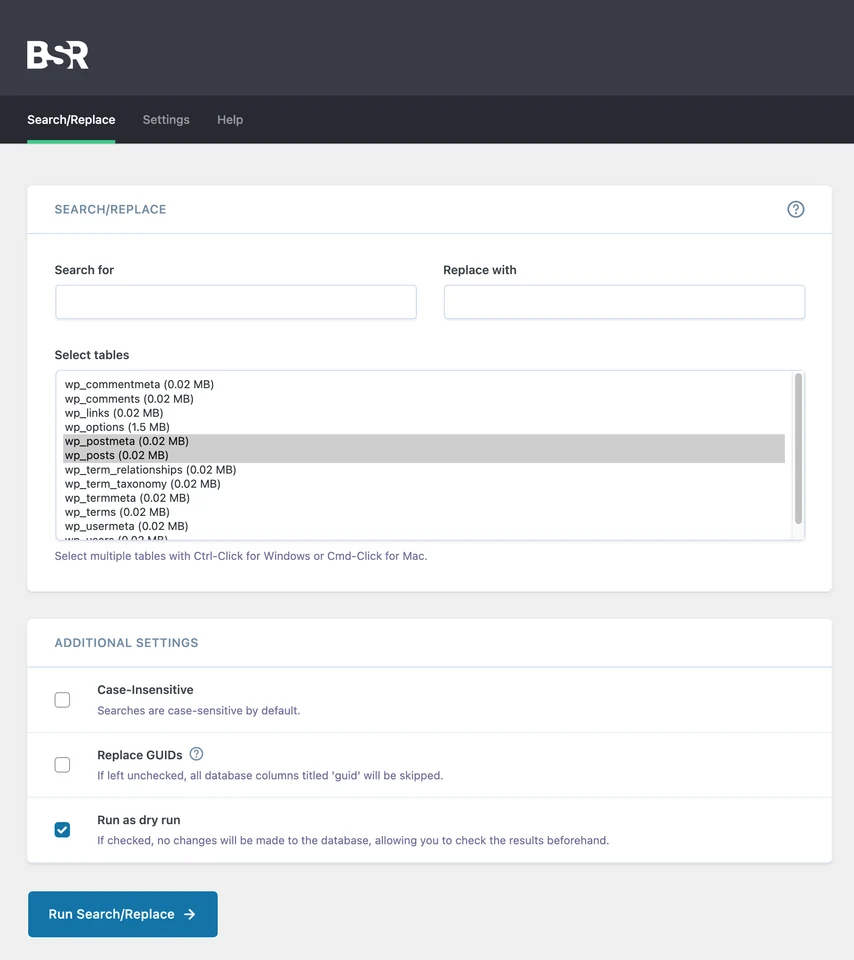

Better Search Replace
Developer tools
Preview and apply search-and-replace changes in WordPress data
Editorial discoveryFreemium

0 props
Be the first to give Props.
 Full size
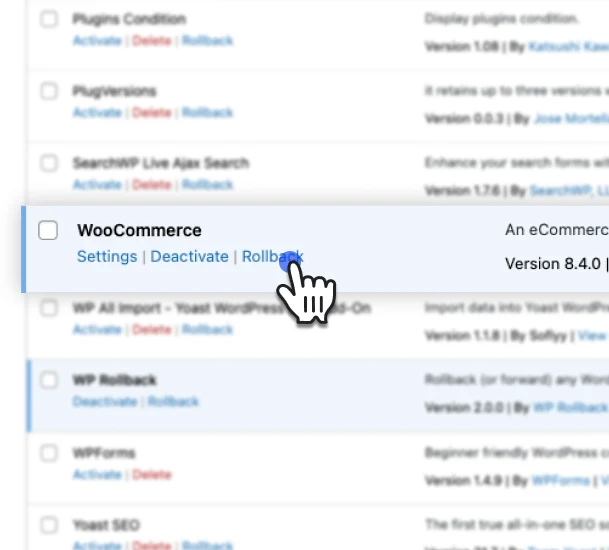
Revert a plugin or theme after a WordPress update causes a regression. Choose an earlier published version from the WordPress.org directory and confirm the change in the admin screen.
Recover the code for one extension without restoring a database backup. Keep a full backup if an update also changed stored data. Write down both version numbers so the team knows exactly what was changed.. This is useful when you know which update introduced a display problem, broken feature or compatibility issue.
Good products deserve a good conversation.
Be the first to start one.
Developer tools
Preview and apply search-and-replace changes in WordPress data

Developer tools
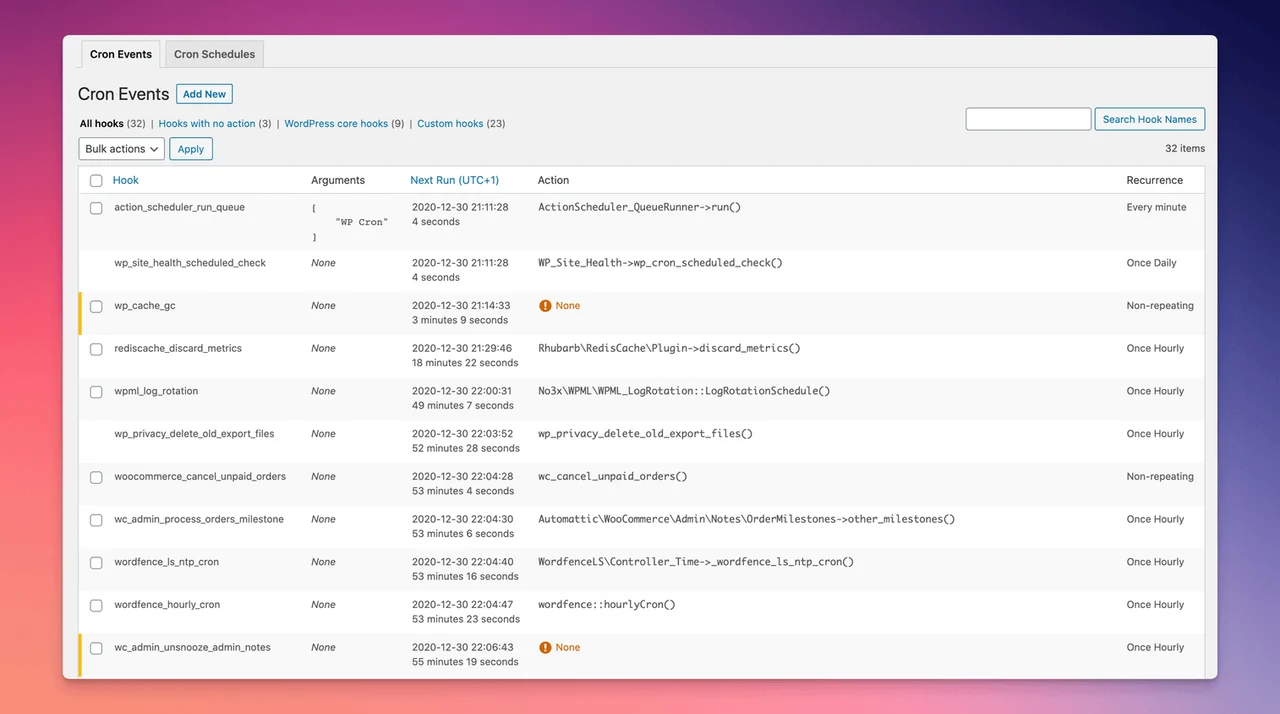
Inspect and run scheduled tasks from the WordPress dashboard

Developer tools
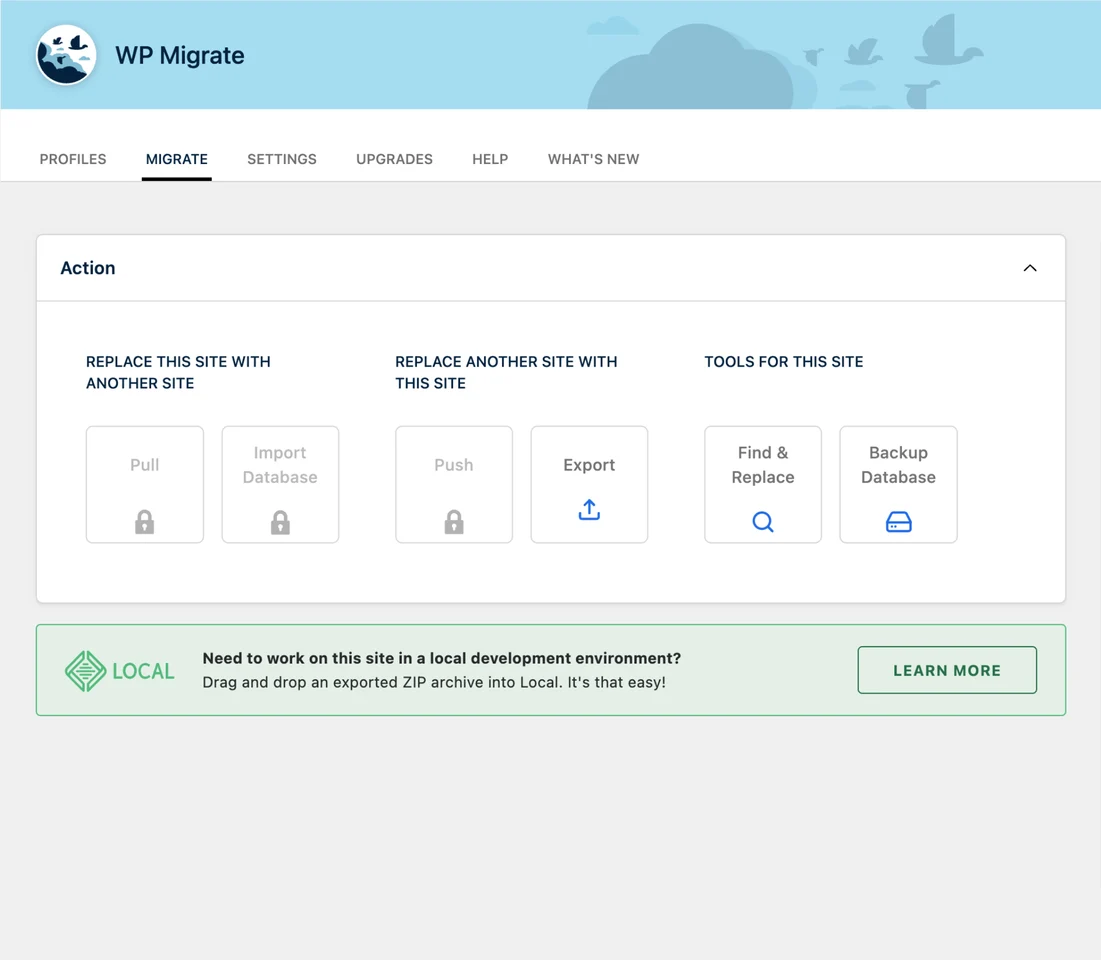
Prepare WordPress database exports for a site migration