Self-hosted deployment tools for a small VPS
Compare Git push, Docker Compose and dashboard workflows for deploying an app on your own server.
Source check ·
Leer en español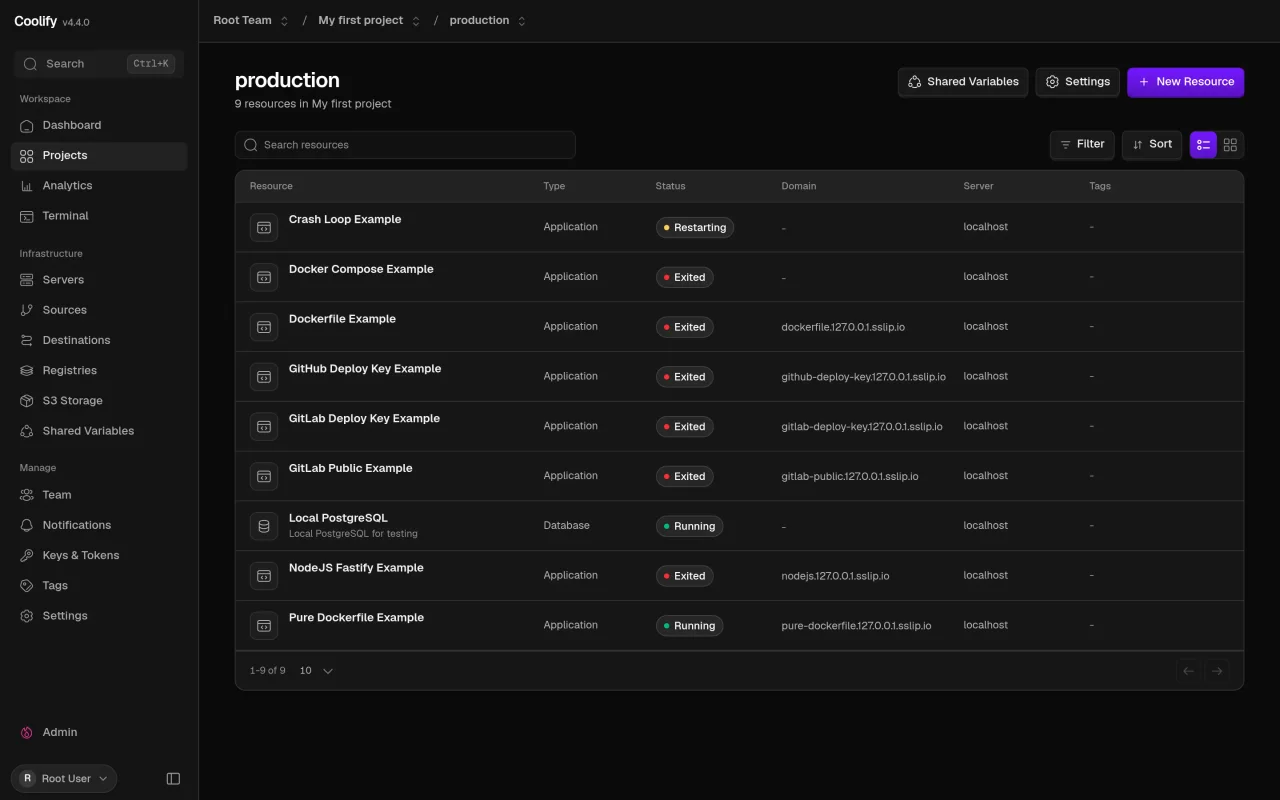
Start with an app you already run and decide how you want to deploy it. A dashboard can help when you manage several apps or want a shared view of deployments. A command-line flow can fit a solo developer who already works in Git. For every option, test what happens after a build fails and how you get data back from a backup.
Compare the options
Coolify
An app and database dashboard across servers
Workflow
Connect a Git repository and deploy apps or supporting services. Use the interface to inspect settings and the deployment state.
What to check
You are operating a deployment platform alongside your apps. Check server resources, persistent storage and backups before moving an existing project.
Official details
Dokploy
An interface for a Compose-based application stack
Workflow
Use an application or Docker Compose project, then configure domains, environment variables and deployment from the interface.
What to check
Check how your stack handles mounted volumes, database backups and domain routing before migrating existing data.
Official details
Dokku
A Git-based deployment workflow on one host
Workflow
Create an app, configure its settings and push a Git branch to deploy. Add only the services your application needs.
What to check
Day-to-day work is command-line oriented. Read the buildpack or Dockerfile documentation and confirm how to back up services separately.
Official details
CapRover
A dashboard and a domain pattern for multiple apps
Workflow
Use the dashboard and CLI to deploy containers. Set up a wildcard app domain if you want the documented default hostname pattern.
What to check
Check the DNS and port requirements before installing on a server that already hosts sites. Verify database persistence independently of app deployment.
Official detailsBefore you choose
- Deploy one disposable app using the same Dockerfile, Compose file or buildpack your real app needs.
- Confirm that a failed build leaves the previous version serving. Test a rollback with representative configuration.
- Restore a copy of the database and uploads on a separate host. Include DNS, TLS and updates in your estimate of maintenance time.