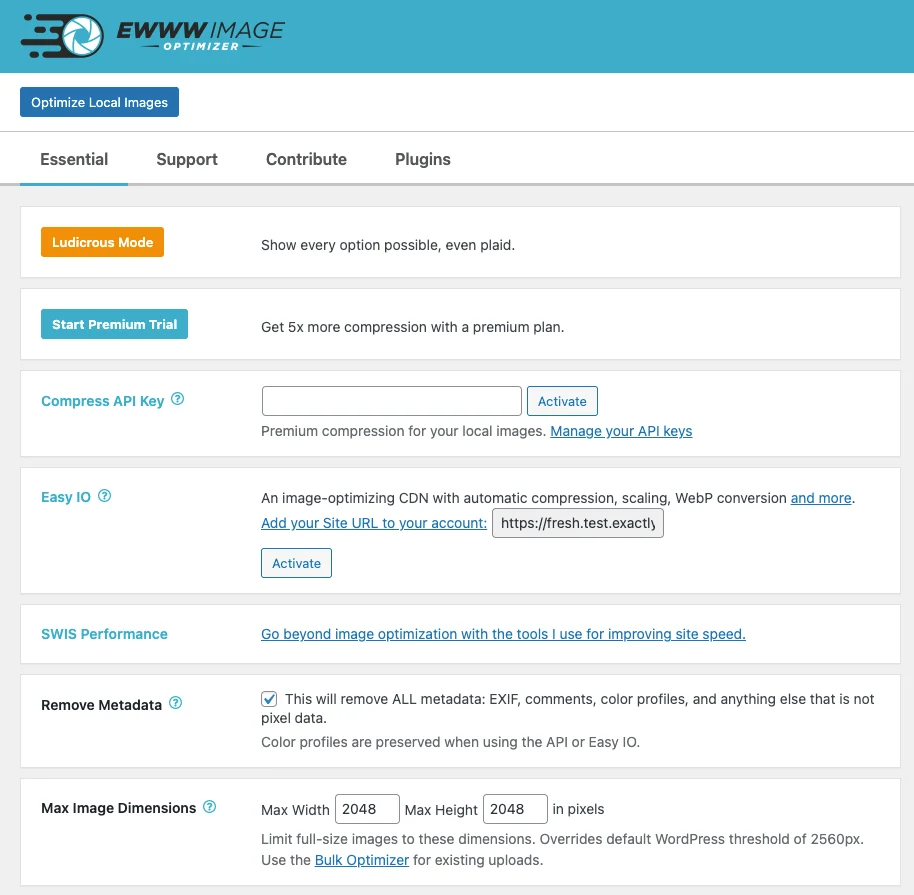

EWWW Image Optimizer
Creative tools
Optimize WordPress image files without a separate desktop workflow
Editorial discoveryFreemium

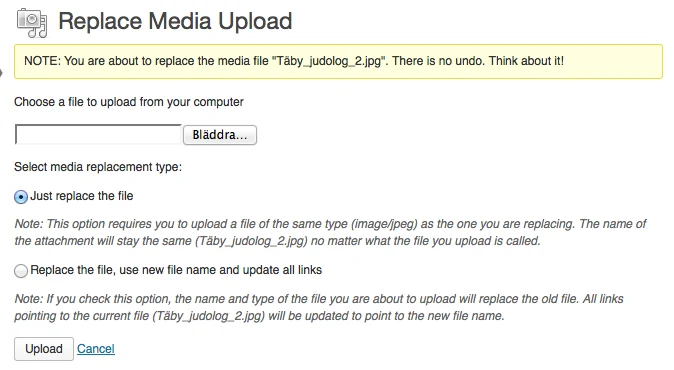
Replace a file already in the WordPress media library
Ver en español0 props
Be the first to give Props.
 Full size
Update an image or downloadable file already embedded on several WordPress pages. Open the existing attachment and choose the replacement file from the media library.
Correct a document or asset without hunting for every place it was inserted. Check references that are cached or stored outside WordPress after replacing the file. Open the public page afterward to check how the replacement looks at its actual size.. Keep the previous upload if you need to compare versions or restore the original image later.
Good products deserve a good conversation.
Be the first to start one.
Creative tools
Optimize WordPress image files without a separate desktop workflow
Creative tools
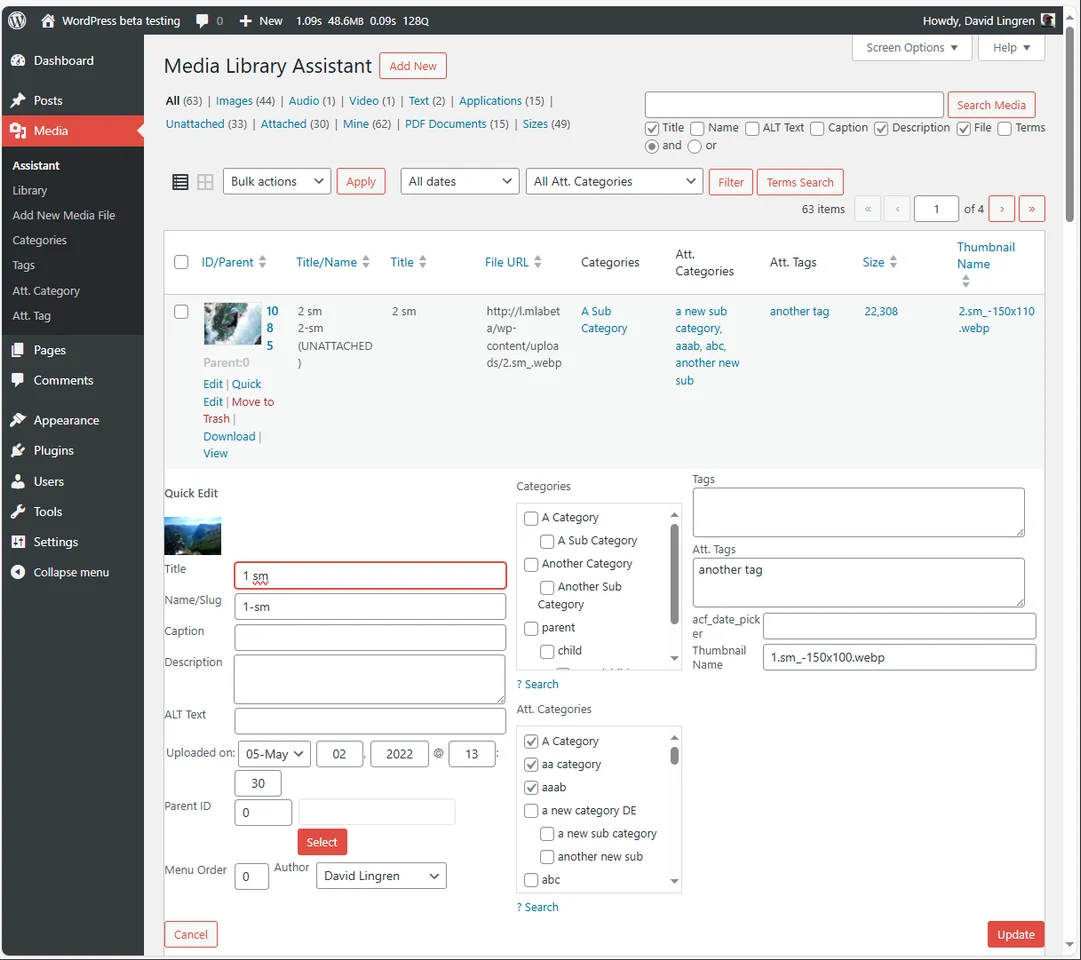
Filter and edit large WordPress media collections in bulk

Creative tools
Rebuild WordPress image sizes after changing a theme