
Excalidraw
Design
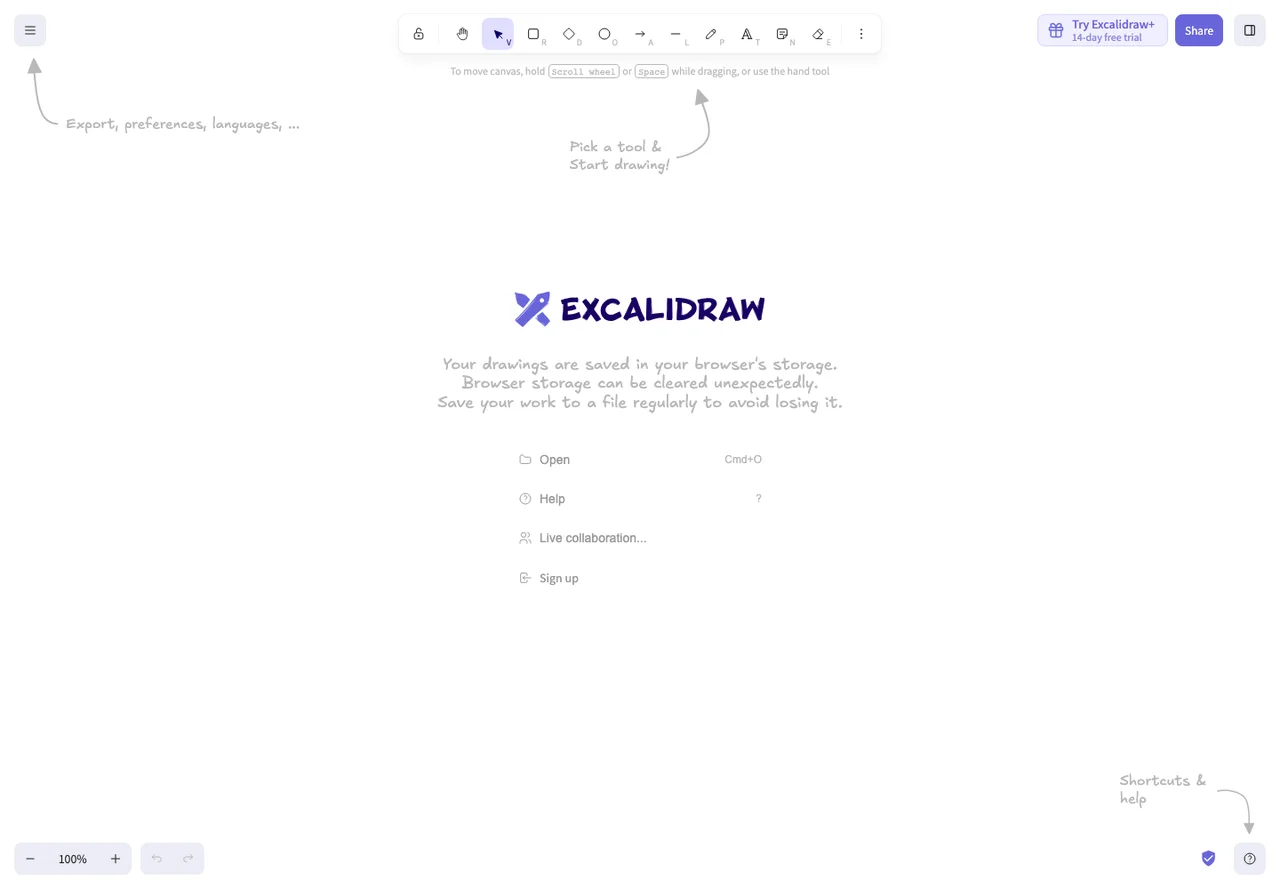
Sketch an idea before it becomes a specification
FreemiumEditor’s pick
1 Kudos
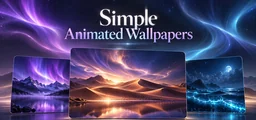
Set a local MP4 as your desktop background with Simple Animated Wallpapers on Windows 10 or 11. Drag the file into the app, preview it, then click the wallpaper to apply it. You can also pick a scene from the included collection, save favorites, and search your library. If you use multiple monitors, choose a display or play the same video across them. The playback controls let you fill, fit, or stretch the image and mute its audio.
On a laptop, you can set playback to pause on battery power. You can also pause it automatically for full-screen apps, though detection can miss windowed games. Use H.264 MP4 for the recommended format. Other codecs depend on Windows support, and Windows N requires the Media Feature Pack. If you move an imported file, add it again from its new location.
Good products deserve a good conversation.
Be the first to start one.