
beehiiv
Marketing
Publish a newsletter with a public archive and growth tools
Editorial discoveryFreemium

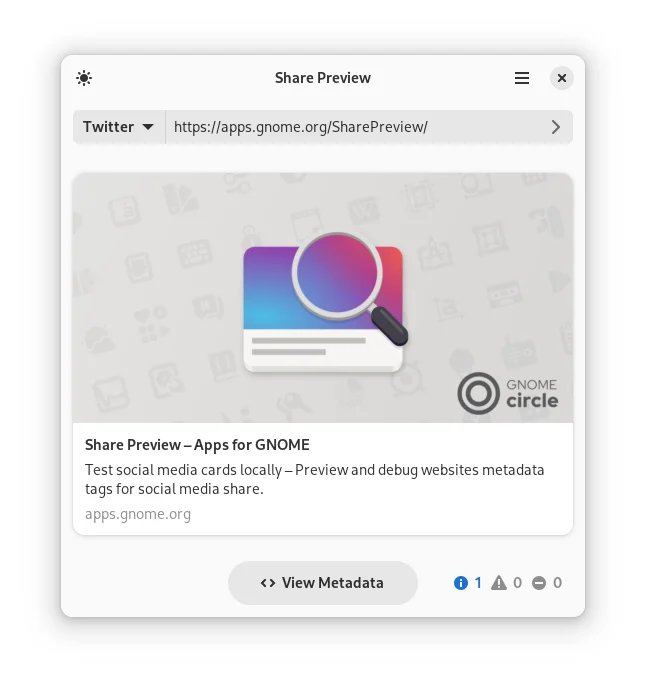
Preview how a website link may appear when shared on social platforms
Ver en español0 props
Props are a thank-you from members.
 Full size
Share Preview helps inspect website metadata and see how a link might appear as a social card. Test a page you plan to announce and check whether the title, description and image represent it clearly. This is useful for editorial teams and site owners who want to catch a stale headline or missing image before sharing a link. After changing the site, use the preview to verify the updated metadata. Check the platform where the link will appear as well, since its crawler, cache and card layout can affect what readers see.
Good products deserve a good conversation.
Be the first to start one.