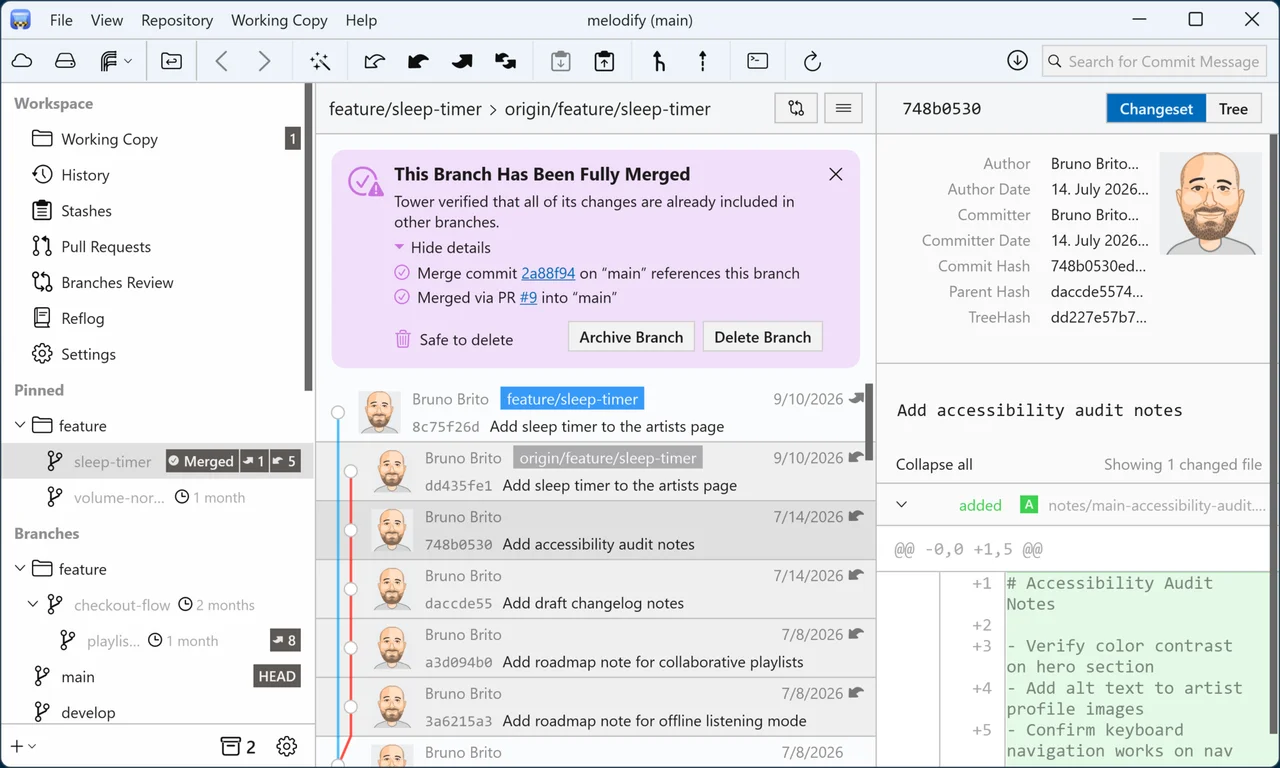

Tower
Developer tools
Review and organize Git history in a desktop application
Editorial discoveryPaid
0 props
Props are a thank-you from members.
 Full size
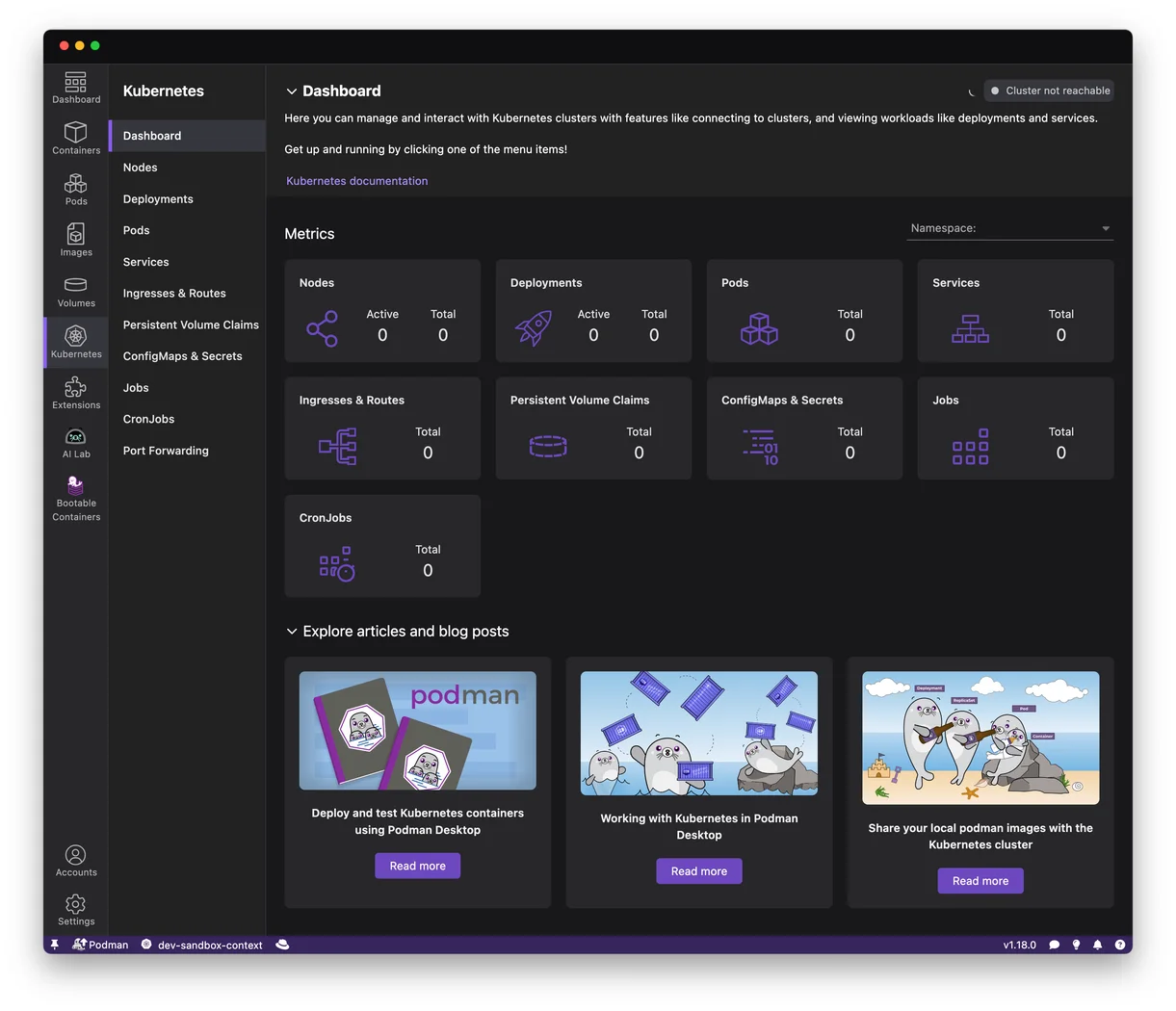
Podman Desktop gives developers a graphical way to work with local containers, images, volumes and related resources. Run a development service, check its logs and see which ports are available without memorizing every command. An image view helps you tell what is installed locally before starting a fresh container. The application can connect to supported container engines and has extension points for additional workflows. Container networking and filesystem behavior can differ across operating systems and providers, so test your existing development setup before changing it. For a useful first trial, run a small service with a mounted data directory, restart it and confirm that the port, environment settings and persisted data behave as your project expects.
Good products deserve a good conversation.
Be the first to start one.
Developer tools
Review and organize Git history in a desktop application

Developer tools
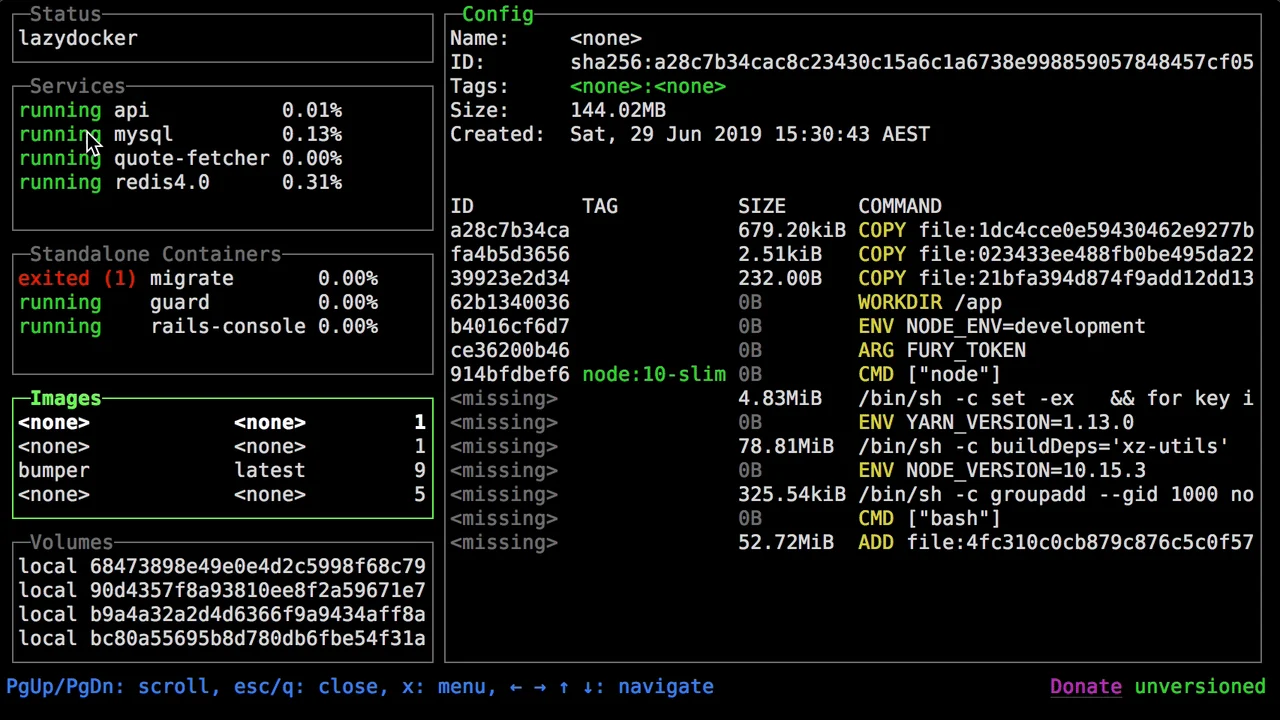
Inspect Docker containers and logs from a terminal dashboard

Developer tools
Run repository pipelines in a container-based CI system