GNOME Papers
Productivity
Read, search and annotate PDFs and other documents in GNOME
Editorial discoveryOpen source

Use a Windows screen reader with speech and supported braille displays
Ver en español0 props
Props are a thank-you from members.
 Full size
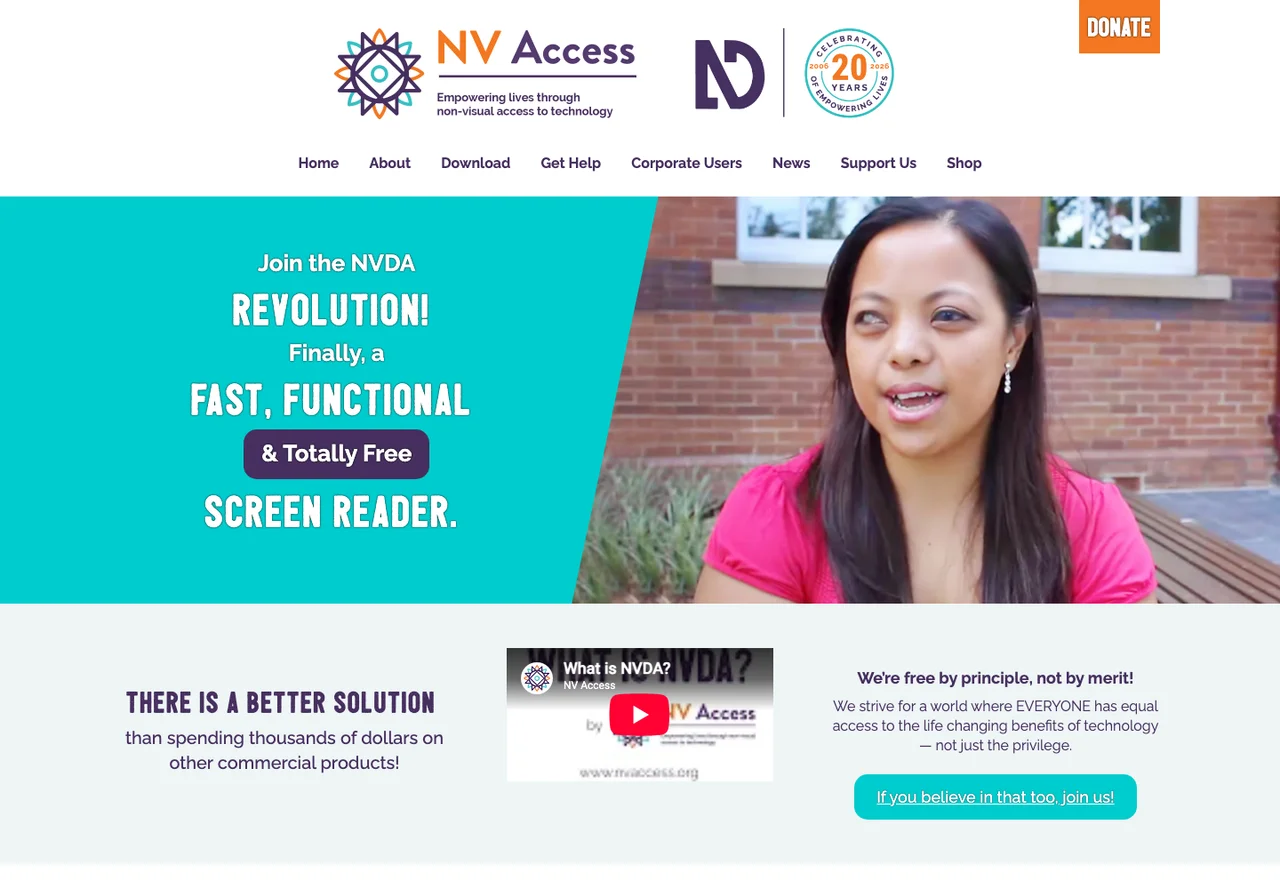
NVDA is a screen reader for Windows maintained by NV Access. It reads interface content aloud and can work with supported braille displays. In a browser, try moving by headings and links, then use the keyboard to fill out a short form. It is useful both for daily computer access and for developers who want to observe how a page behaves with a screen reader. Results depend on the app, its accessibility support and your NVDA settings. Check the user guide for commands and hardware compatibility, and practice the tasks you actually need in the software you use.
Good products deserve a good conversation.
Be the first to start one.
Productivity
Read, search and annotate PDFs and other documents in GNOME
Productivity
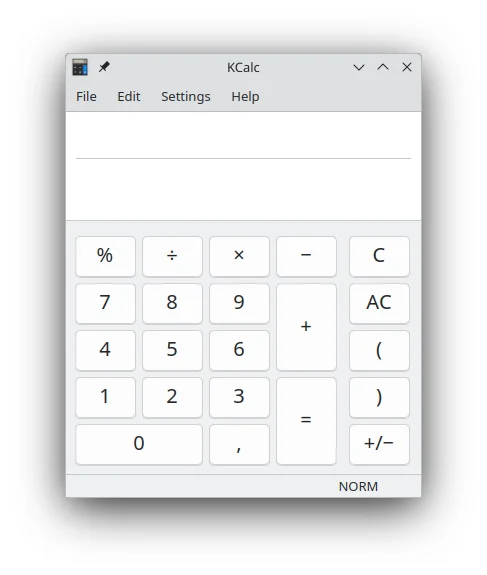
Run scientific calculations with keyboard shortcuts and a configurable display
Productivity
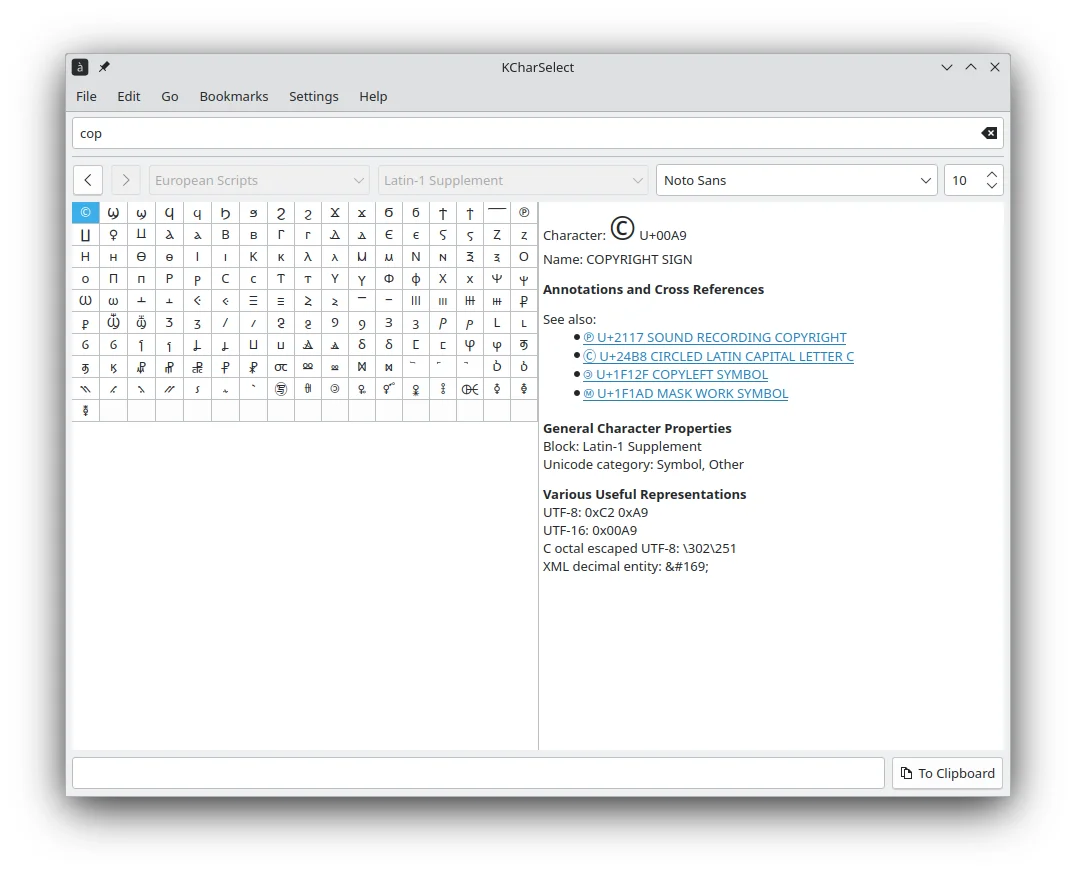
Find special characters and inspect their Unicode information