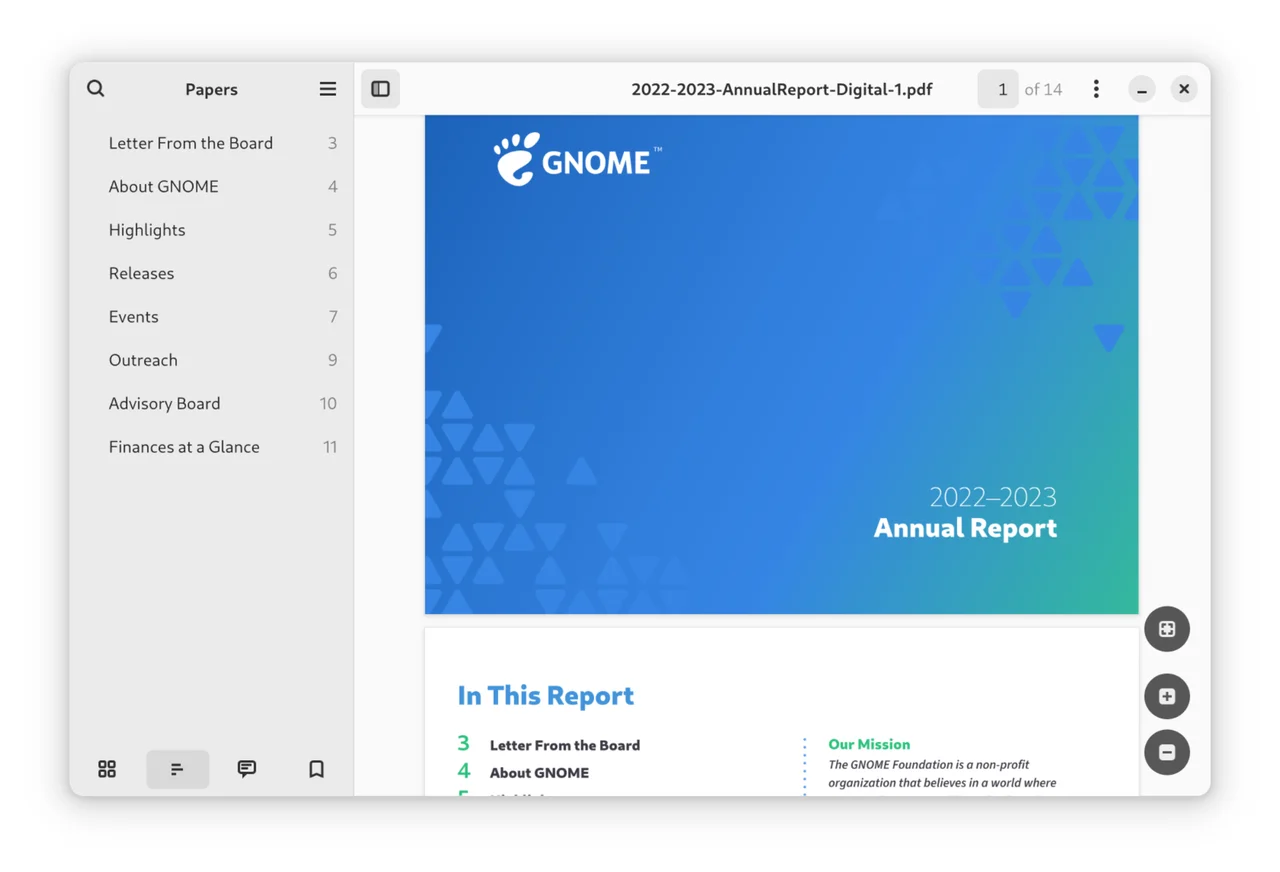

GNOME Papers
Productivity
Read, search and annotate PDFs and other documents in GNOME
Editorial discoveryOpen source

0 props
Props are a thank-you from members.
 Full size
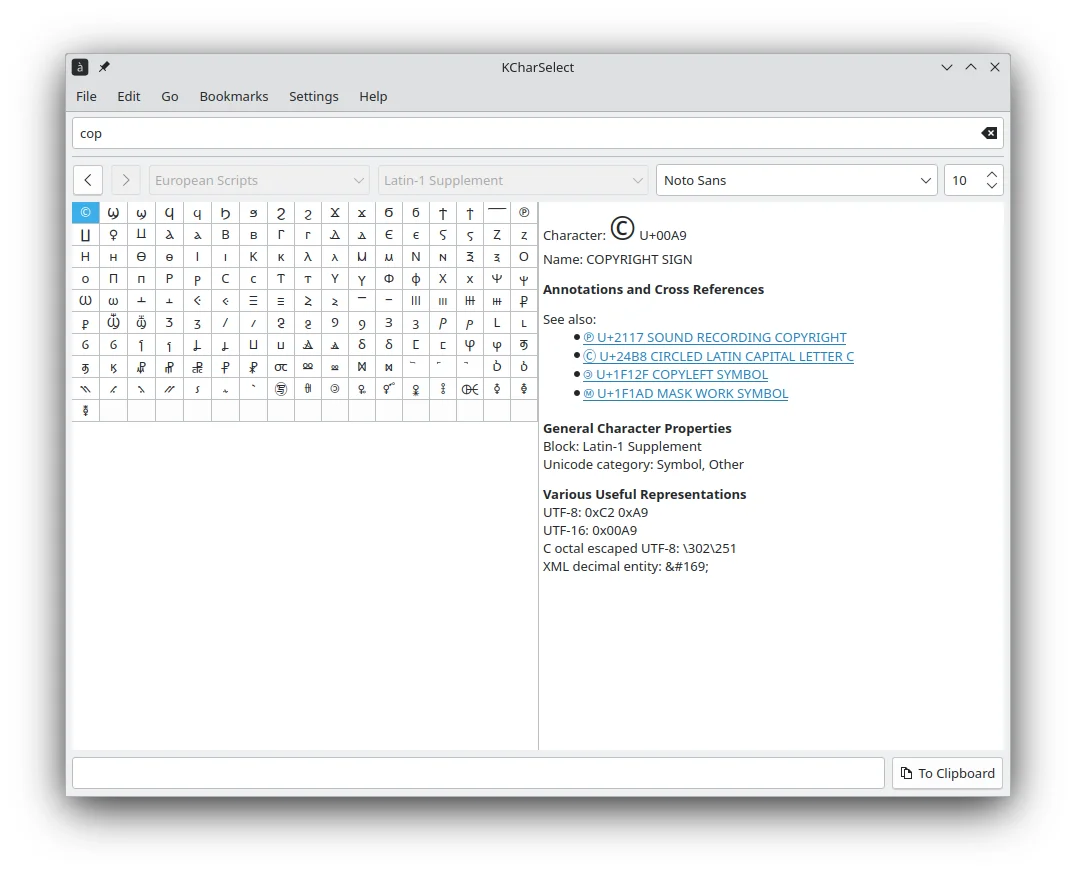
KCharSelect lets you find characters in installed fonts and copy them for use in another application. Search for a symbol by name or browse categories when you only know what it looks like. The detail panel shows the Unicode name, aliases and related characters, which can help distinguish similar symbols. It fits writers and designers who occasionally need a character missing from their keyboard layout. Paste the result into the intended document and check how the document font displays it before sharing the file.
Good products deserve a good conversation.
Be the first to start one.
Productivity
Read, search and annotate PDFs and other documents in GNOME
Productivity
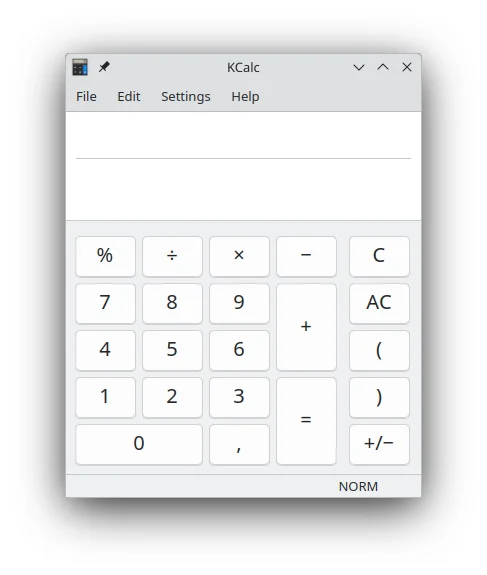
Run scientific calculations with keyboard shortcuts and a configurable display


Productivity
Look up access features for venues and public places