GNOME Disk Usage Analyzer
Productivity
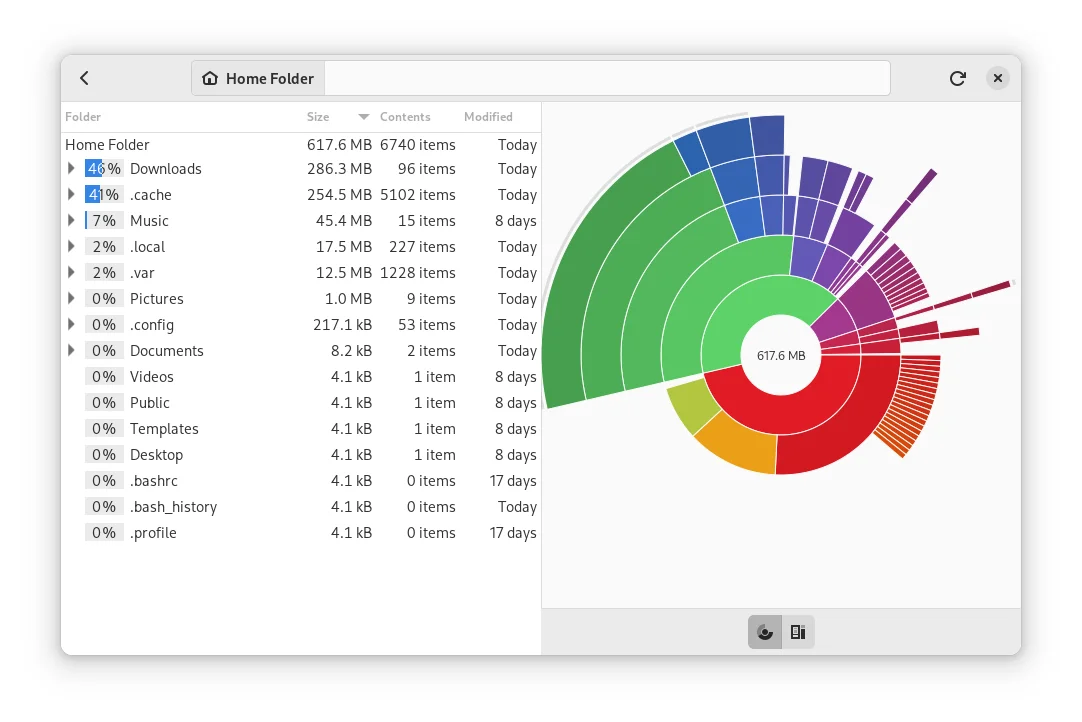
Find what fills a drive with folder sizes and storage charts
Editorial discoveryOpen source

Inspect and manage disk partitions from a graphical interface
Ver en español0 props
Props are a thank-you from members.
 Full size
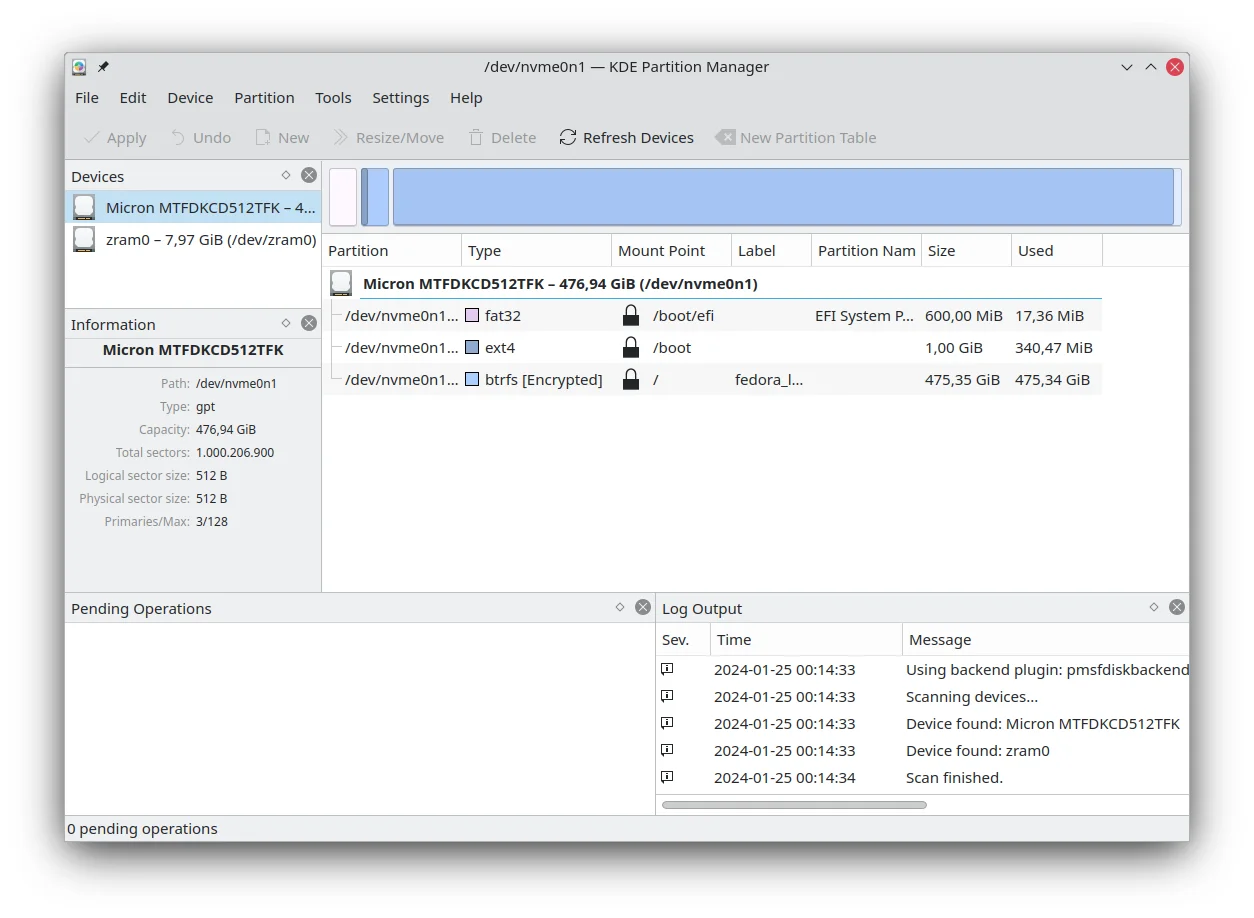
KDE Partition Manager shows the partitions and file systems on attached disks and provides operations such as creating, moving and resizing partitions. Start by matching the disk and its capacity to the physical device you intend to work on. Review the file system and the pending changes before applying any operation. The tool fits Linux users preparing storage or maintaining a multiboot system. Make a restorable backup before changing partitions, and check which operations your installed tools support for the specific file system and disk state.
Good products deserve a good conversation.
Be the first to start one.
Productivity
Find what fills a drive with folder sizes and storage charts

Productivity
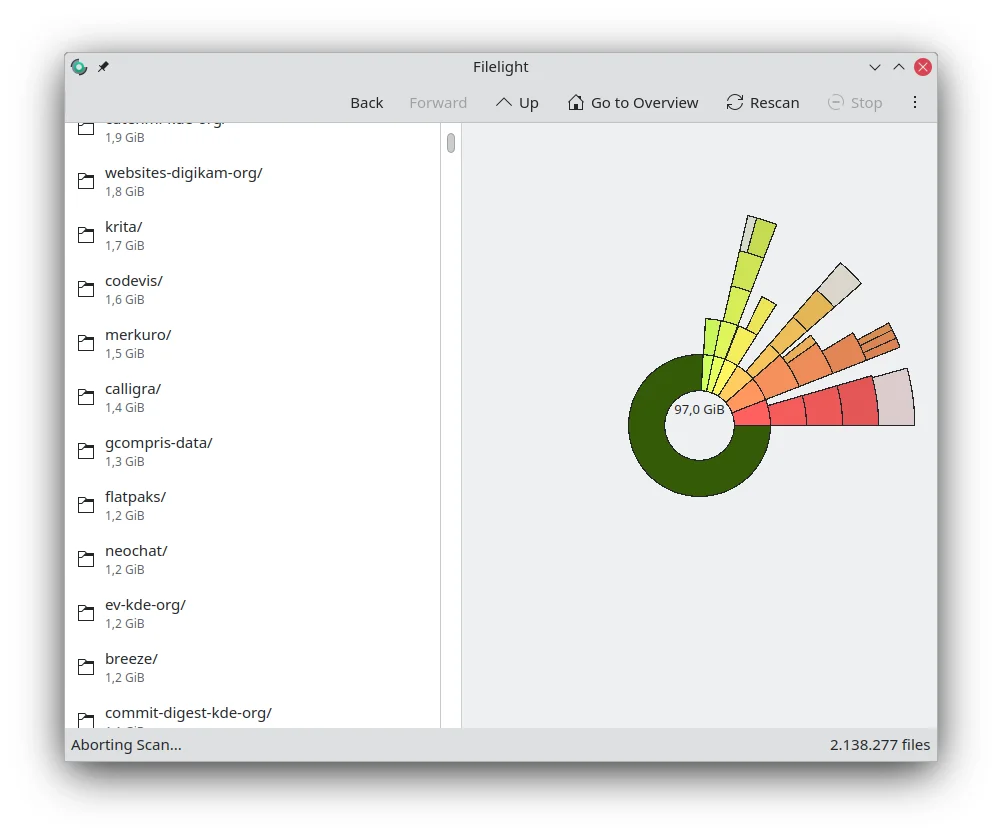
See which folders use the most disk space in a radial chart

Productivity
Organize Android files with shortcuts, search and storage tools