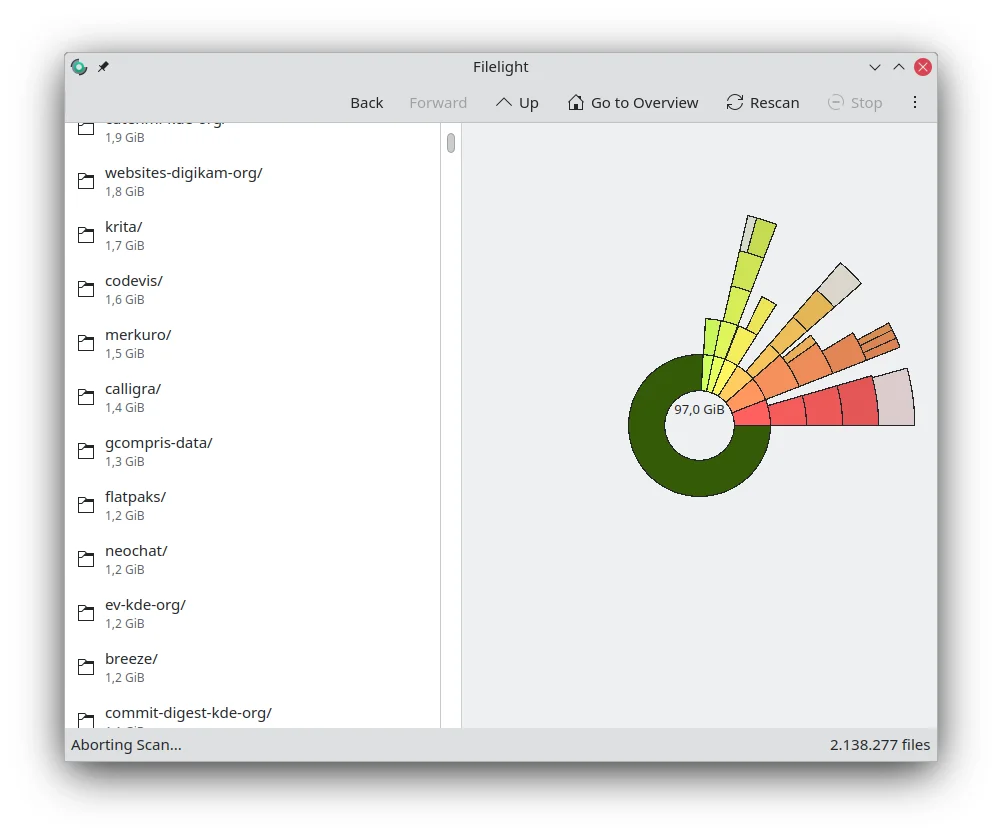

Filelight
Productivity
See which folders use the most disk space in a radial chart
Editorial discoveryOpen source
Find what fills a drive with folder sizes and storage charts
Ver en español0 props
Props are a thank-you from members.
 Full size
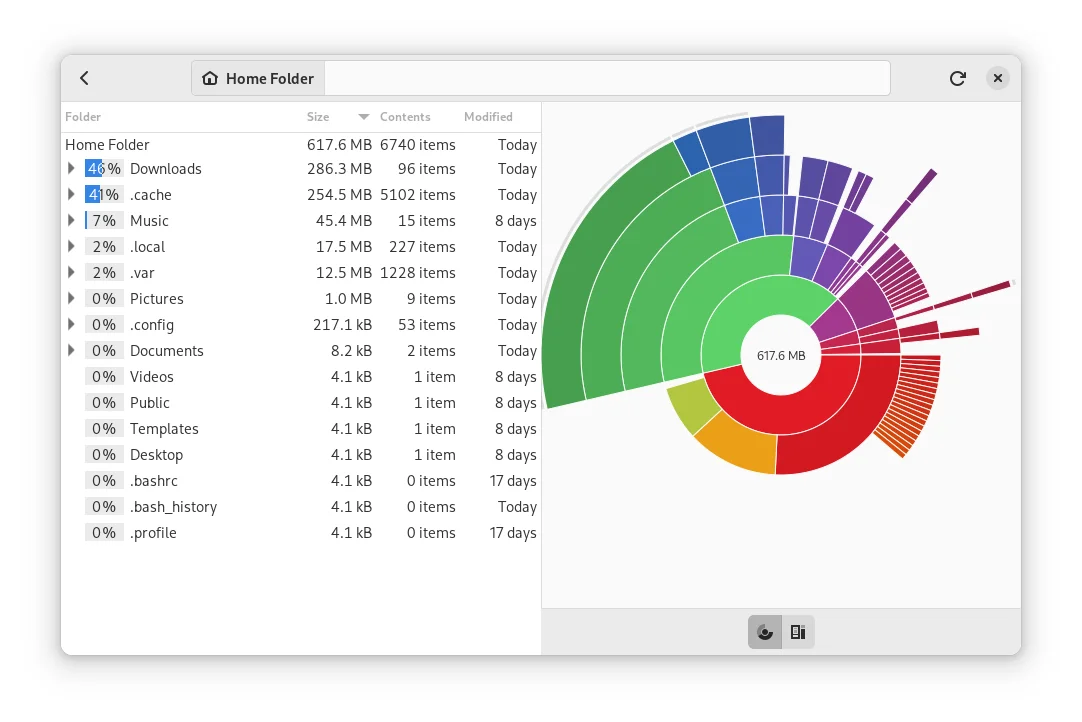
GNOME Disk Usage Analyzer, also known as Baobab, shows how much space folders use. Scan a specific folder or a storage device, then use the tree and chart together to trace a large area down to its contents. It also supports scanning some online accounts. The tool fits someone investigating a full drive or trying to understand which projects are using the most storage. A folder size tells you where to look next. Check whether the files are generated, shared or still needed before removing or moving a large item.
Good products deserve a good conversation.
Be the first to start one.
Productivity
See which folders use the most disk space in a radial chart

Productivity
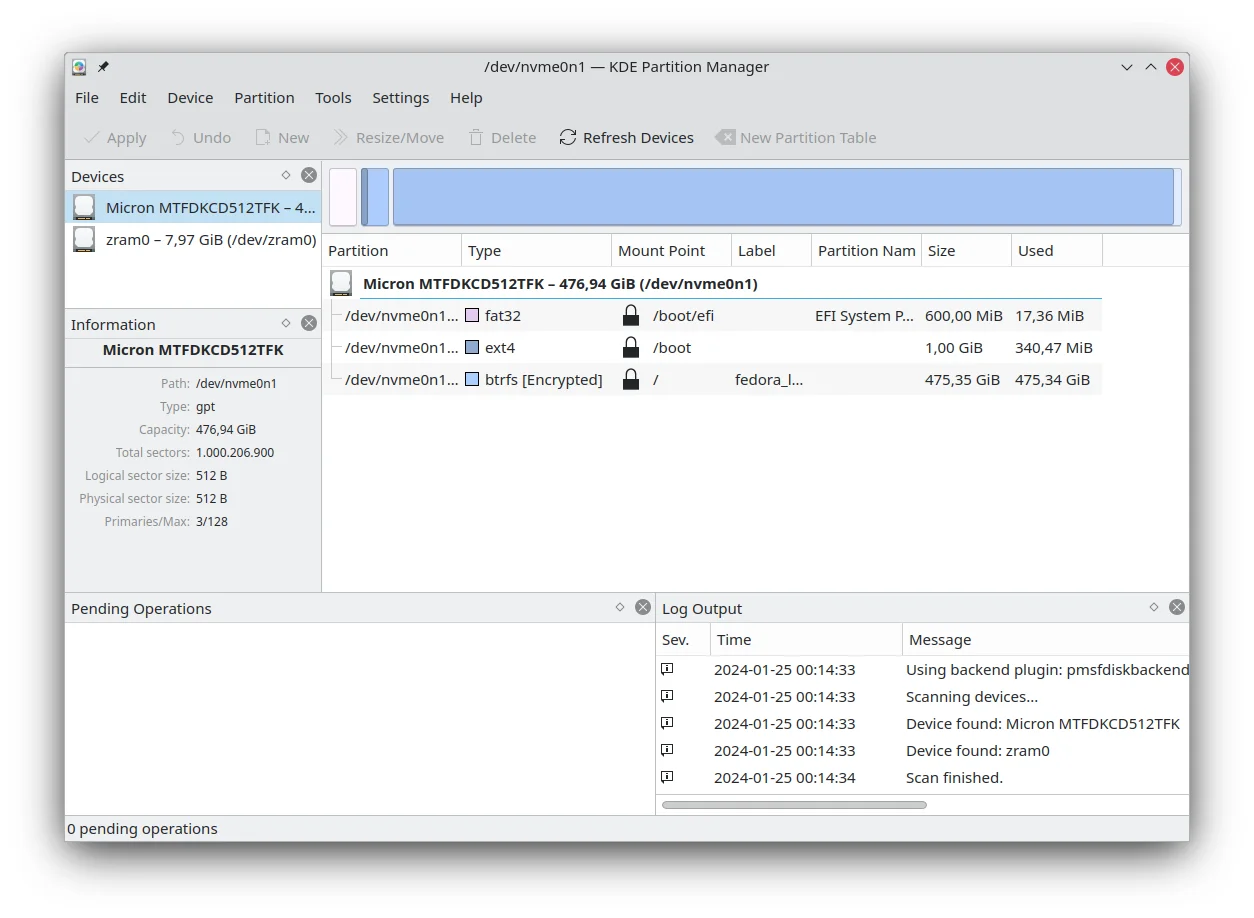
Inspect and manage disk partitions from a graphical interface

Productivity
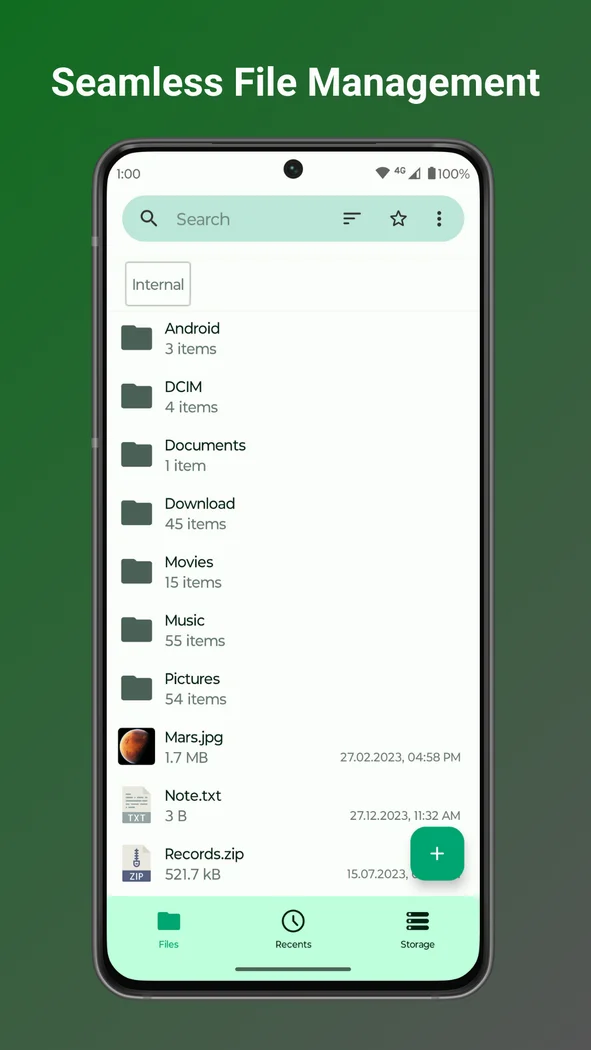
Organize Android files with shortcuts, search and storage tools