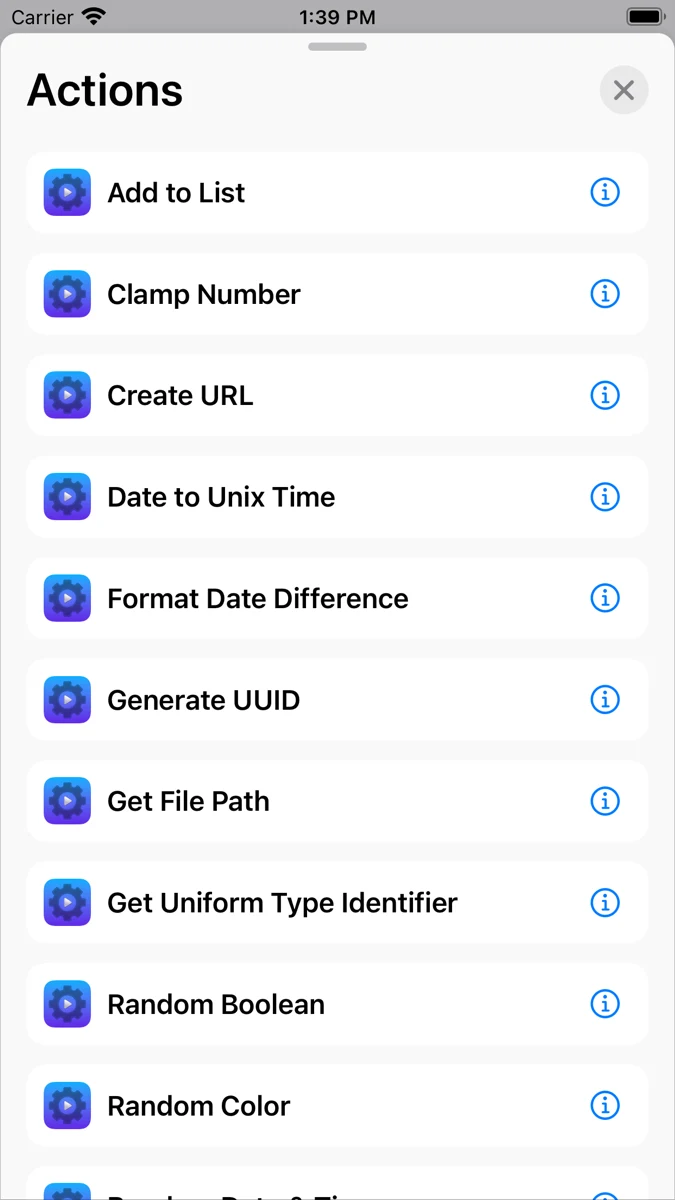

Actions for Shortcuts
Automation
Add extra building blocks to personal Apple Shortcuts.
Editorial discoveryFree

0 props
Be the first to give Props.
 Full size
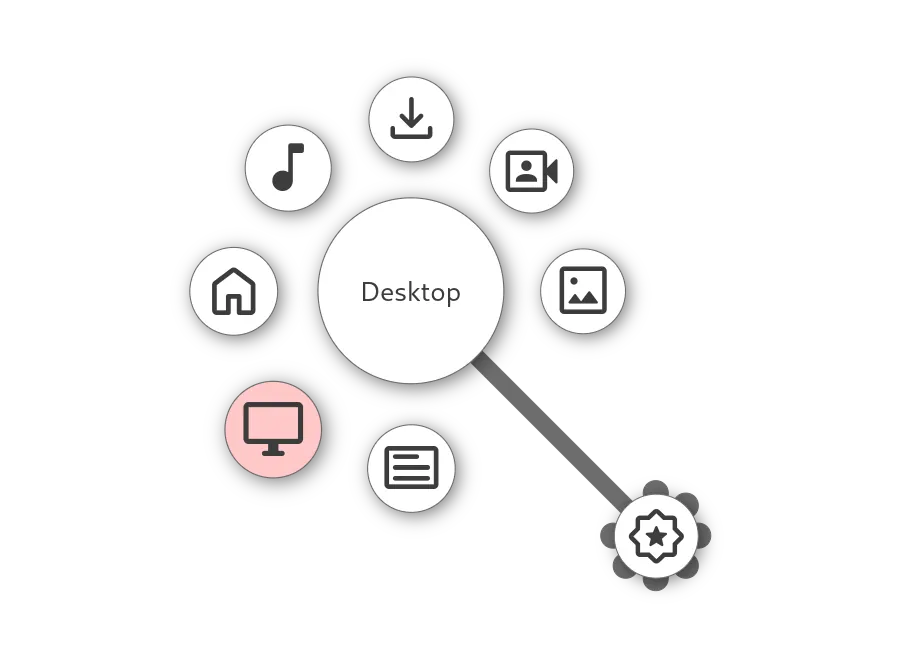
Kando brings frequently used actions into a radial menu you open on the desktop. Arrange app launches, file links, or keyboard shortcuts into branches and choose an action with the pointer. That makes it possible to keep a few tools close without filling the desktop with buttons. You could create one branch for a set of design apps and another for media controls. The menu is especially useful when your hand is already on the mouse or a pen.
Good products deserve a good conversation.
Be the first to start one.
Automation
Add extra building blocks to personal Apple Shortcuts.

Automation
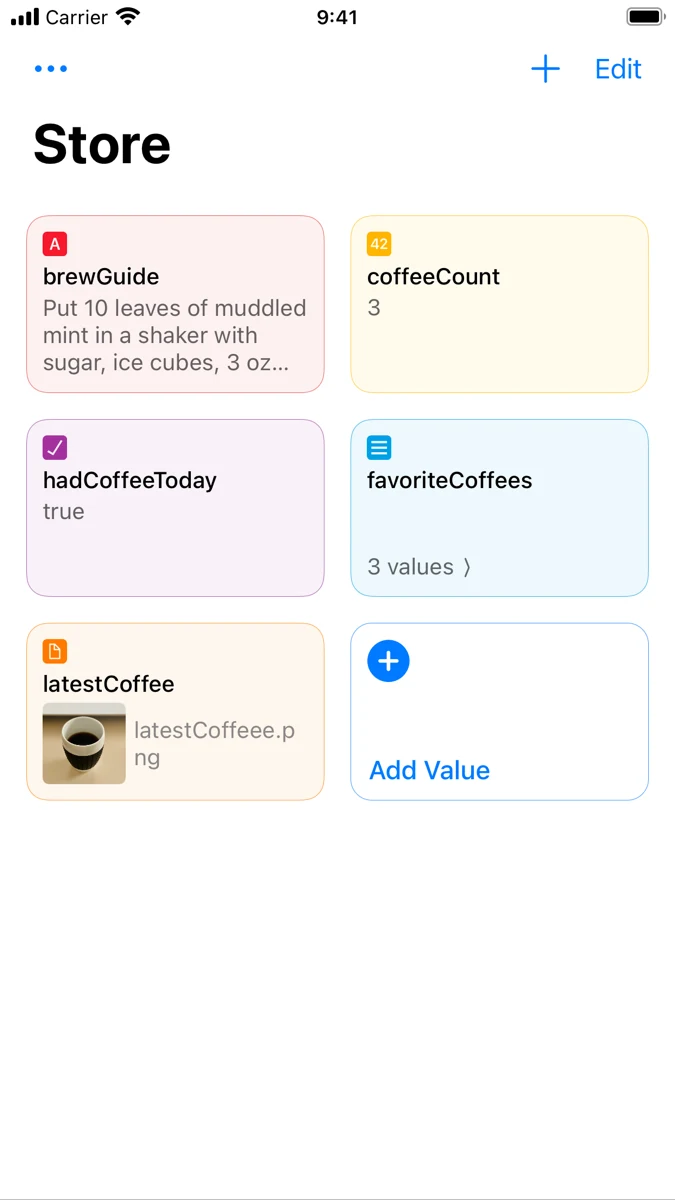
Keep data available across separate Apple Shortcuts runs.

Automation
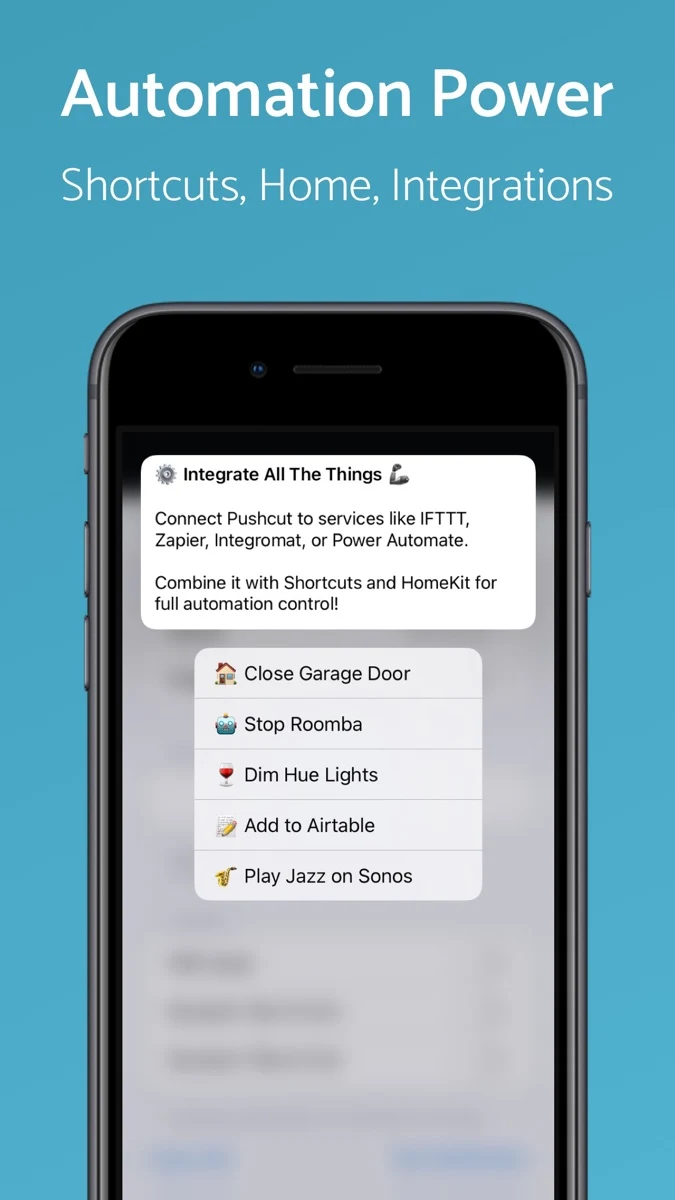
Trigger Shortcuts and home actions from interactive notifications.