
Jujutsu
Developer tools
Manage versions with editable changes and Git interoperability
Editorial discoveryOpen source

0 props
Props are a thank-you from members.
 Full size
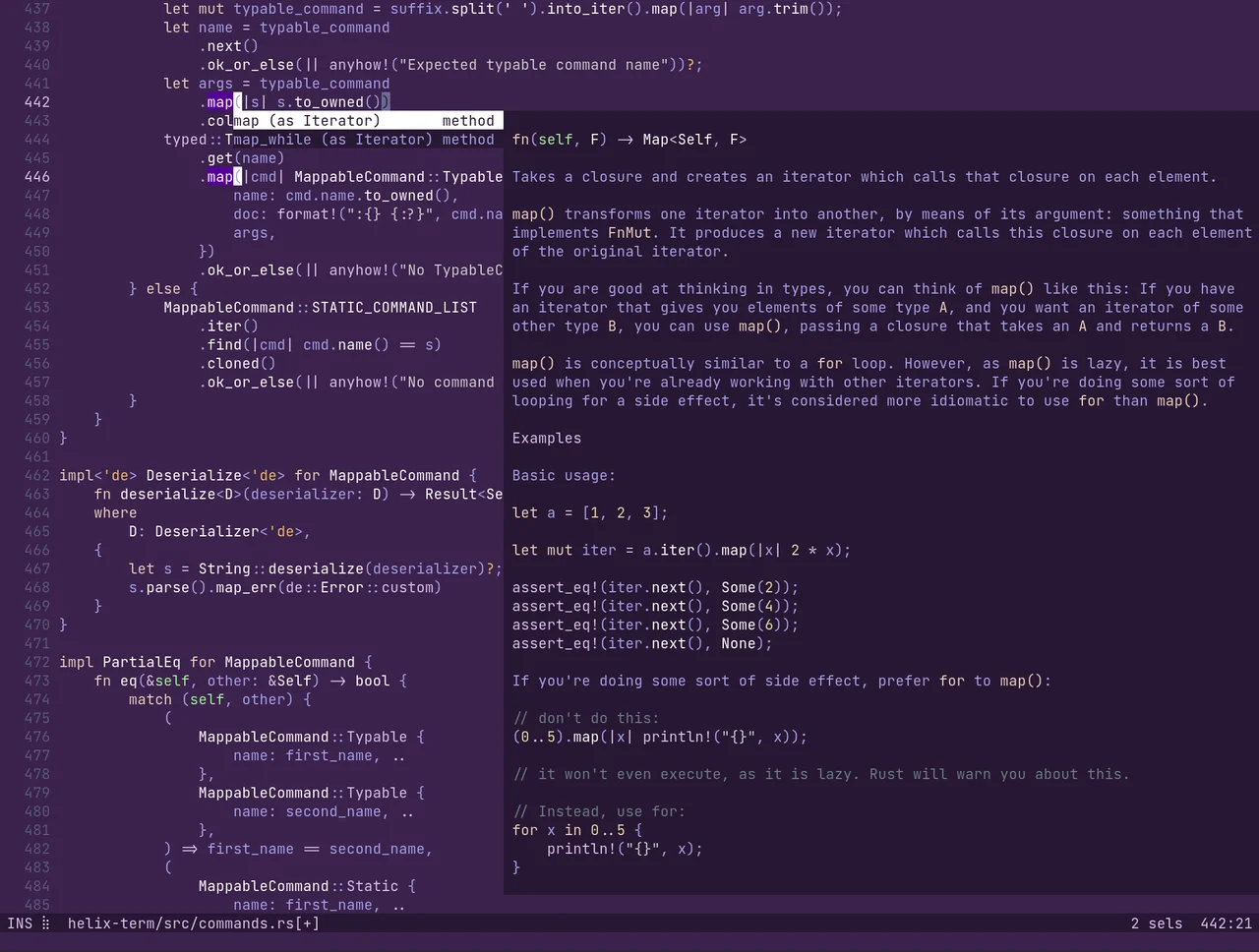
Helix is a terminal text editor whose editing model starts with a selection and applies an action to it. It combines multiple selections, syntax trees for supported languages and integration with language servers. Open a familiar project, practice selecting a few matching fragments, then try navigation or rename with the appropriate language server installed. The approach can be useful if you spend much of your time in a shell and want structural editing without opening a separate desktop IDE. The editor's documentation lists language support and installation requirements. Check those for the languages you use every day, and allow time to learn its keybindings if your habits come from Vim or a graphical editor.
Good products deserve a good conversation.
Be the first to start one.
Developer tools
Manage versions with editable changes and Git interoperability

Developer tools
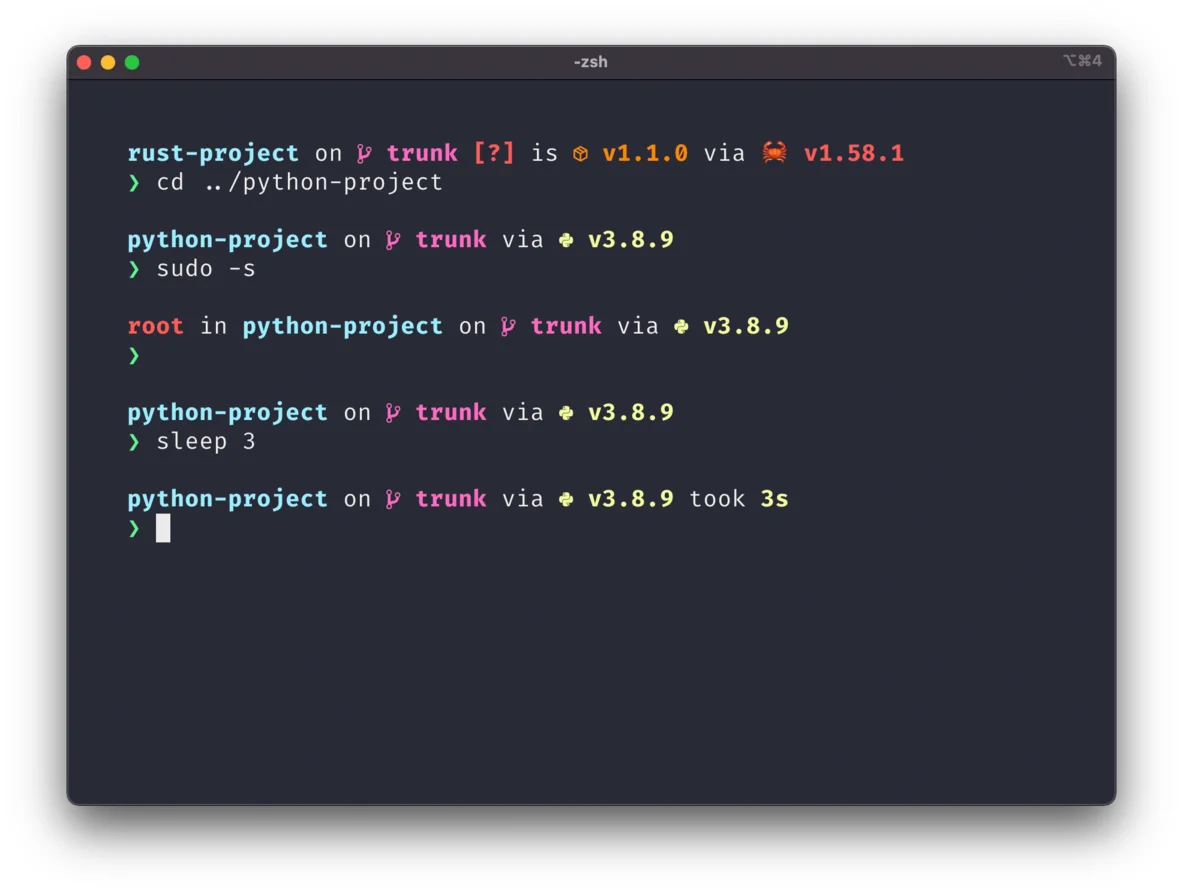
Build a configurable shell prompt across terminal setups

Developer tools
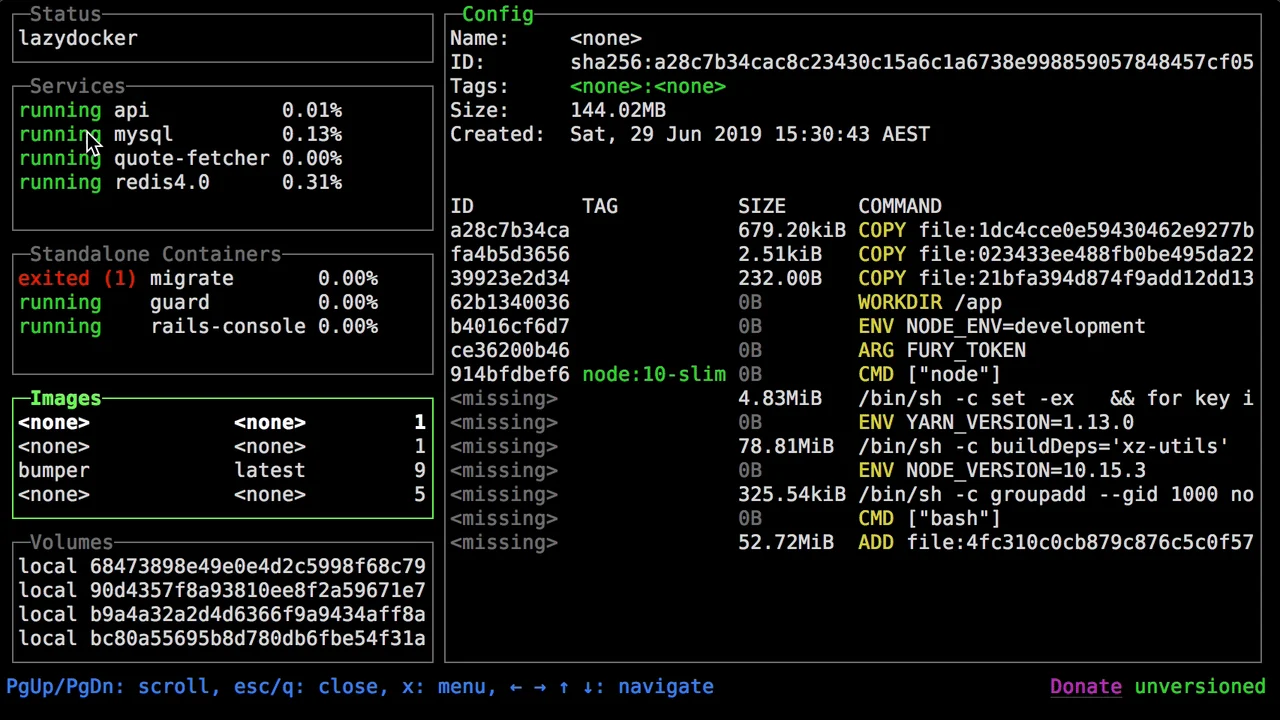
Inspect Docker containers and logs from a terminal dashboard