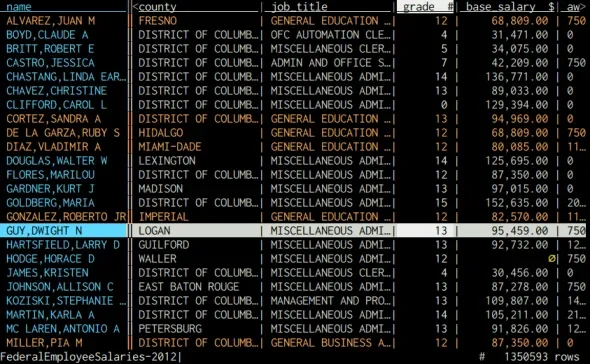

VisiData
Analytics
Inspect and reshape tabular data in a terminal
Editorial discoveryOpen source

0 props
Props are a thank-you from members.
 Full size
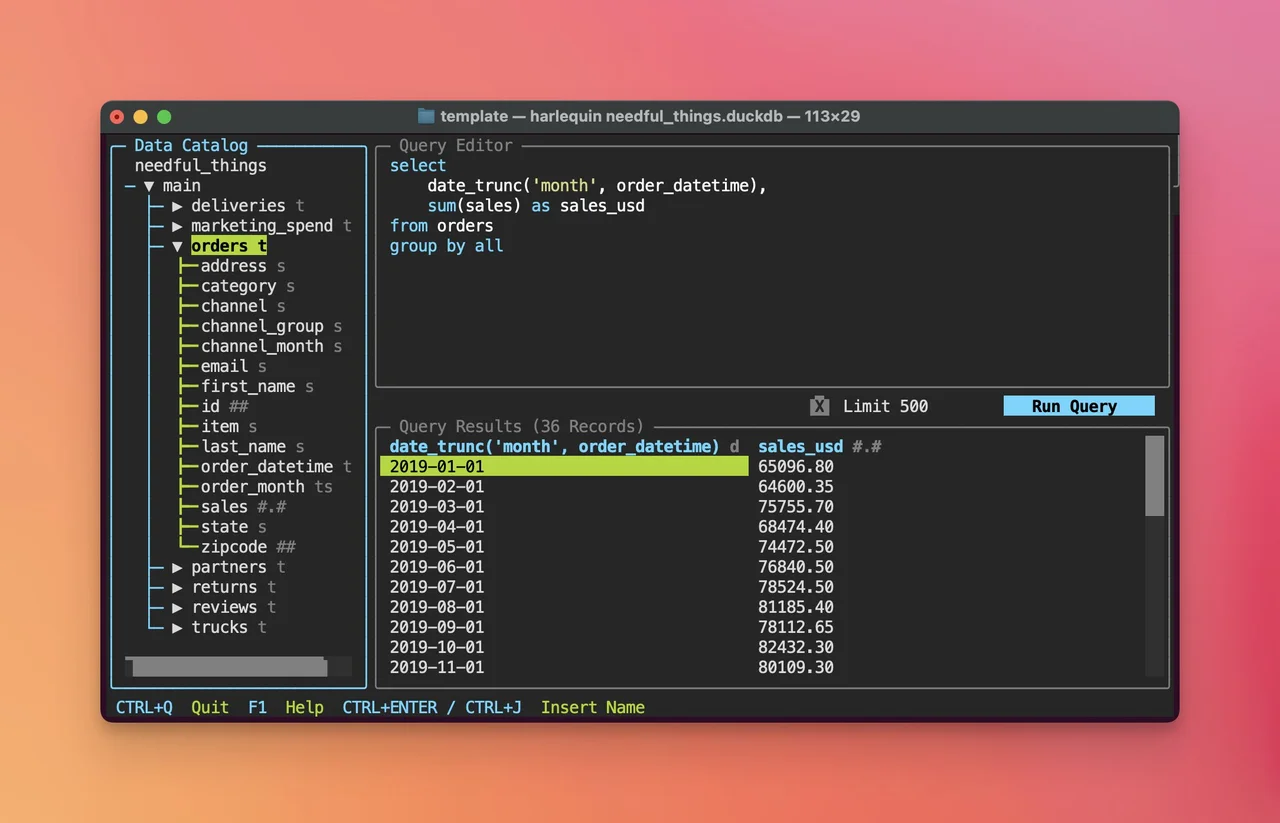
Harlequin provides a terminal interface for writing SQL and exploring the results. Connect a small database through a supported adapter, inspect its schema and run a few familiar queries. The combined editor and result views can be useful when you are already working in a shell and want more context than a single command output provides. Check which database adapters and query features are available for the backend you use. Use a read-only account when inspecting data you do not intend to change. Test the behavior of a longer query and a representative export before making the tool part of a recurring reporting workflow.
Good products deserve a good conversation.
Be the first to start one.
Analytics
Inspect and reshape tabular data in a terminal

Analytics
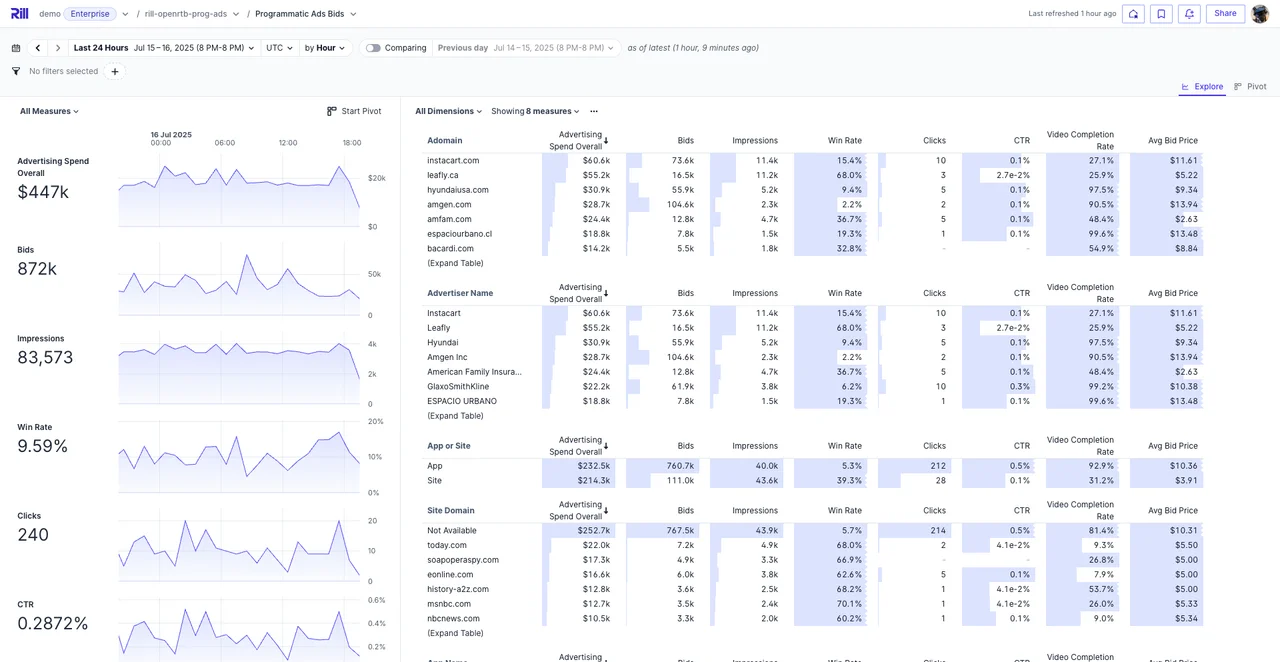
Explore high-level data and drill into dimensions from dashboards

Analytics
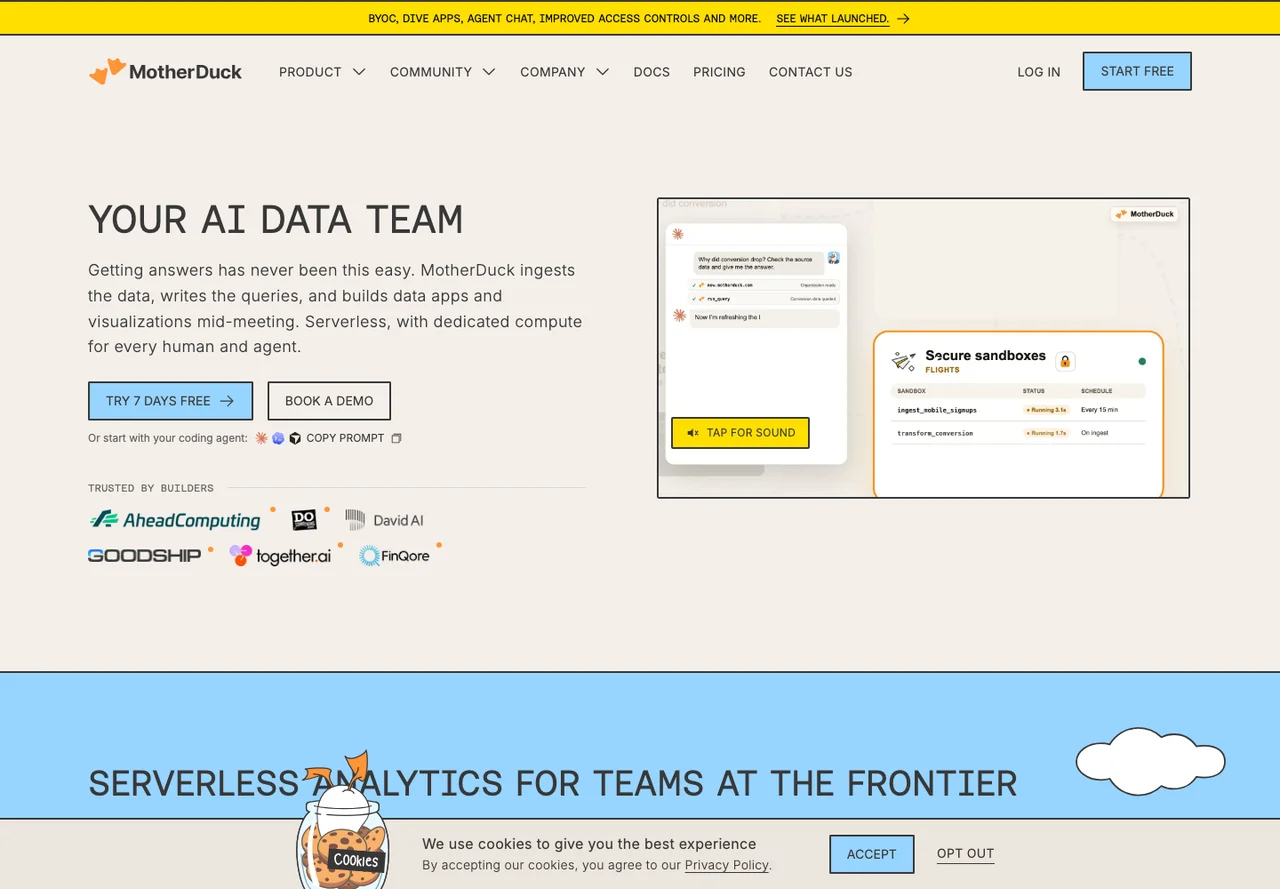
Query shared analytical data with a DuckDB-based cloud service