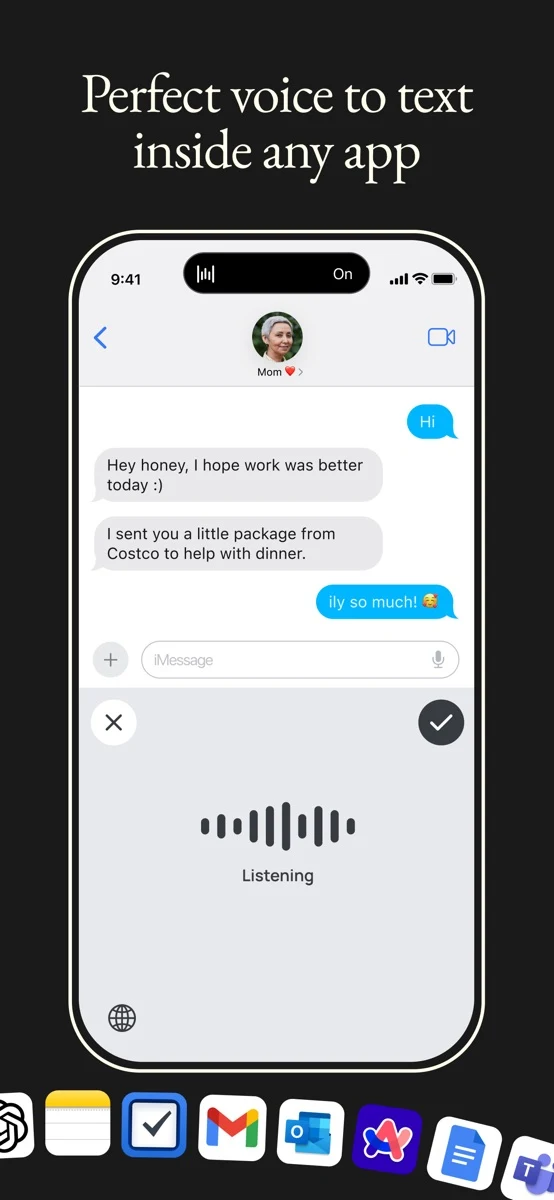

Wispr Flow for iPhone
Productivity
Dictate text through an iPhone keyboard for use in other apps
Freemium

23 Kudos
Dictate a Steam chat reply or browser search with Gripspeak on the Steam Frame. Select a text field, hold both controller grips while you speak, then release them to enter the text. The same gesture works in the terminal and other desktop apps. For longer dictation, double-tap both grips and put the controllers down. Hands-free sessions can last up to 10 minutes.
Use the dictionary to specify how friends’ names, game titles, and other terms should appear. In Hotkeys, assign a controller gesture to a shortcut like Ctrl+Z or a phrase you often type. Gripspeak requires a Steam Frame and currently recognizes English only. Speech recognition runs on the headset and works offline. Gripspeak pauses when a game is in the foreground unless you enable it for games.
Good products deserve a good conversation.
Be the first to start one.
Productivity
Dictate text through an iPhone keyboard for use in other apps

Productivity
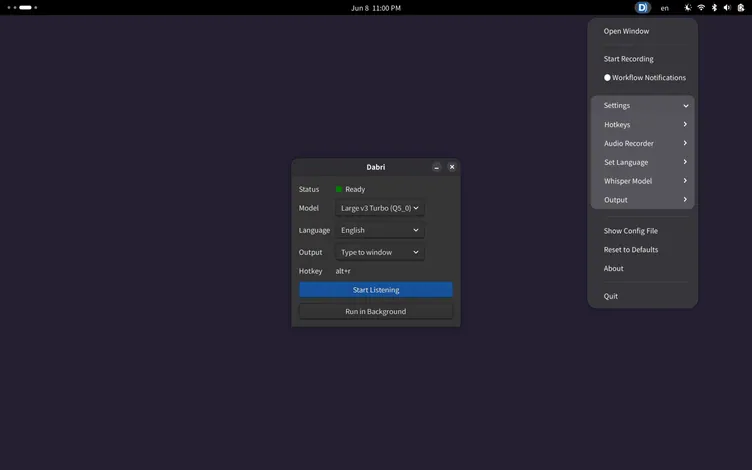
Dictate text into Linux applications with local speech recognition

Productivity
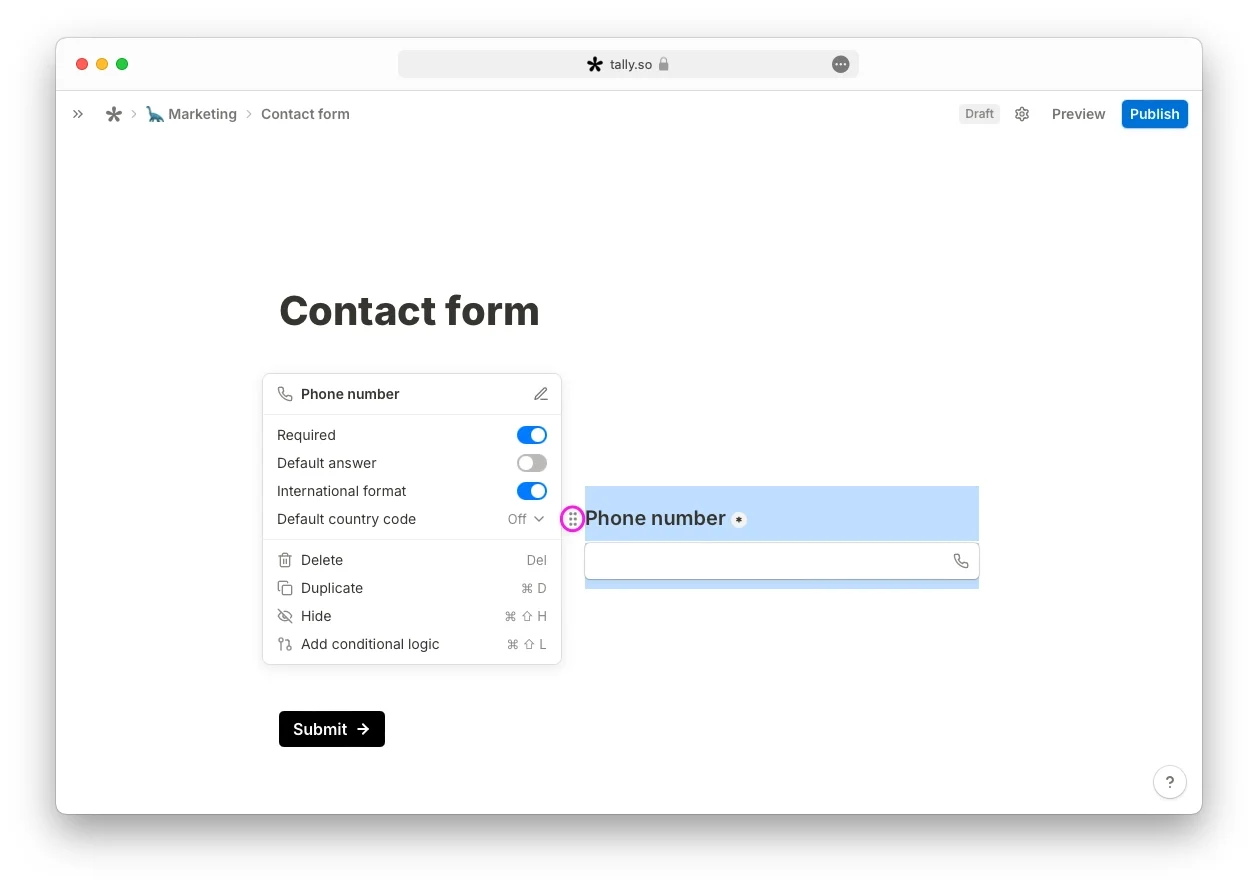
Online form builder with conditional logic and embeds