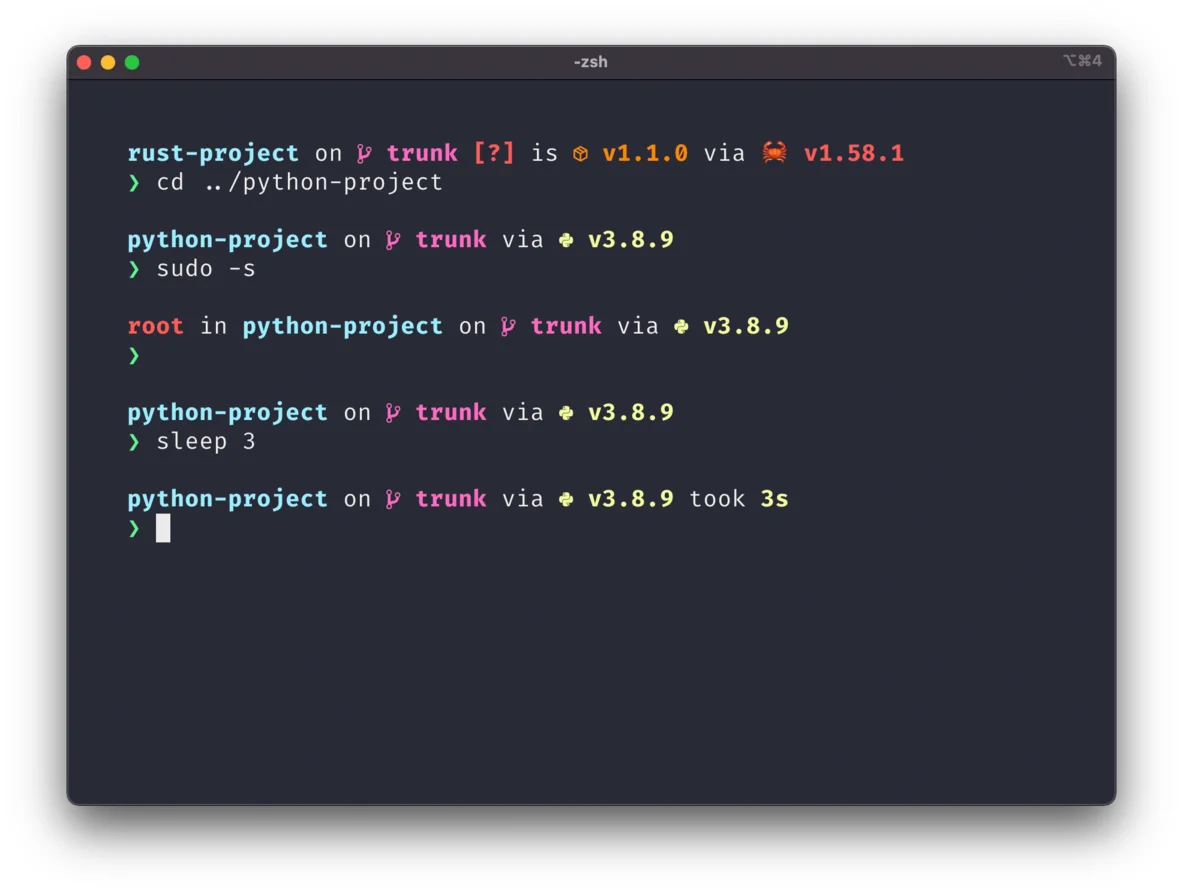

Starship
Developer tools
Build a configurable shell prompt across terminal setups
Editorial discoveryOpen source

0 props
Props are a thank-you from members.
 Full size
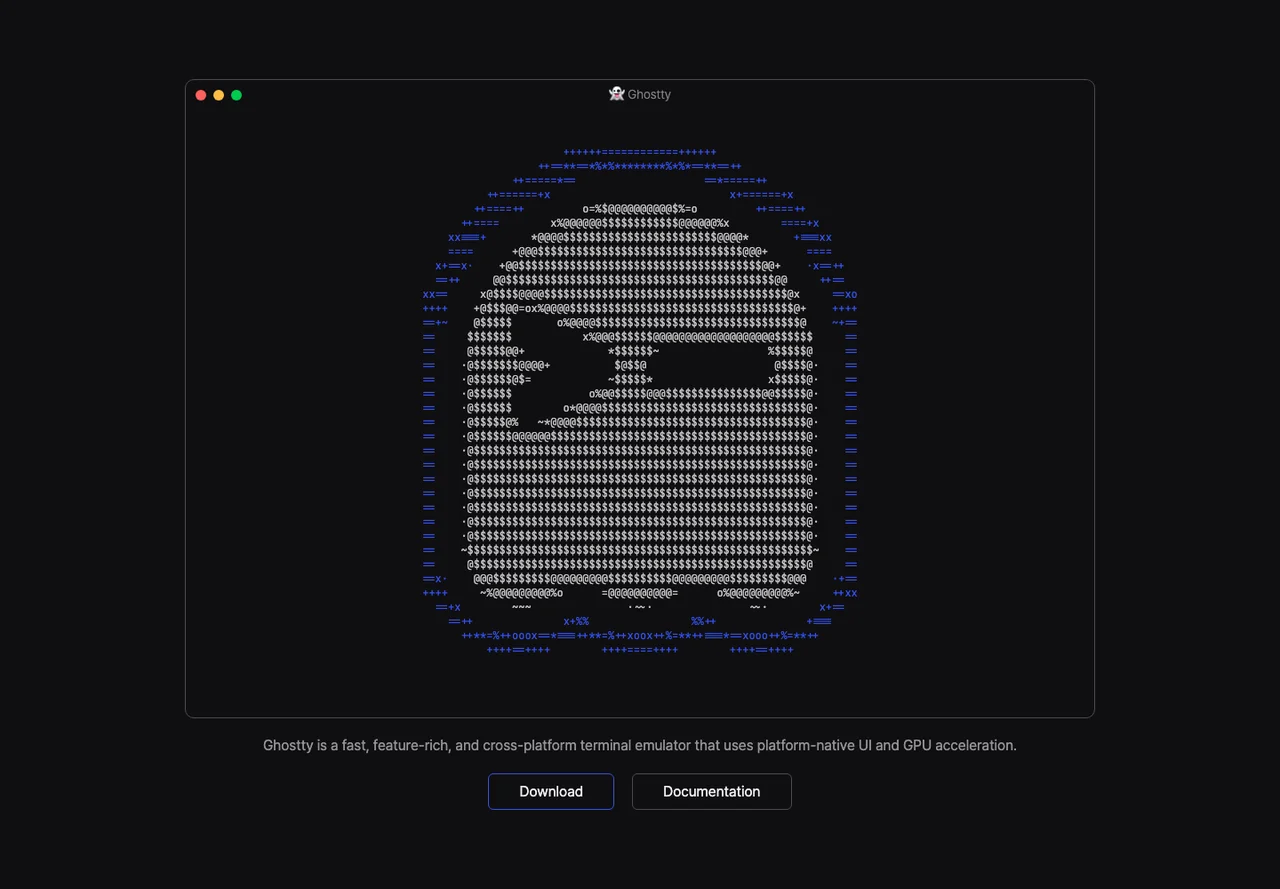
Ghostty runs shell sessions in a graphical terminal with native application interfaces on macOS and Linux. Use it for local command lines, remote shells and terminal programs you already run in another emulator. Try opening a couple of projects in tabs or splits, then test your usual shortcuts, fonts and color theme. Configuration lives in a text file, so you can keep preferences alongside your other development settings. Ghostty is a terminal emulator, so shell startup and completion still come from your shell. If you regularly reconnect to work on another machine, evaluate a terminal multiplexer separately. Compare the same workflow on each operating system you use because the native application interfaces can differ.
Good products deserve a good conversation.
Be the first to start one.
Developer tools
Build a configurable shell prompt across terminal setups

Developer tools
Manage versions with editable changes and Git interoperability

Developer tools
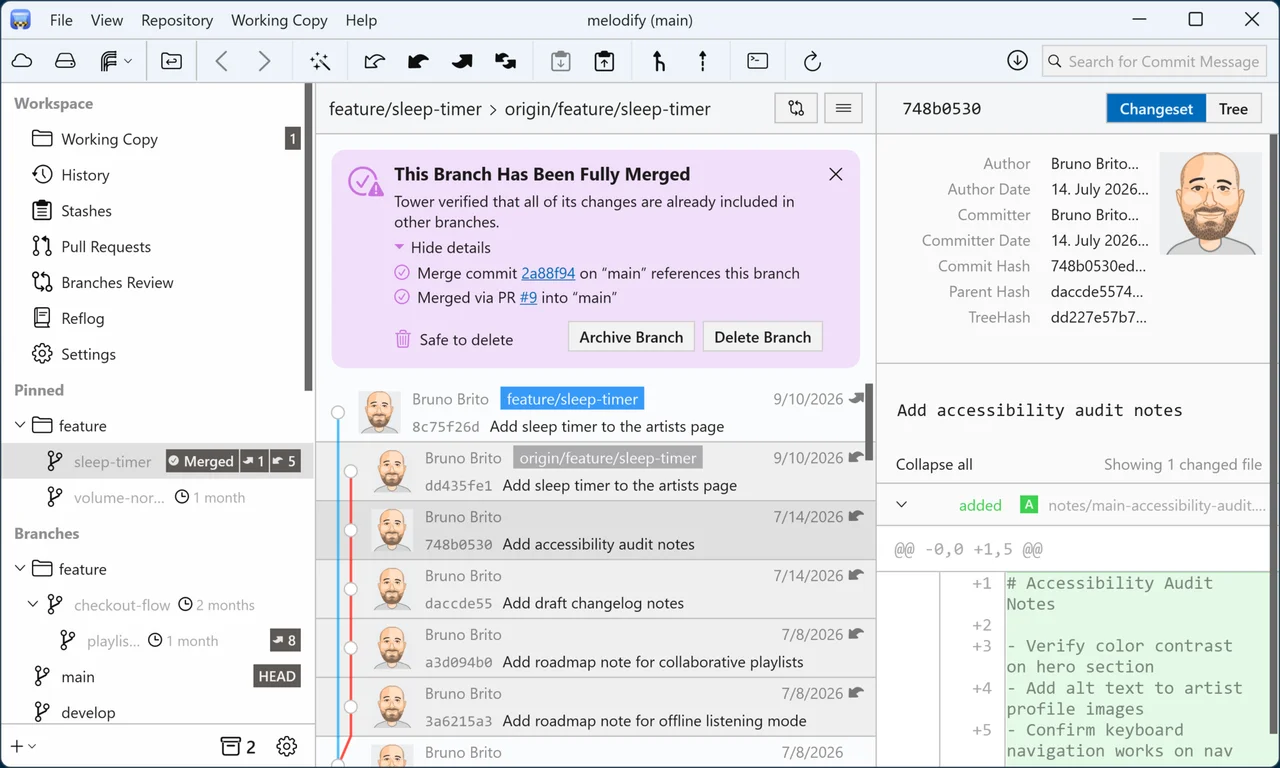
Review and organize Git history in a desktop application