Earthframe Studio
Creative tools
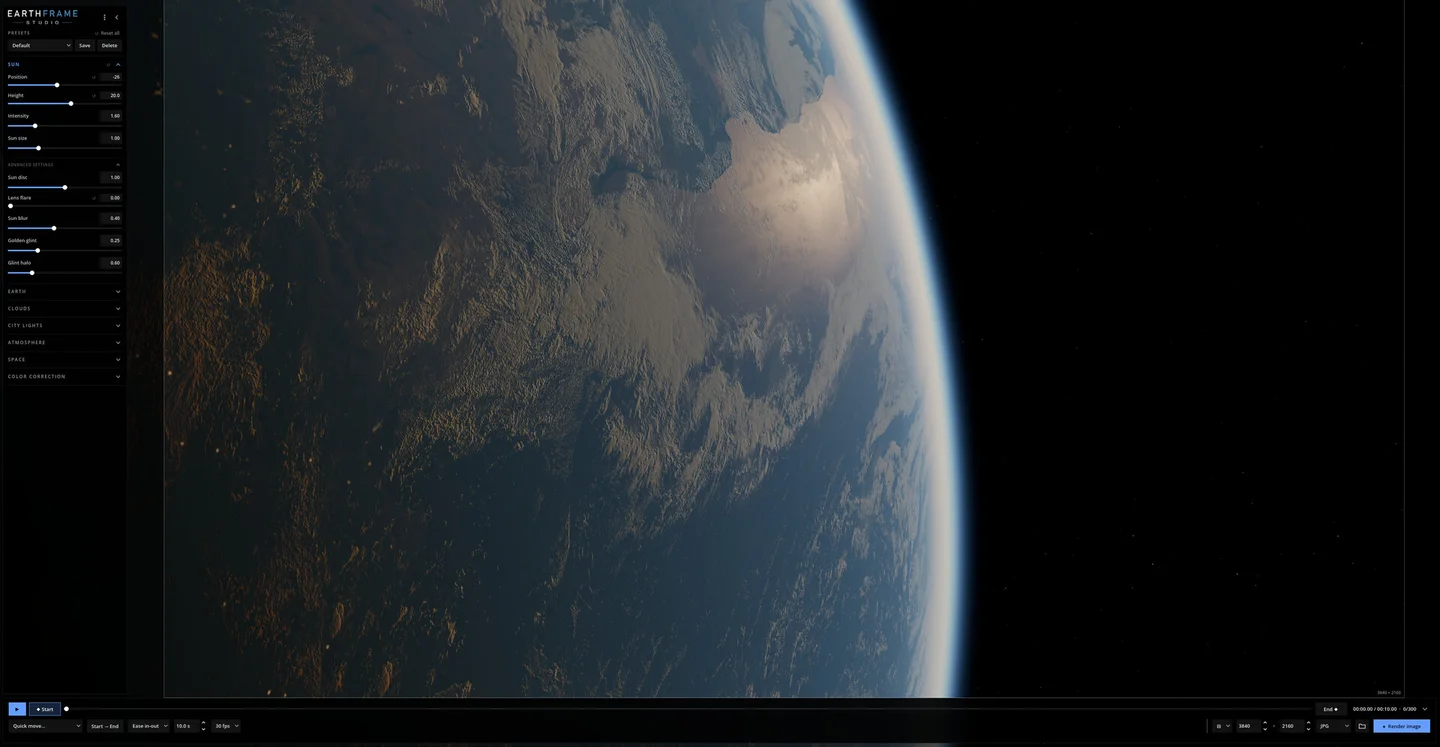
Render 3D Earth images and videos on Windows
Paid

18 Kudos
GameGuide Notes helps players capture material while a game is open and turn that material into a written guide later. Collect screenshots, snippets of copied text, and links during a session, then open the editor to organize the useful parts. This gives you a way to keep the rough notes from a boss encounter, quest route, or build test near the images you collected at the time.
The Windows tool separates the capture module from the editor. You can concentrate on gathering evidence during play and spend time arranging, describing, or reviewing the material when you return to the notes workspace.
Good products deserve a good conversation.
Be the first to start one.