
Battery Indicator
Productivity
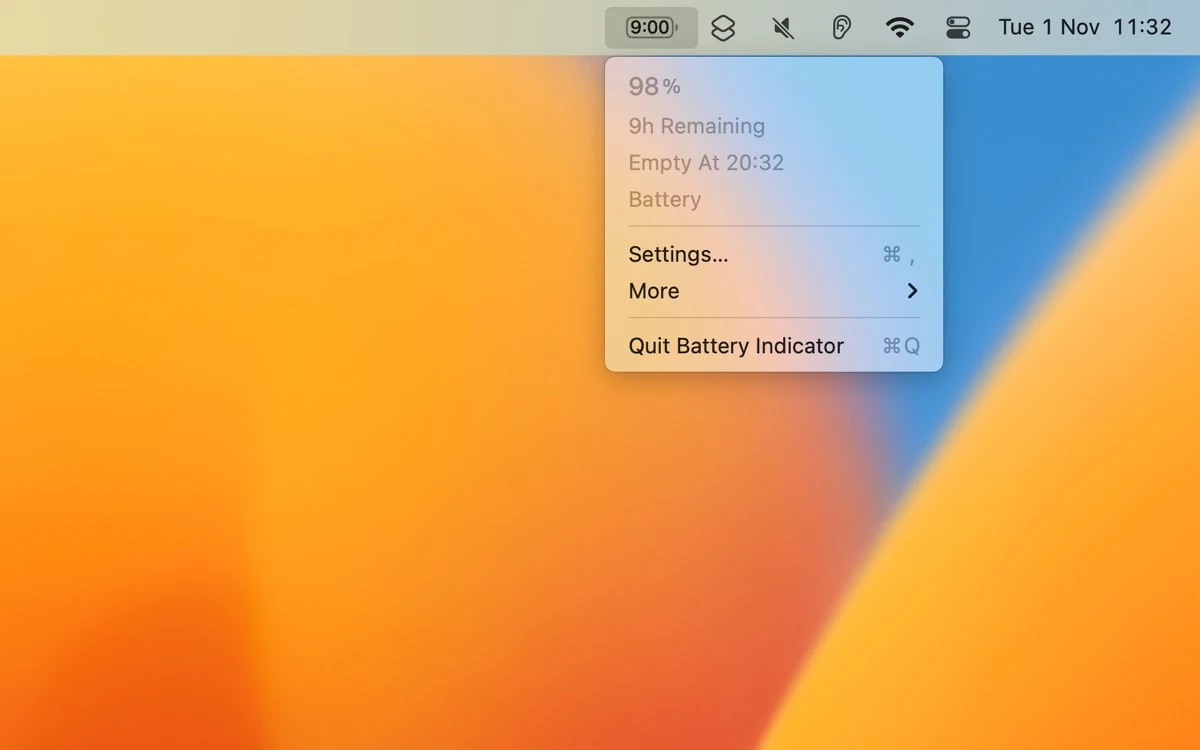
Show battery percentage and estimated time in the Mac menu bar
Editorial discoveryPaid

0 props
Be the first to give Props.
 Full size
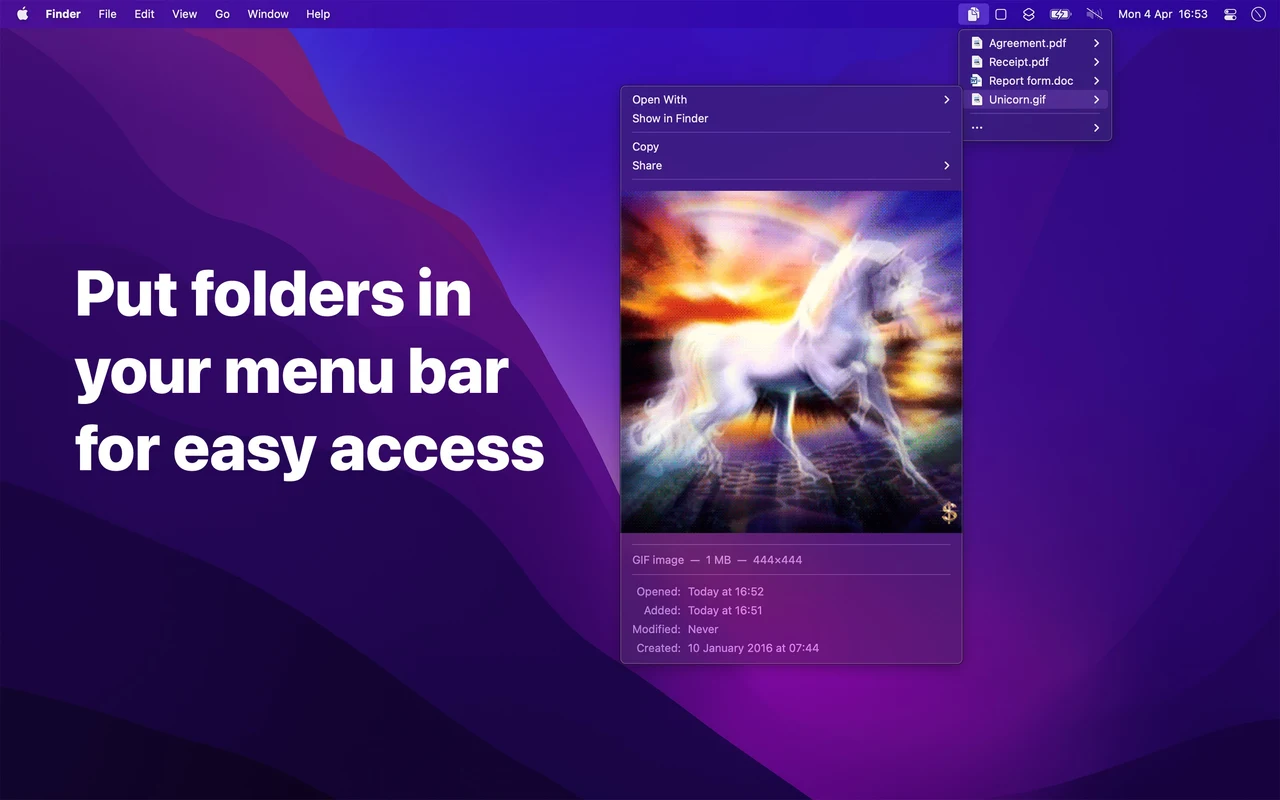
Folder Peek places folders in the macOS menu bar so you can reach their files without first opening a Finder window. Add a project folder or your downloads, then check how the menu handles nested directories and previews. You can choose which folders to show and customize their icons. A small folder of aliases can also serve as a launcher for files you frequently reuse. Check how menus sort the contents and how many items are easy to scan before adding a directory with hundreds of entries.
Good products deserve a good conversation.
Be the first to start one.
Productivity
Show battery percentage and estimated time in the Mac menu bar

Productivity
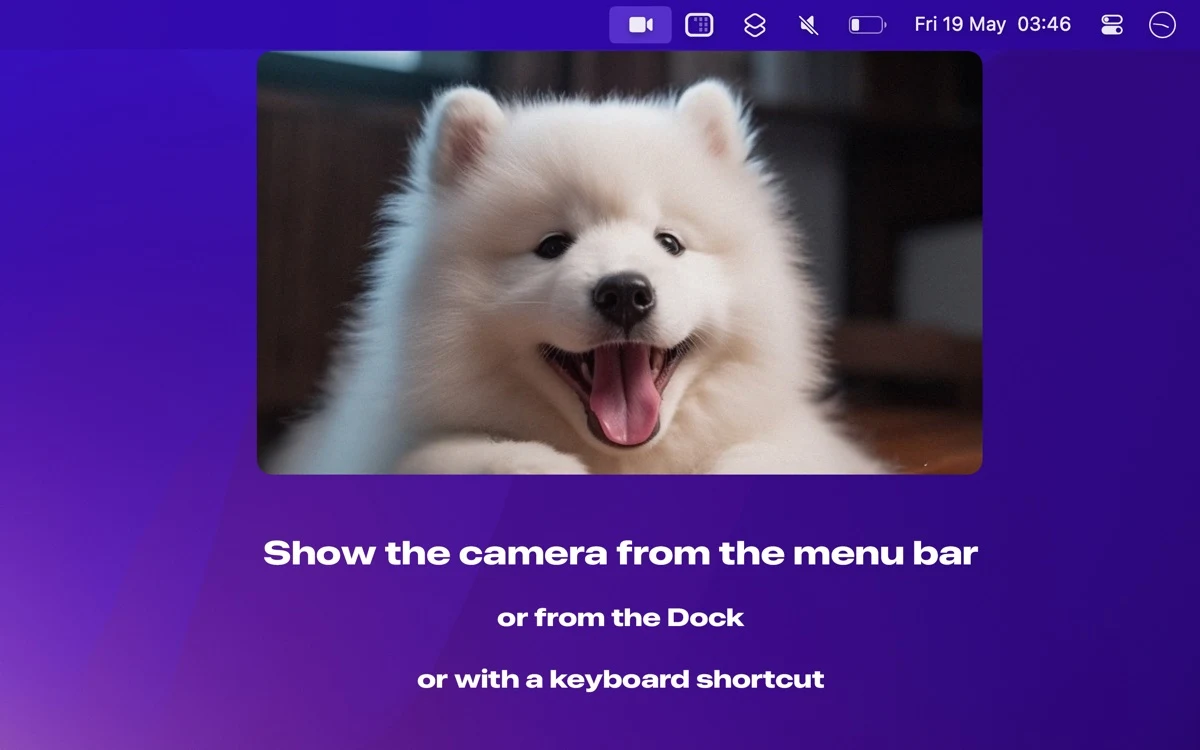
Check your webcam framing from the Mac menu bar

Productivity
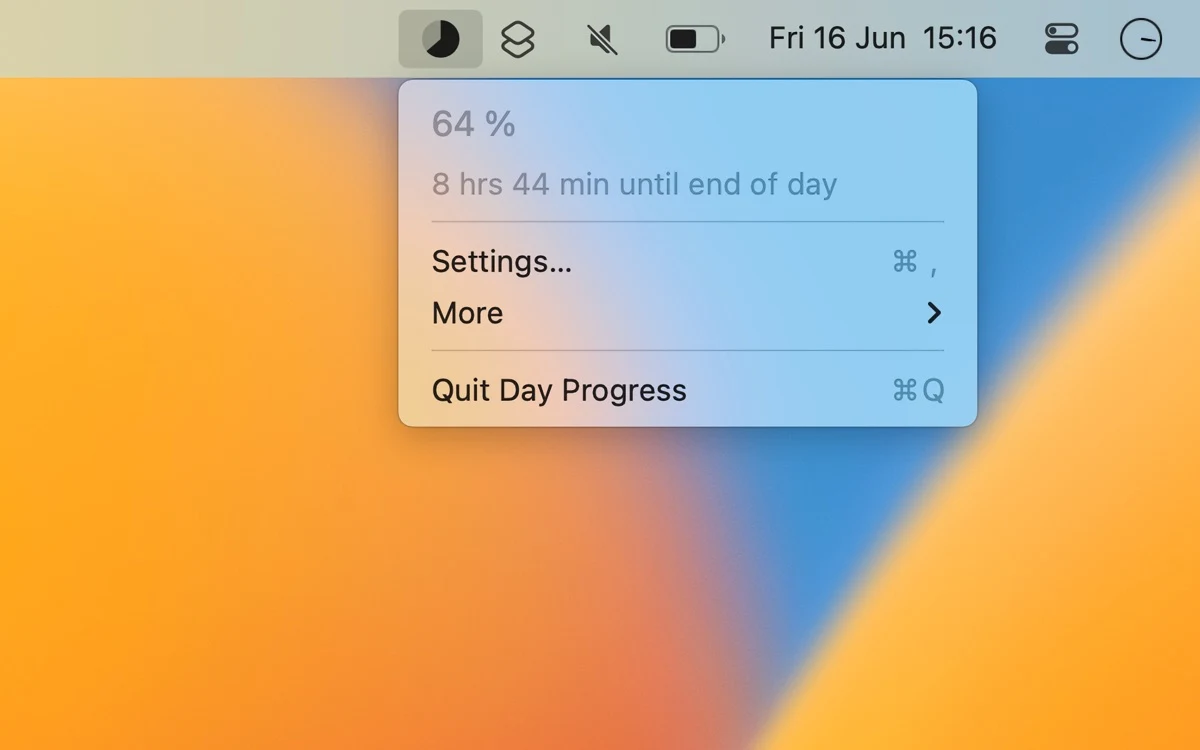
Show how much of a chosen day or work interval remains