
Battery Indicator
Productivity
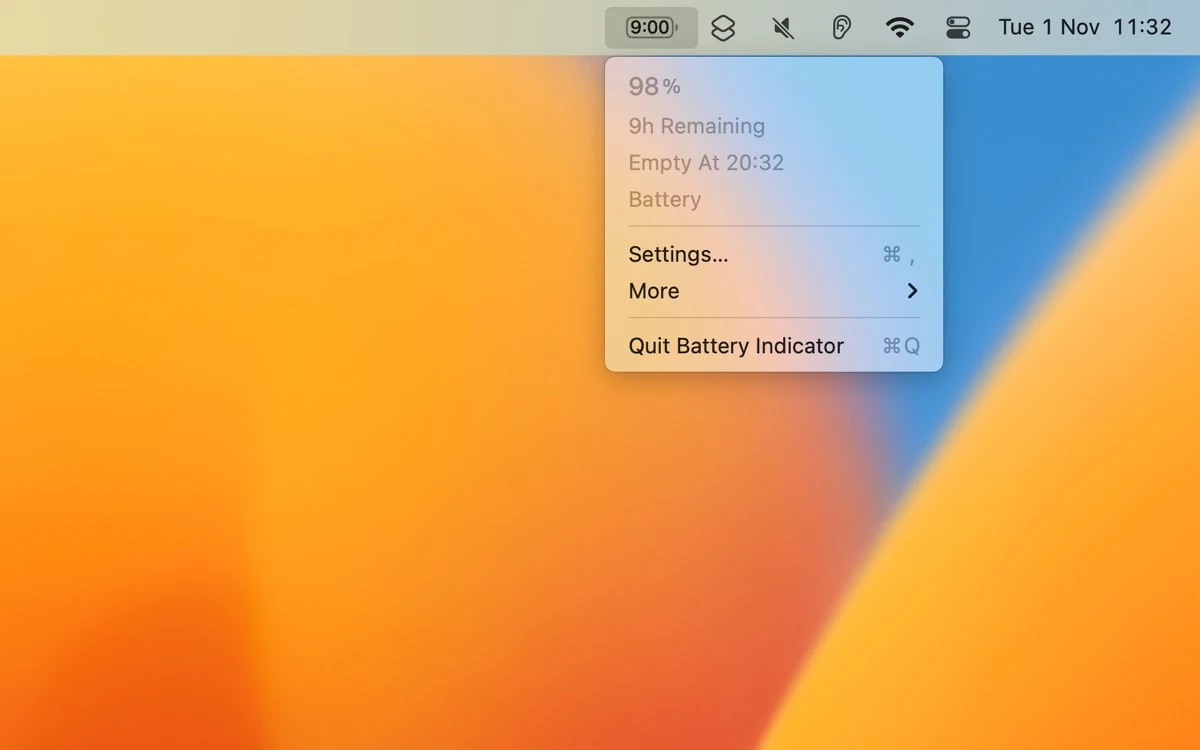
Show battery percentage and estimated time in the Mac menu bar
Editorial discoveryPaid

0 props
Be the first to give Props.
 Full size
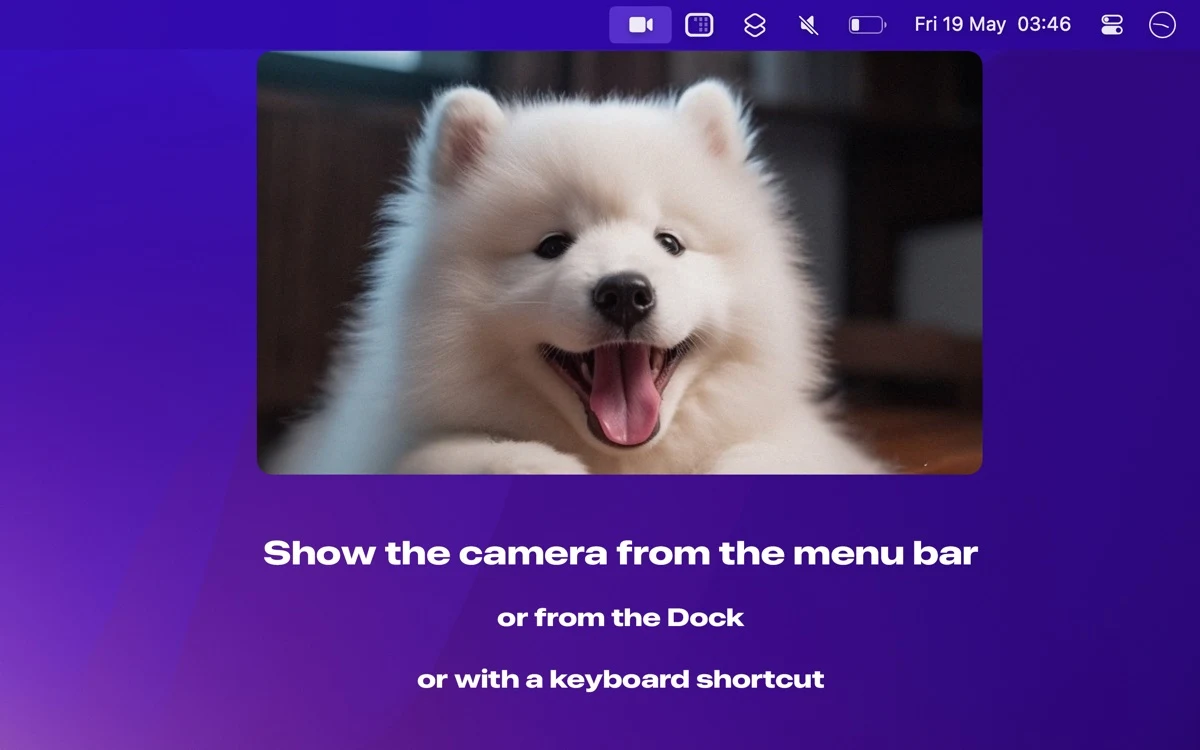
Camera Preview opens a live view of a Mac camera from the menu bar, Dock or a shortcut. It is a quick way to check your framing, lighting or background before opening the application you use for a call.
Compare the built-in camera and an external webcam if you switch between them. Check which camera is active and how permissions behave before relying on the shortcut just before a meeting. A short preview can also reveal reflections or a crop that looks different from the framing in your usual meeting app.
Good products deserve a good conversation.
Be the first to start one.
Productivity
Show battery percentage and estimated time in the Mac menu bar

Productivity
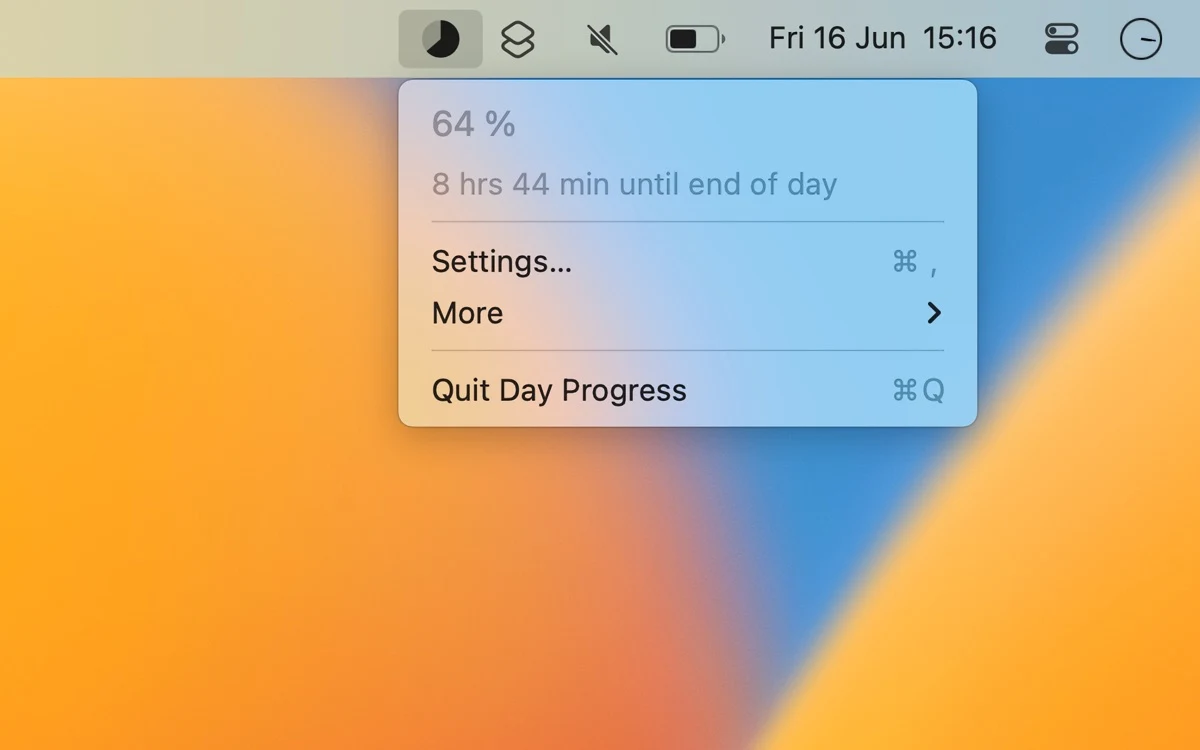
Show how much of a chosen day or work interval remains

Productivity
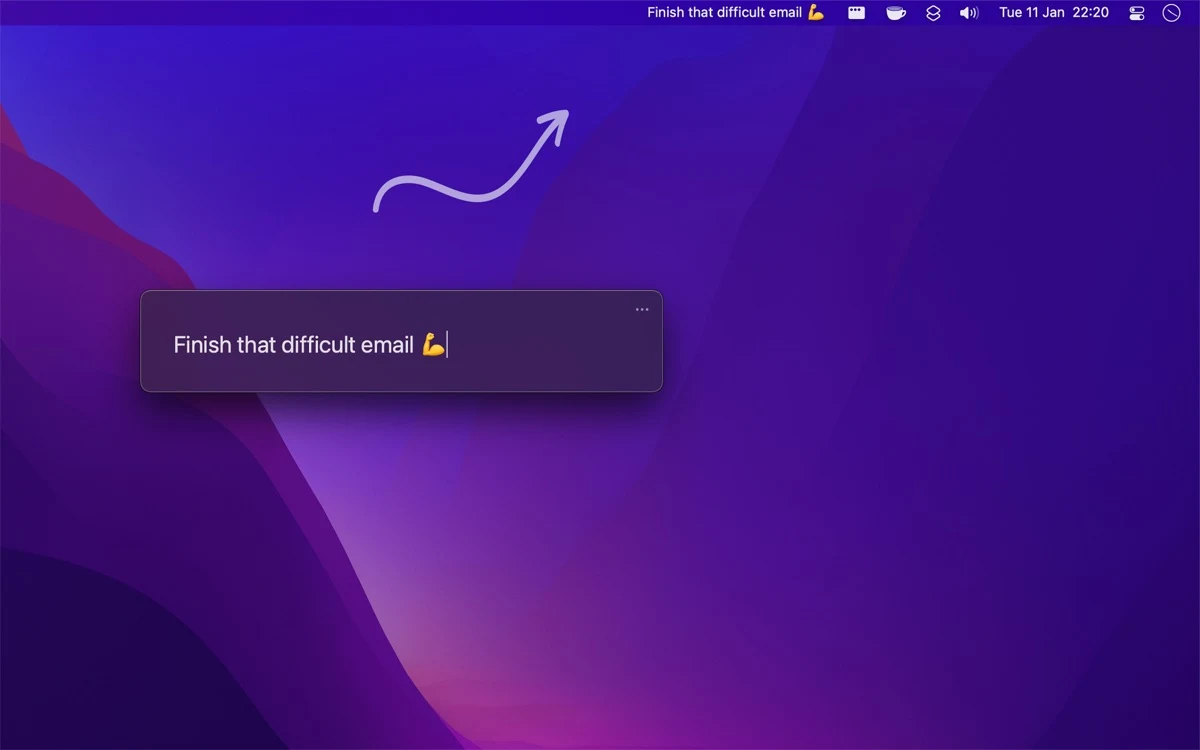
Keep one current goal visible in the Mac menu bar