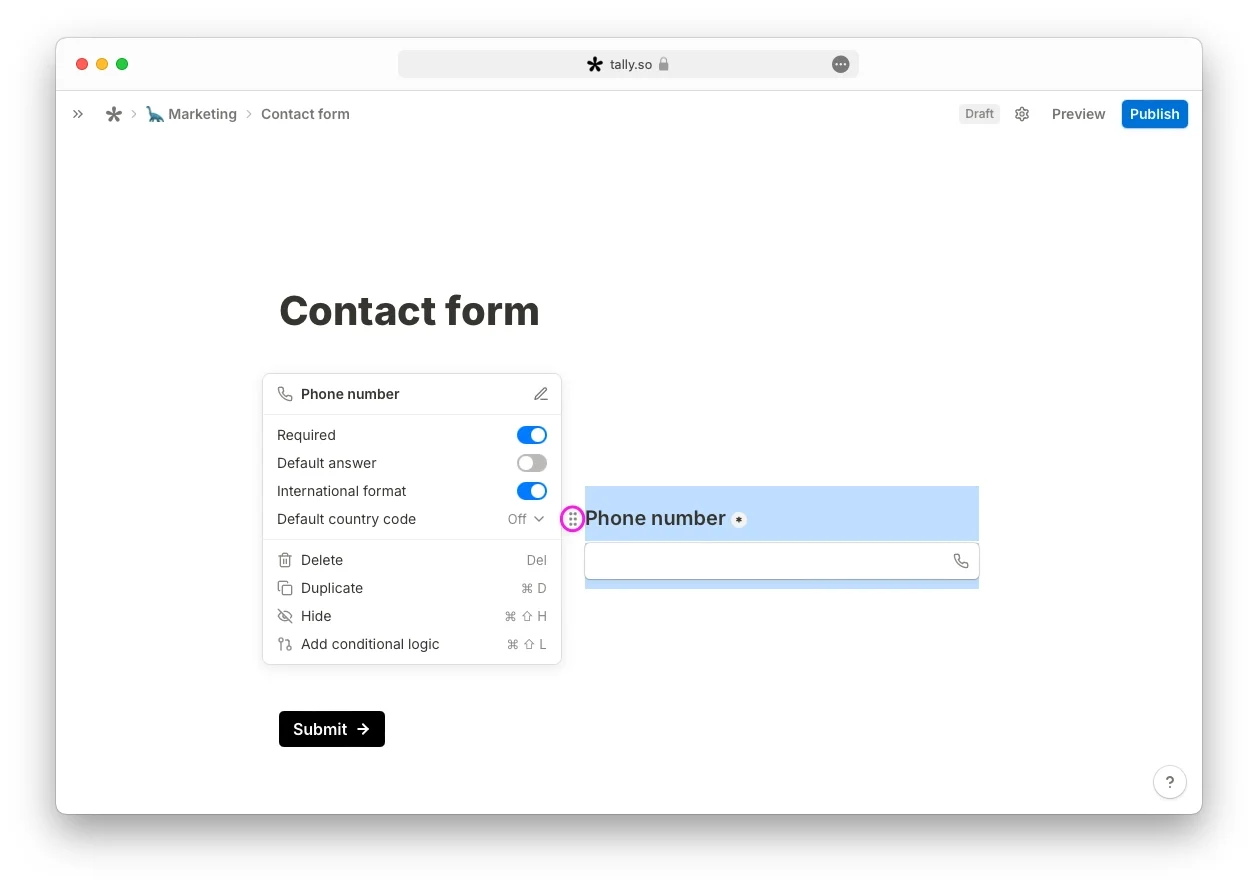

Tally
Productividad
Crea formularios en línea con lógica condicional e incrústalos en tu web
Con plan gratuitoRecomendación editorial

13 Kudos
Run Android apps from a browser using your keyboard and mouse with Galaxy LAN Desktop. If you have a spare Samsung phone, install the APK and pair it once through Android Wireless debugging. Turn on the browser desktop in the phone app, open the address it displays from a device on the same local network, and sign in with the generated desktop password. Click inside the desktop to send keyboard and mouse input to the phone.
Open Utilities from the desktop toolbar to start or stop SMB file sharing and static web hosting independently. In the same panel, you can create folders and upload or download shared files. Browser uploads are limited to 64 MiB per file. The APK targets Android 14 on ARM64 and was tested on the Galaxy S22 Ultra. Display and input behavior may vary on other models or firmware.
Aún no hay comentarios.
Productividad
Crea formularios en línea con lógica condicional e incrústalos en tu web

Productividad
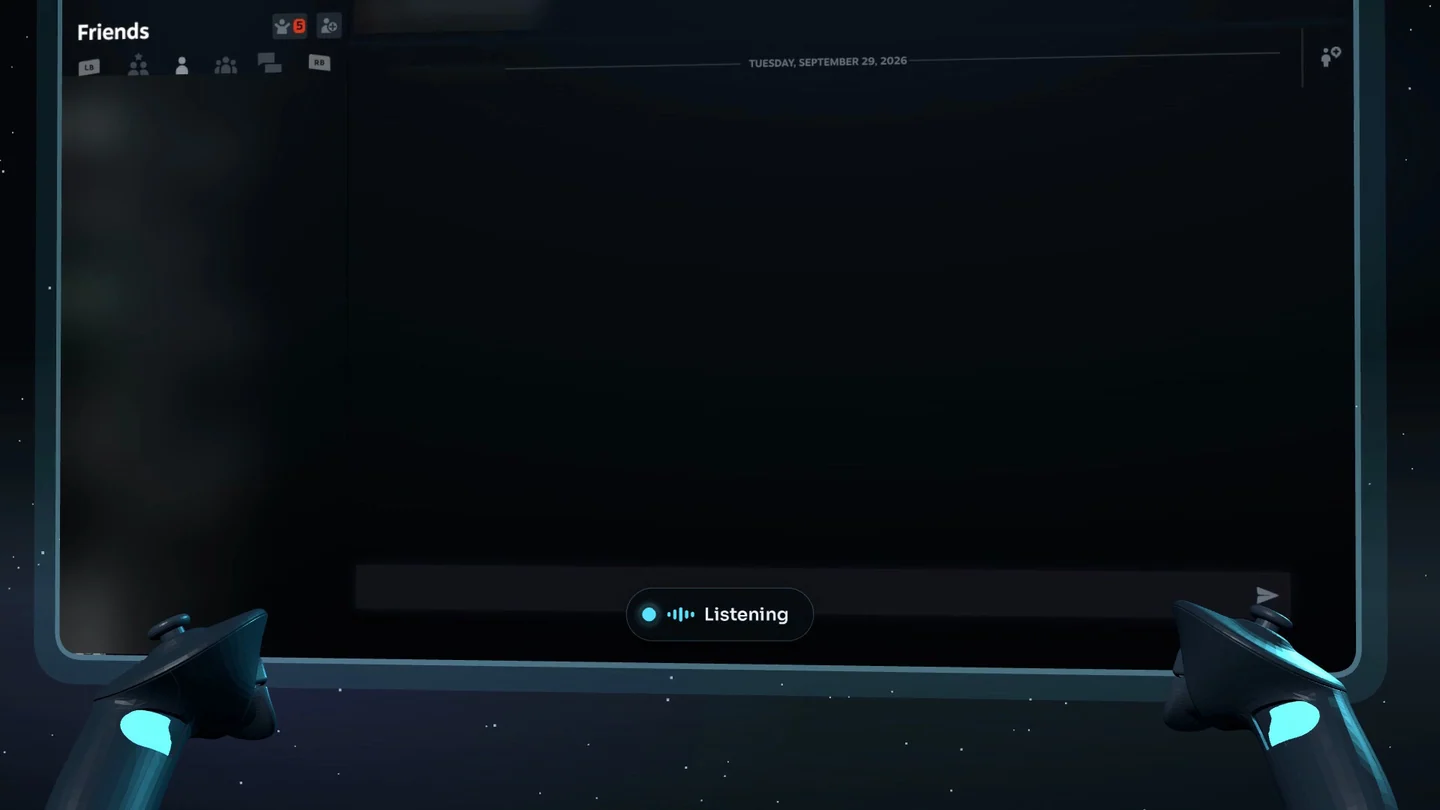
Voice typing with the Steam Frame controllers

Productividad
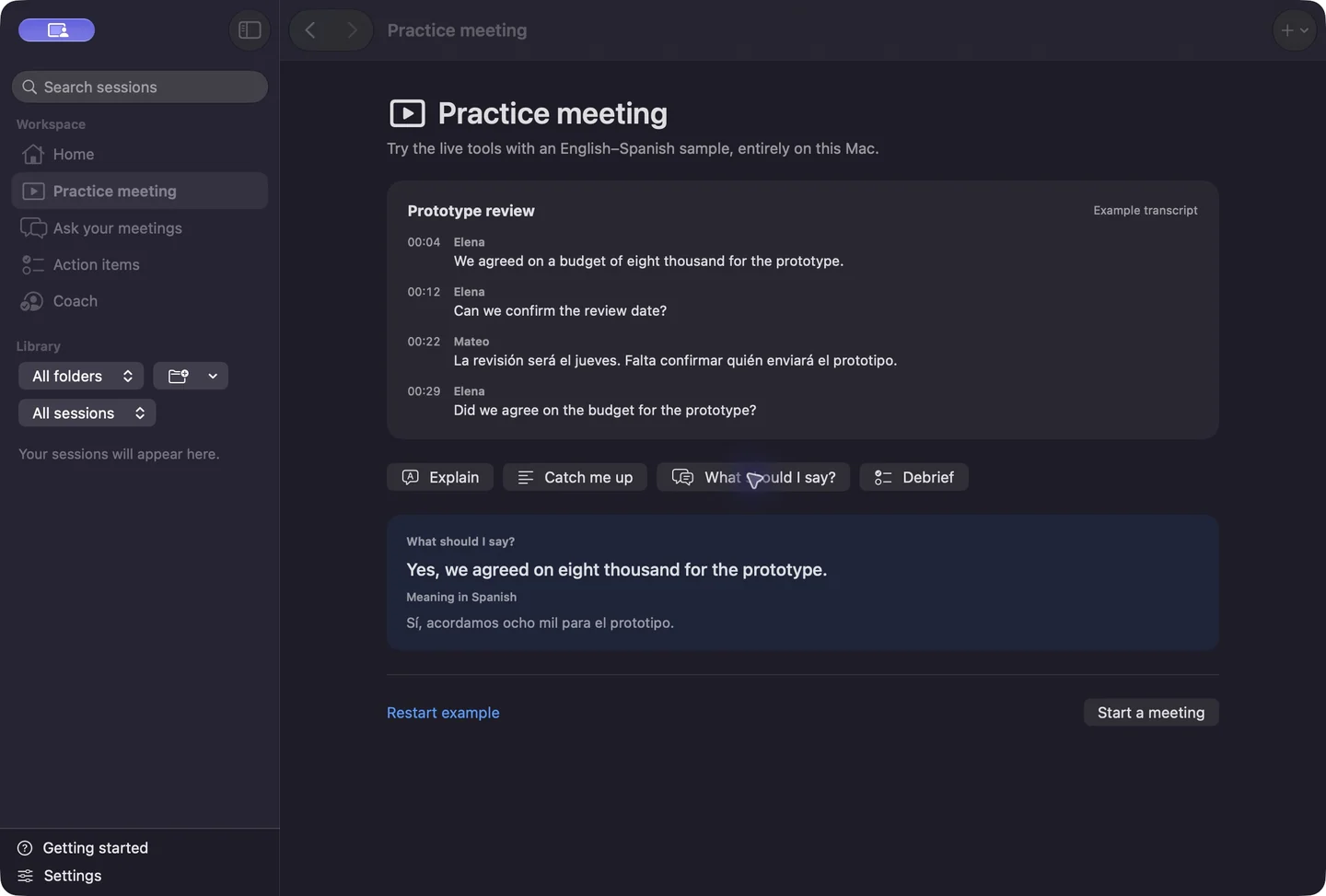
Live captions and bilingual reply suggestions for calls on Mac