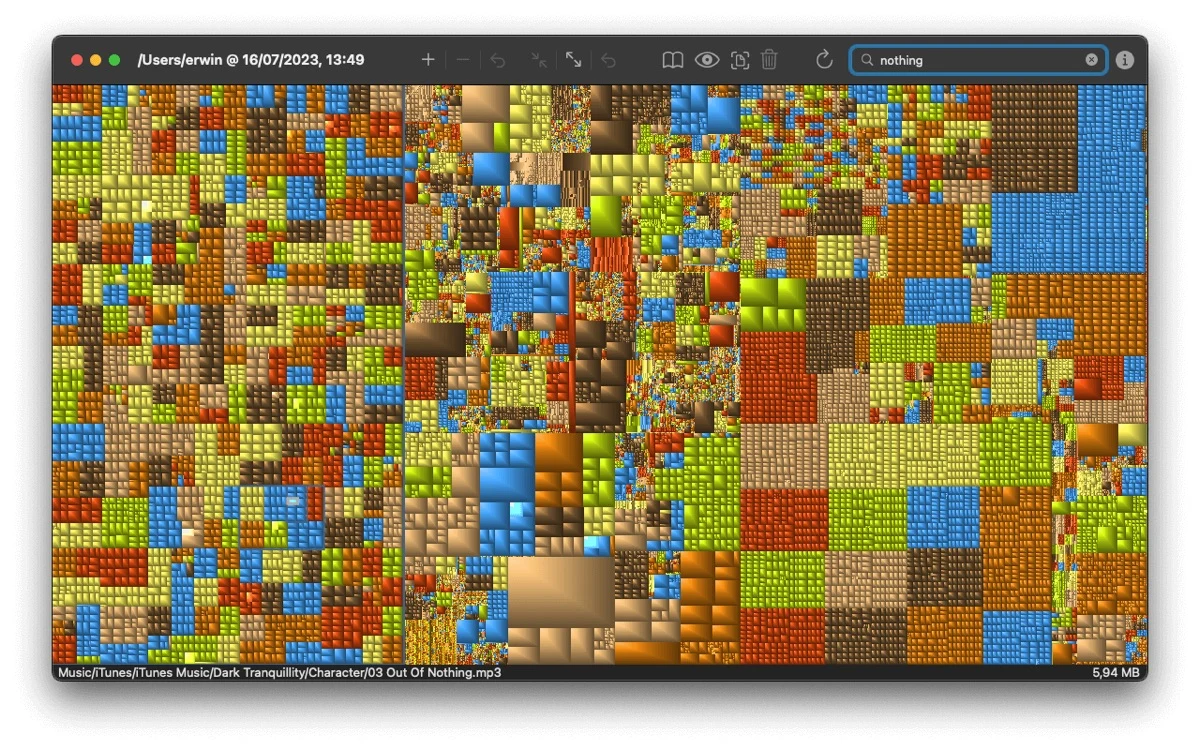

GrandPerspective
Productivity
Find large files and folders in a visual disk usage map
Editorial discoveryPaid

0 props
Be the first to give Props.
 Full size
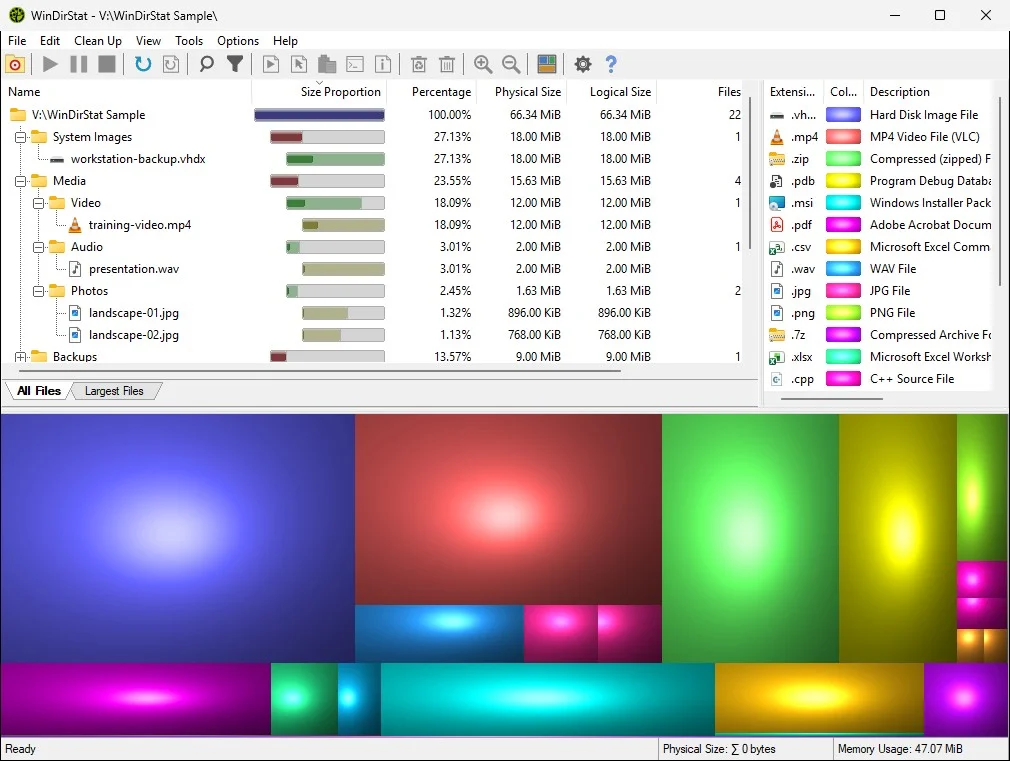
WinDirStat scans Windows drives or folders and displays their contents as a tree and colored treemap. Use the visual blocks to spot unusually large files, then inspect their names and locations before deciding how to recover space. It is useful when a disk is nearly full and ordinary folder browsing does not make the biggest items obvious. Confirm whether a file belongs to a program, backup, or active project before moving or deleting it from the scan results.
Good products deserve a good conversation.
Be the first to start one.
Productivity
Find large files and folders in a visual disk usage map

Productivity
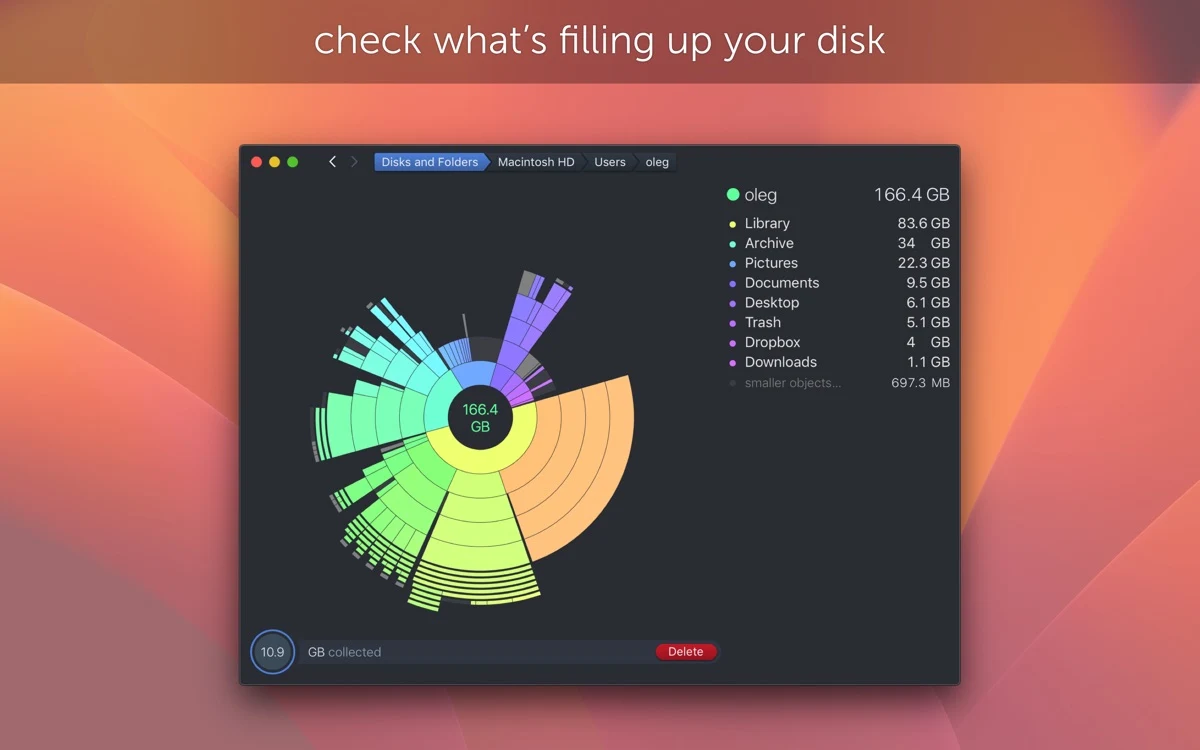
Inspect what fills a Mac drive using an interactive disk map

Productivity
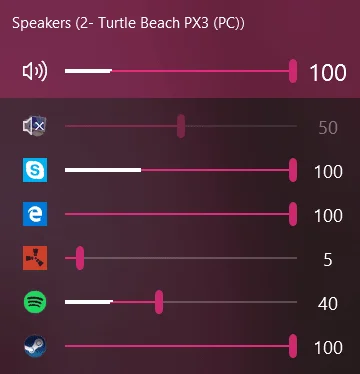
Control volume per application from the Windows taskbar