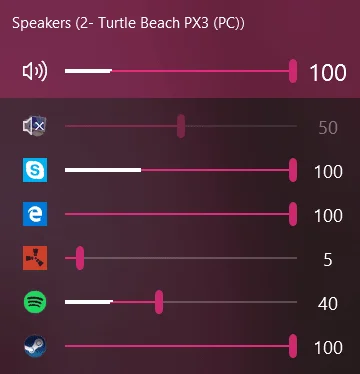

EarTrumpet
Productivity
Control volume per application from the Windows taskbar
Editorial discoveryOpen source

0 props
Be the first to give Props.
 Full size
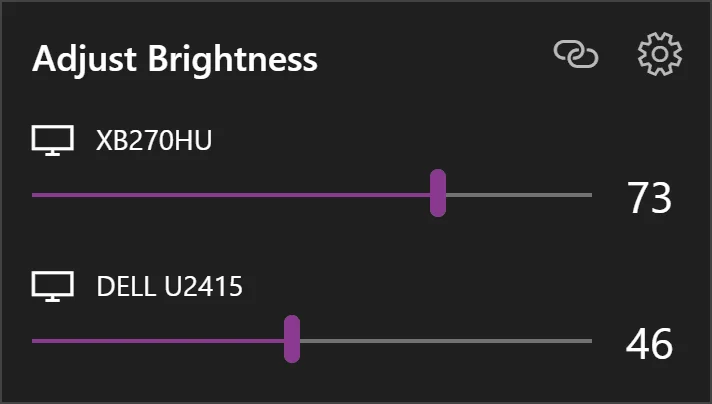
Twinkle Tray puts brightness controls for supported displays in the Windows taskbar. Adjust monitors individually or together from the tray, and configure how the controls fit the displays you use. It helps people with more than one screen avoid opening several hardware menus whenever room lighting changes. External displays need compatible monitor control support, and some settings depend on the connection. Test each monitor, dock, and cable combination before assuming every display will appear in the same tray.
Good products deserve a good conversation.
Be the first to start one.
Productivity
Control volume per application from the Windows taskbar

Productivity
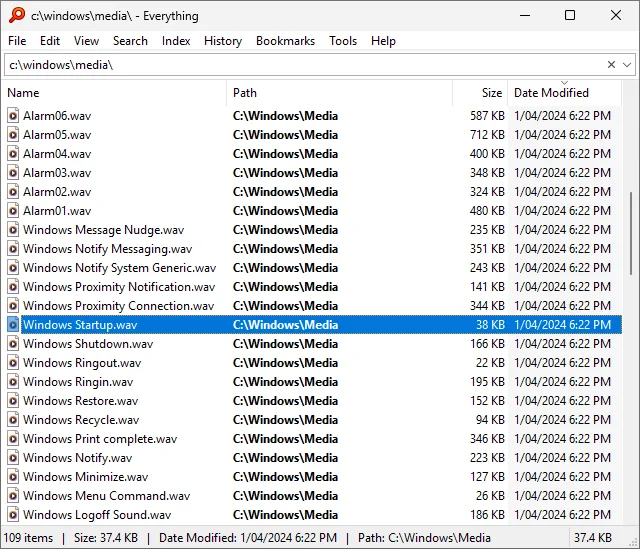
Find files and folders by name on a Windows computer

Productivity
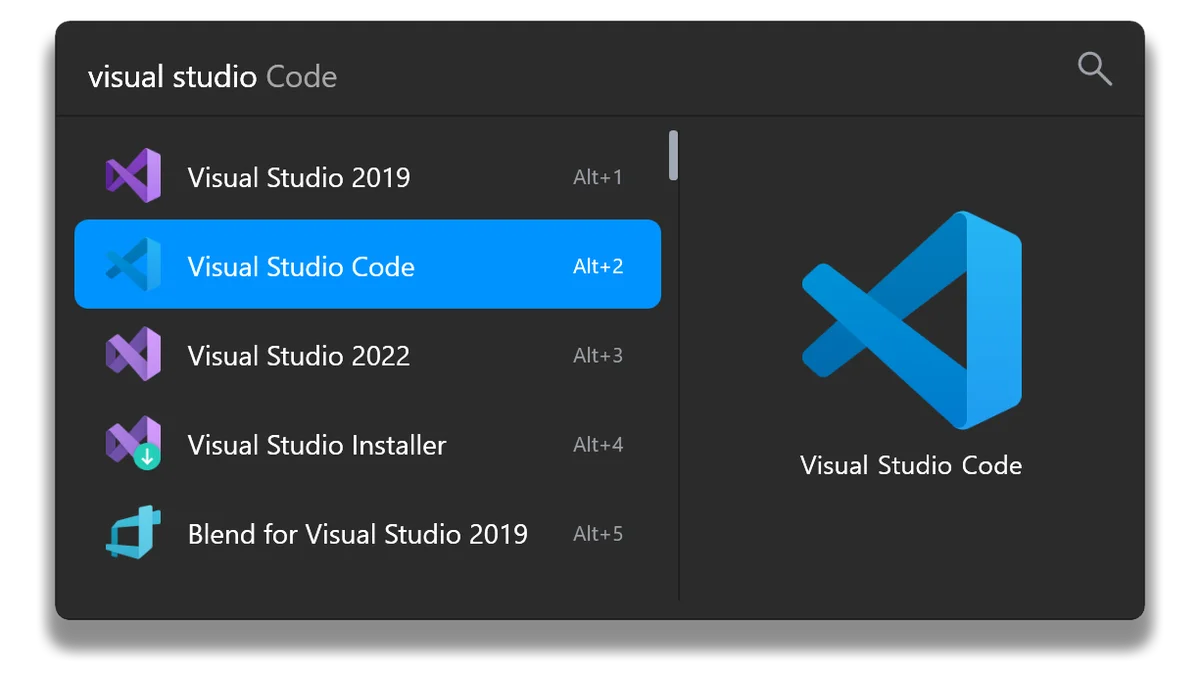
Launch apps, search files, and run shortcuts from a Windows overlay