
Bike
Productivity
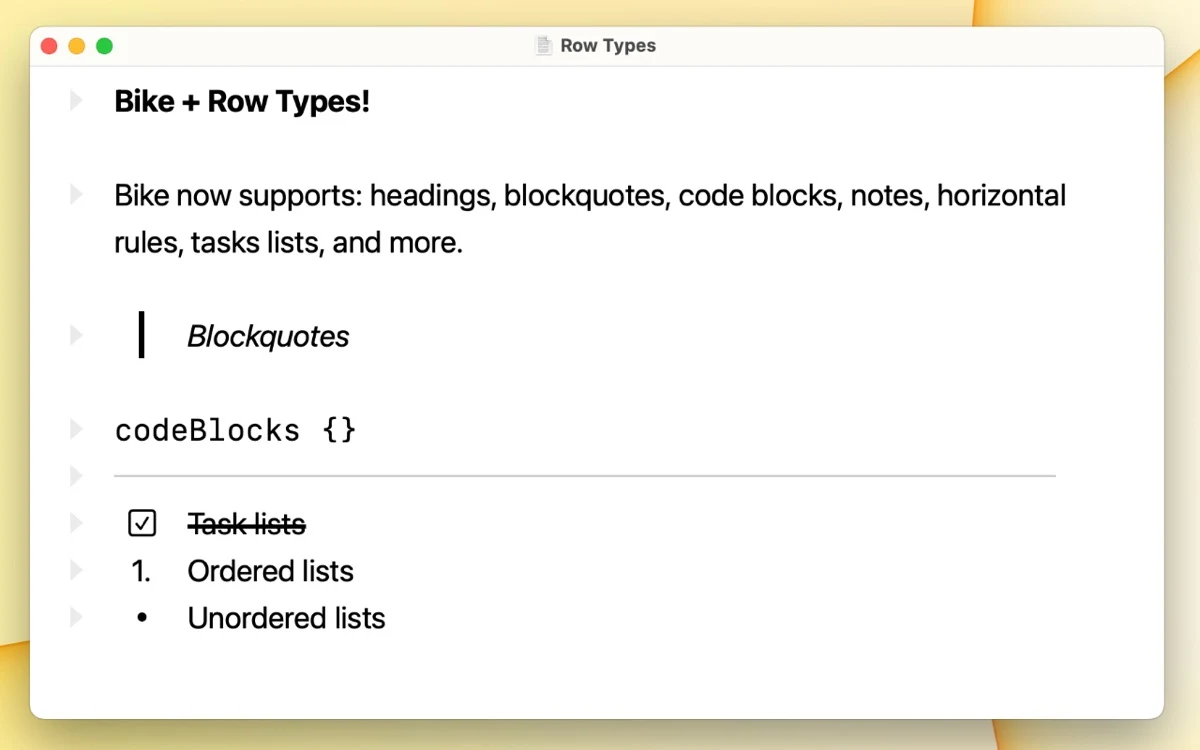
Build structured outlines with nested rows on Mac
Editorial discoveryFreemium

0 props
Be the first to give Props.
 Full size
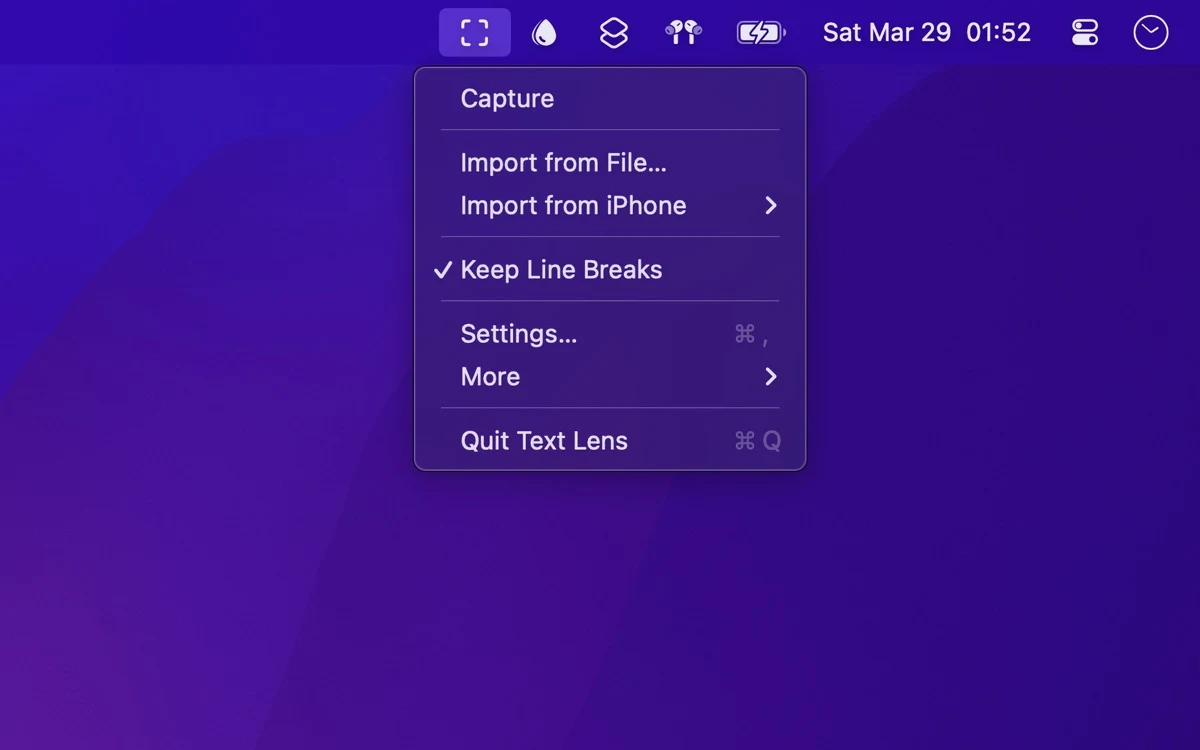
Text Lens extracts text from a selected area of the Mac screen with optical character recognition. It can help retrieve a short passage from a screenshot, video or document where the text is not selectable.
Try a clear heading and a smaller block of text. Check line breaks and look-alike characters before using the result. Review the shortcut and screen recording permission if you plan to use it regularly. A short comparison with the original is particularly important when a number or unusual character will be used elsewhere.
Good products deserve a good conversation.
Be the first to start one.
Productivity
Build structured outlines with nested rows on Mac

Productivity
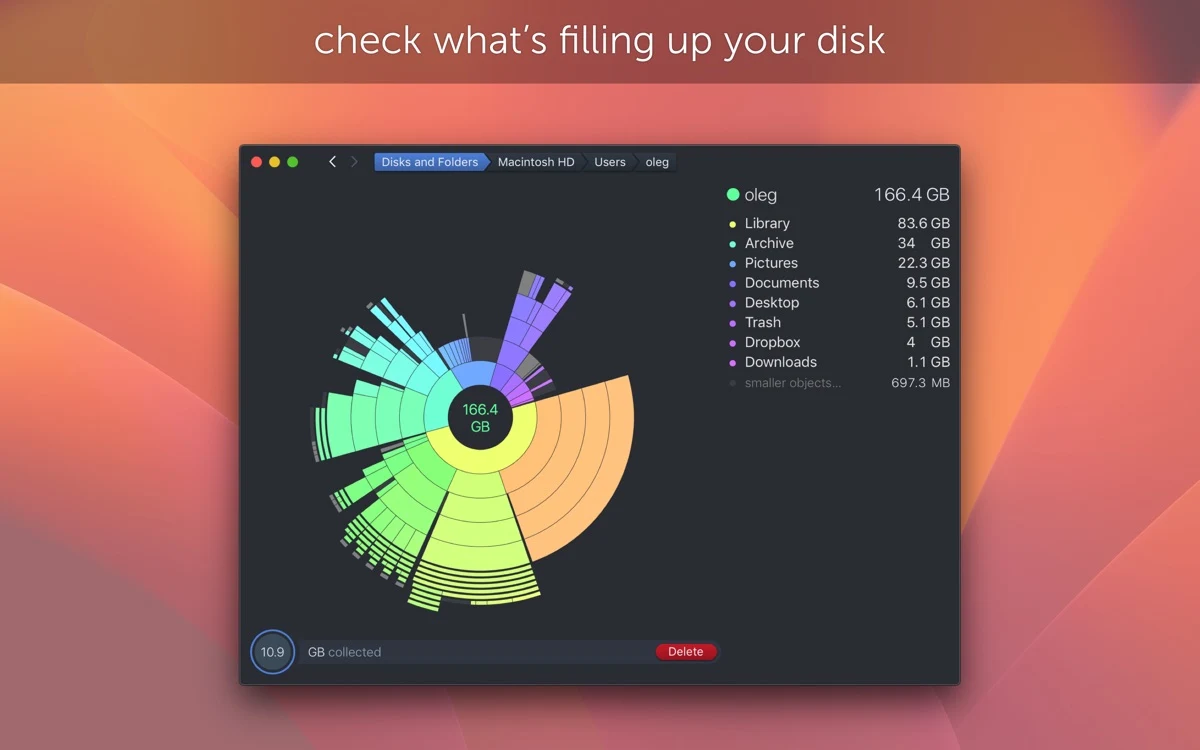
Inspect what fills a Mac drive using an interactive disk map

Productivity
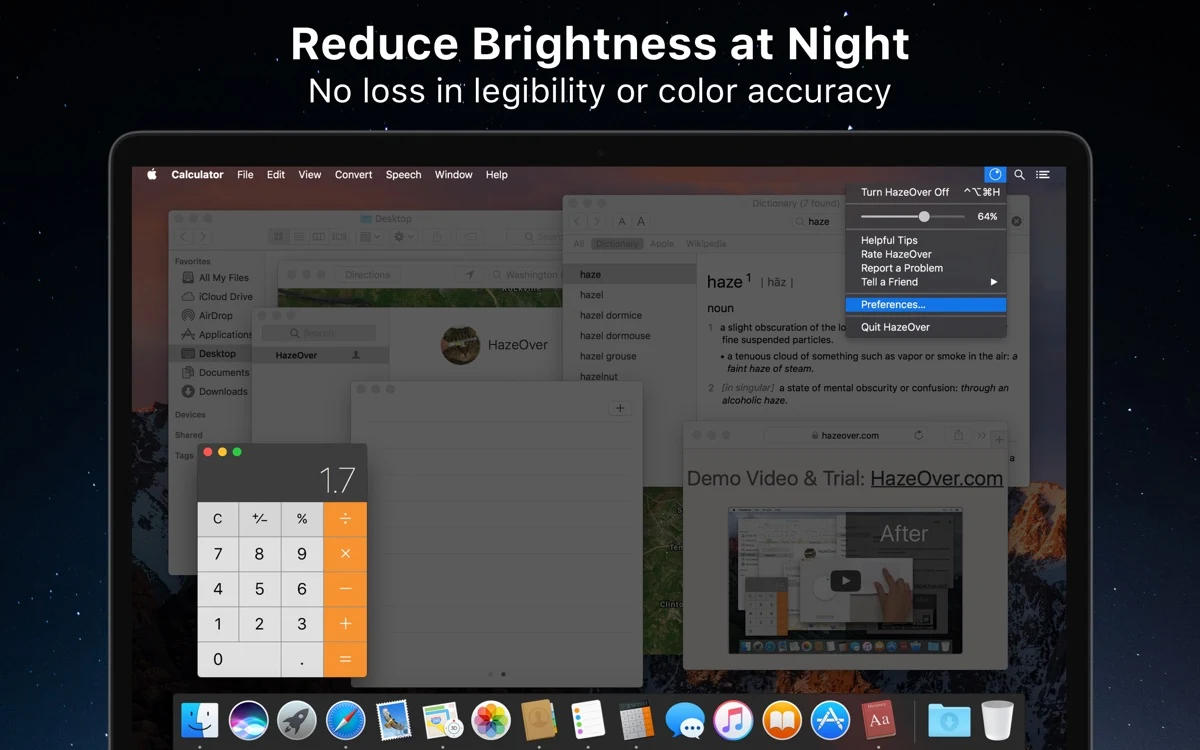
Dim background Mac windows while keeping the active one visible