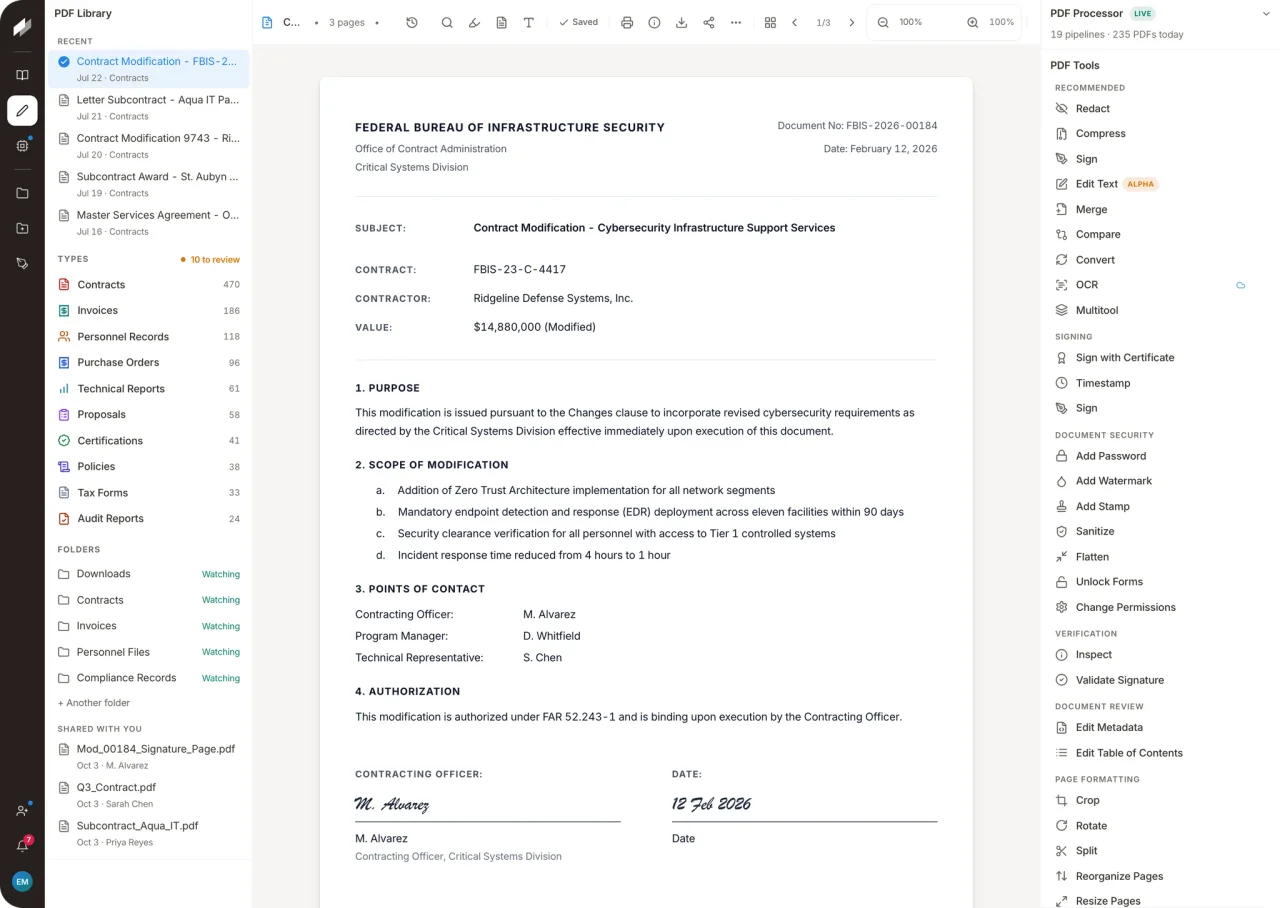

Stirling PDF
Productivity
Process PDF files with a collection of local or hosted tools
Editorial discoveryOpen source

0 props
Props are a thank-you from members.
 Full size
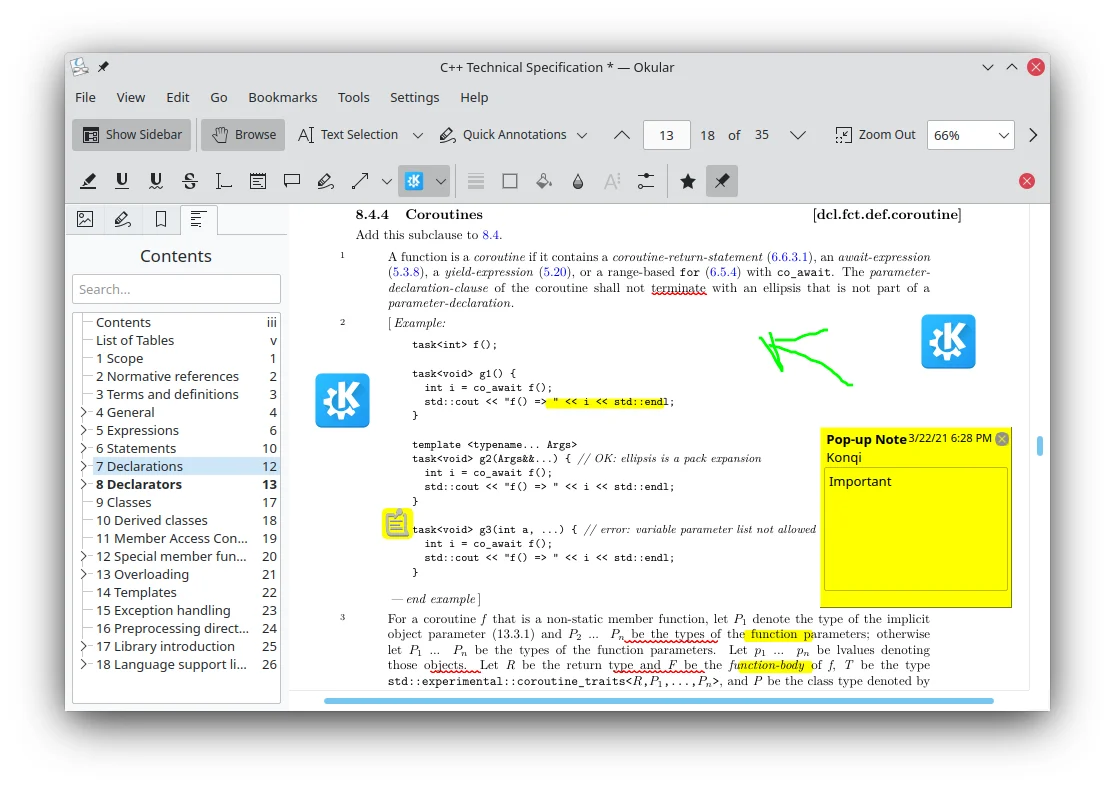
Okular is KDE's document viewer for PDFs and formats such as DjVu, PostScript and EPUB. When reviewing a long report, open the contents panel to jump to a section, then highlight or annotate a passage you want to discuss. You can use thumbnails for quick navigation and bookmarks to return to a page. It works well for readers who regularly handle manuals or research PDFs. If you plan to send an annotated copy to a colleague, check how their reader displays the annotations and whether the document format supports the changes you need.
Good products deserve a good conversation.
Be the first to start one.
Productivity
Process PDF files with a collection of local or hosted tools

Productivity
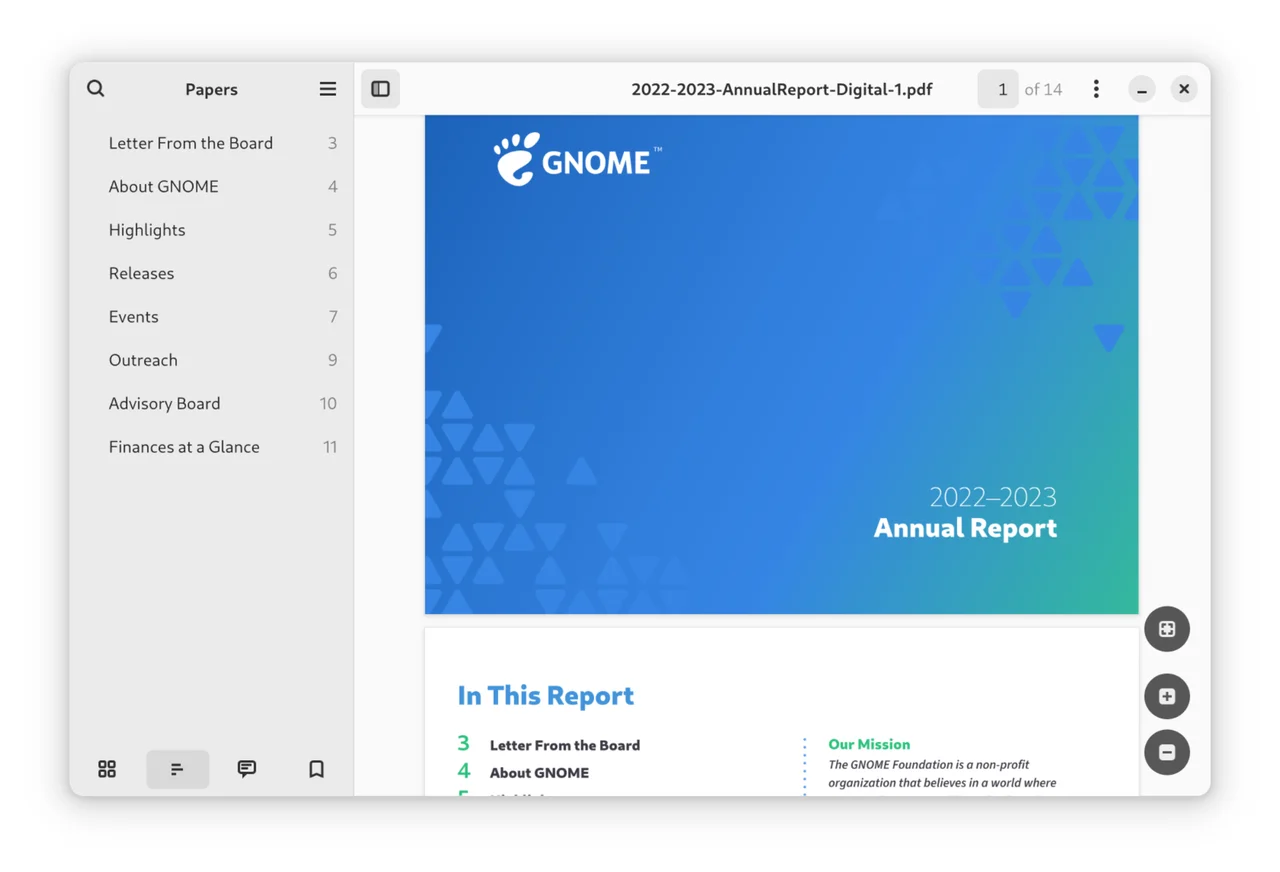
Read, search and annotate PDFs and other documents in GNOME
Productivity
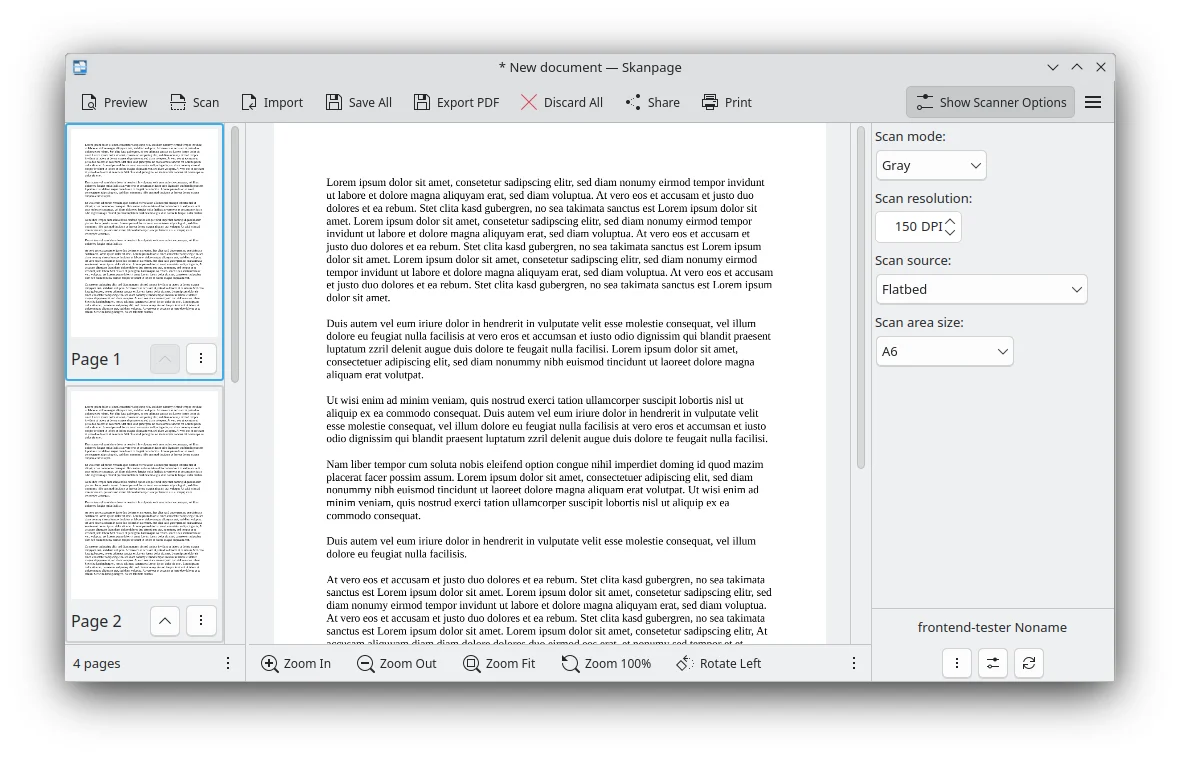
Scan and arrange pages into a single PDF