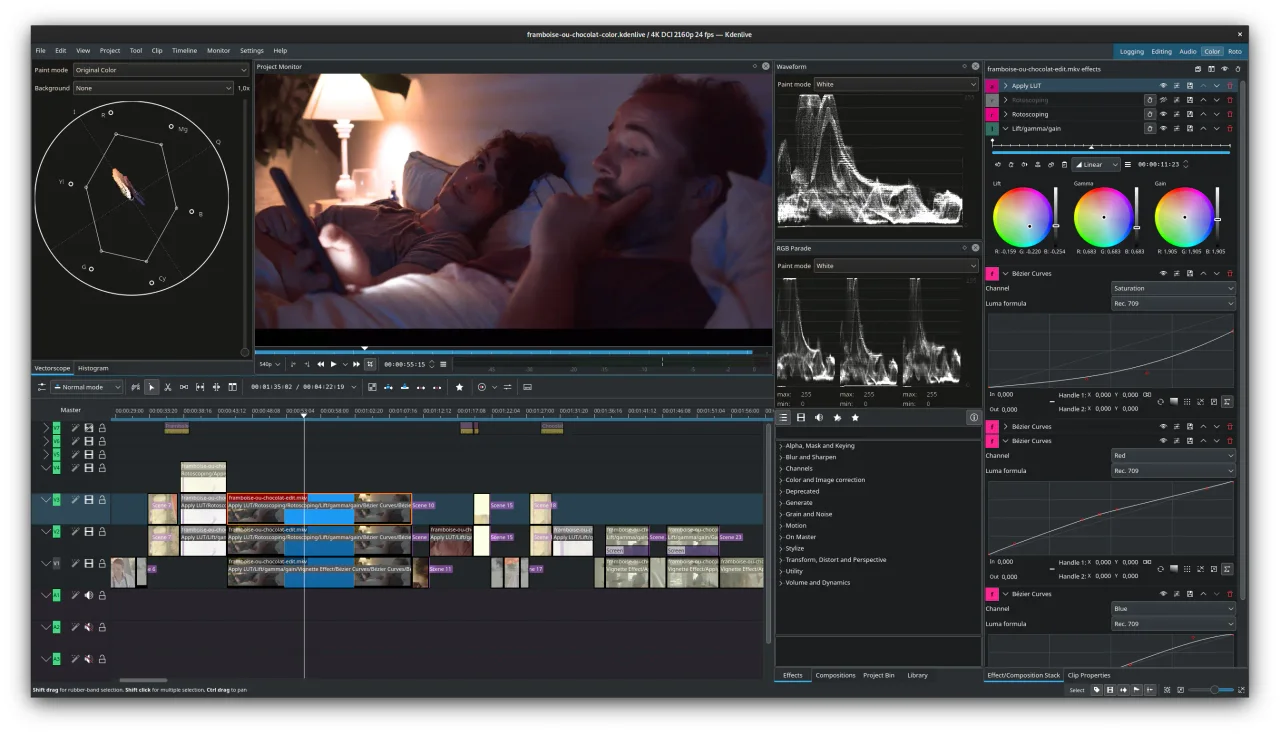

Kdenlive
Creative tools
Edit a video on a flexible multitrack timeline
Editorial discoveryOpen source

0 props
Props are a thank-you from members.
 Full size
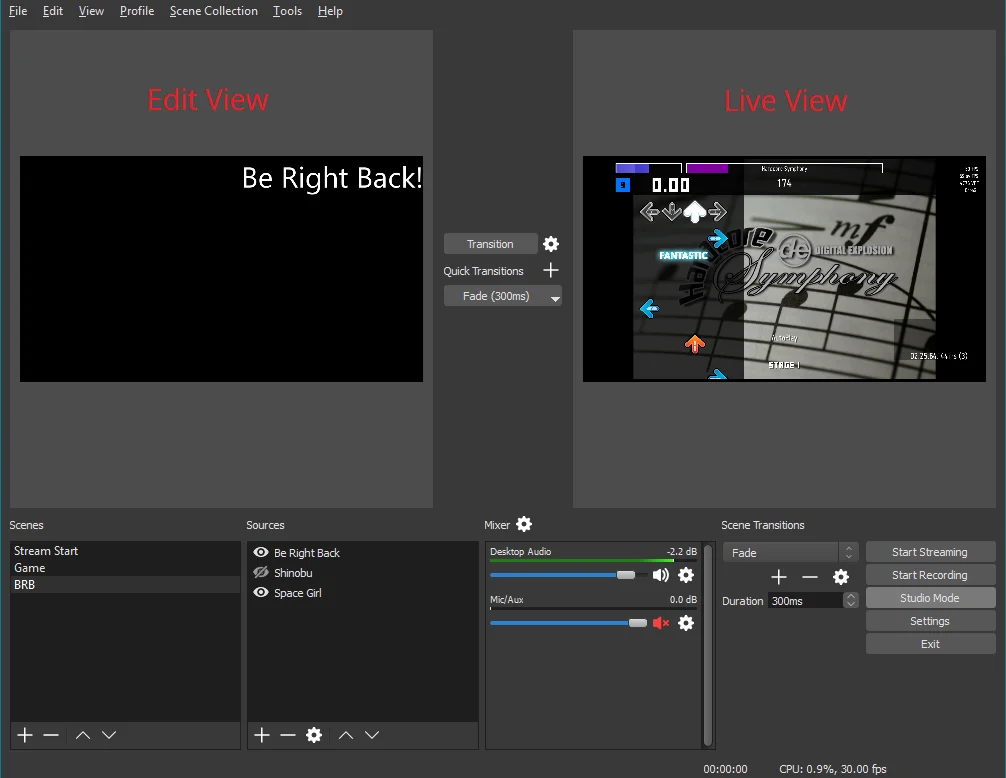
OBS Studio is an open source application for screen recording and live streaming. Assemble a scene with a window capture, camera or microphone, then arrange the sources and check the audio levels before recording. Multiple scenes are useful when a presentation alternates between a desktop, a camera view and a holding screen. The same setup can produce a local recording or connect to a supported streaming service. Review the permissions your operating system needs for screen and audio capture. Make a short recording with the final source layout and inspect the sound and frame rate before an event. Encoding settings should suit your hardware and destination, especially if the computer is also running a demanding application.
Good products deserve a good conversation.
Be the first to start one.
Creative tools
Edit a video on a flexible multitrack timeline

Creative tools
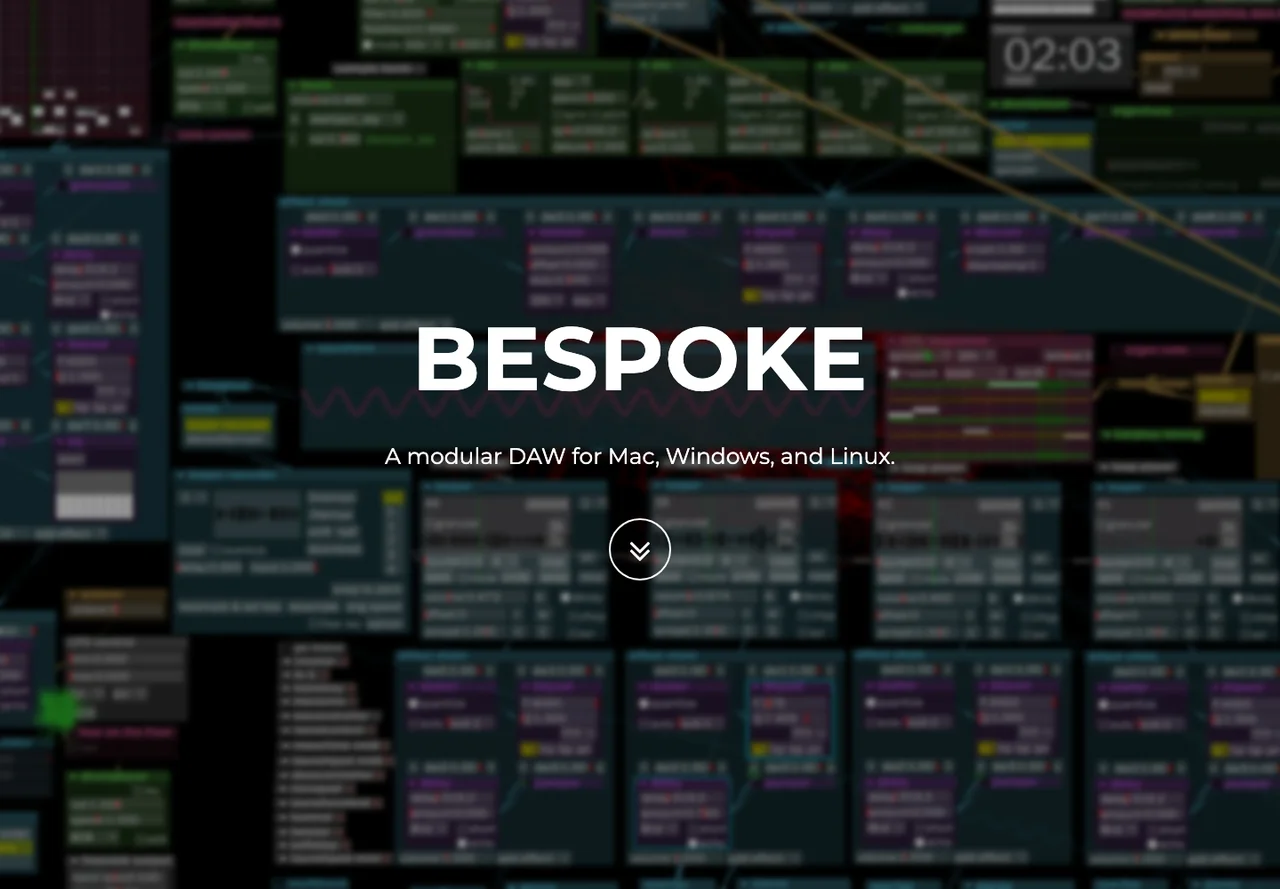
Connect instruments, sequencers and effects in a modular workspace

Creative tools
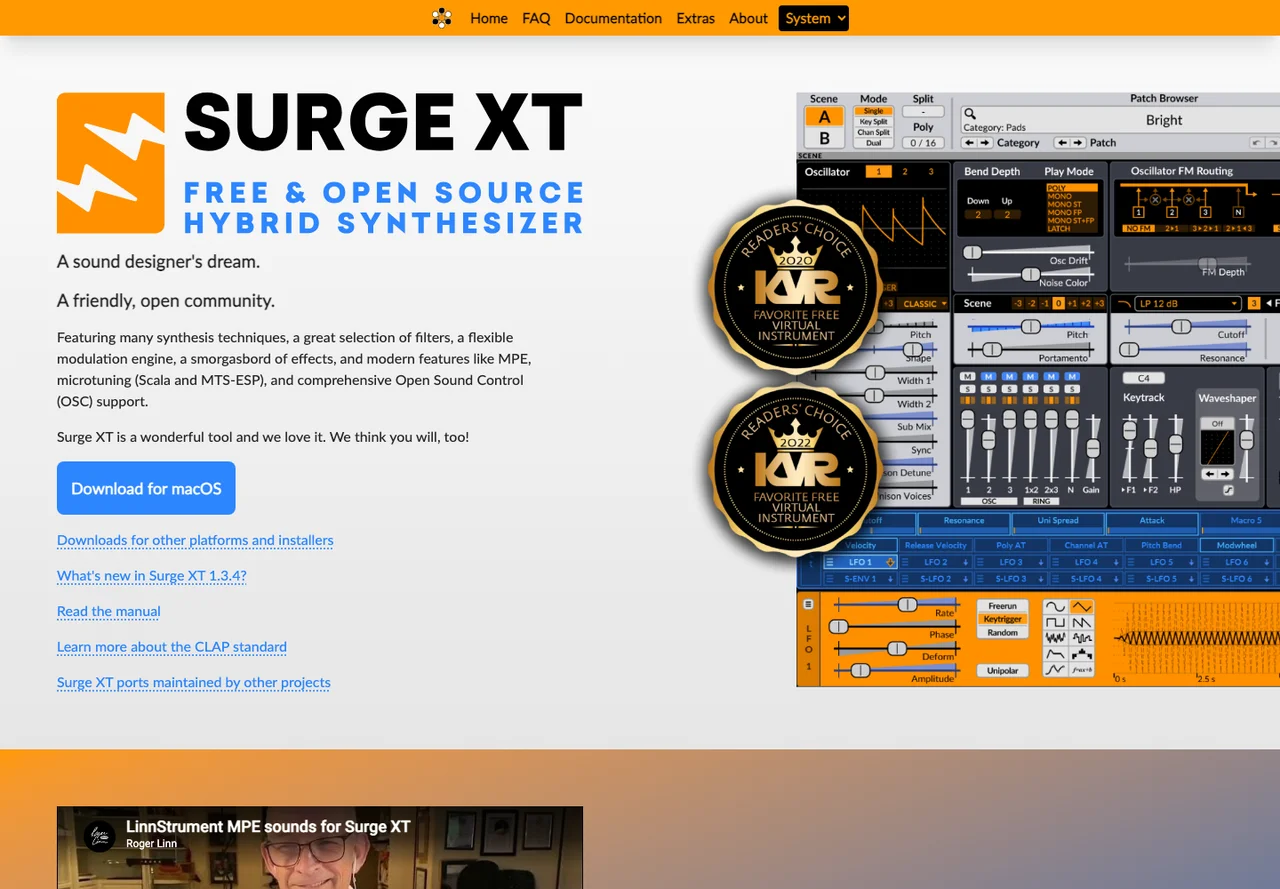
Design sounds with a synthesizer and a flexible modulation system