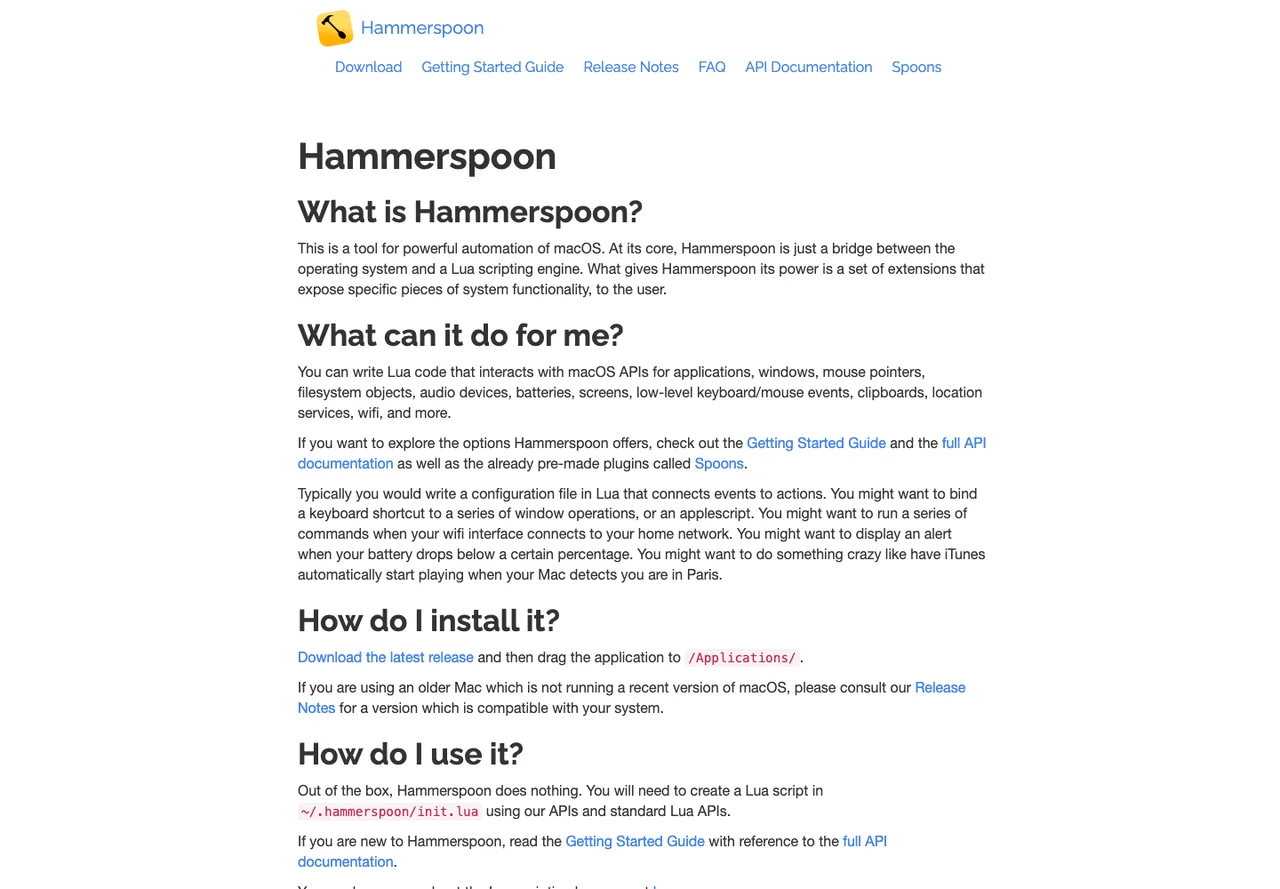

Hammerspoon
Automation
Automate macOS desktop actions with a Lua configuration
Editorial discoveryOpen source

0 props
Props are a thank-you from members.
 Full size
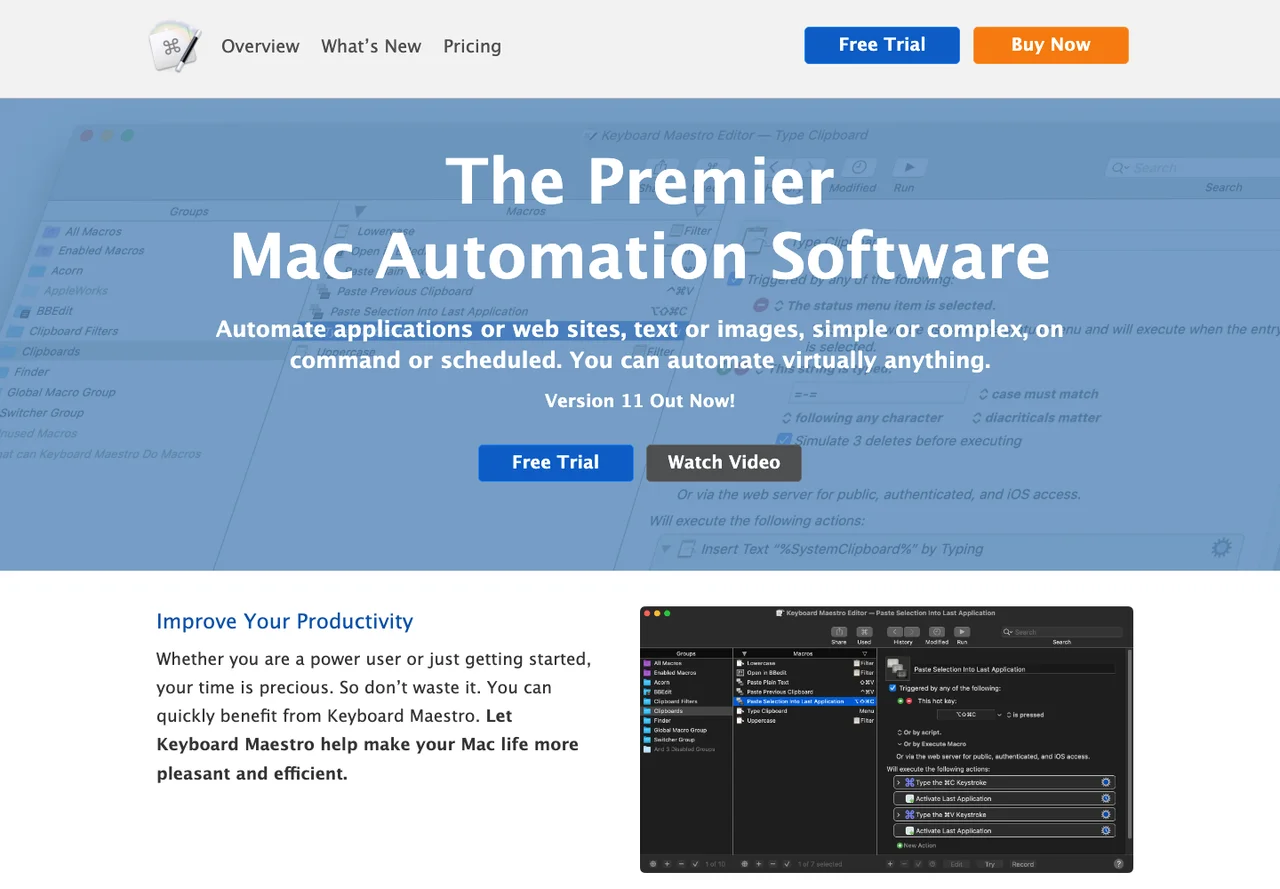
Keyboard Maestro helps Mac users combine triggers and actions into macros. Build a small macro that opens a few applications or carries out a repeated text operation, then test it in a dedicated macro group. It suits people who want to build desktop automations visually and adjust individual steps as needs change. Macros can depend on accessibility permissions or an application being in a particular state. Keep those dependencies in mind for anything that modifies files or sends output to another application. Check the current license and macOS requirements before planning to use the same macros on several machines.
Good products deserve a good conversation.
Be the first to start one.
Automation
Automate macOS desktop actions with a Lua configuration

Automation
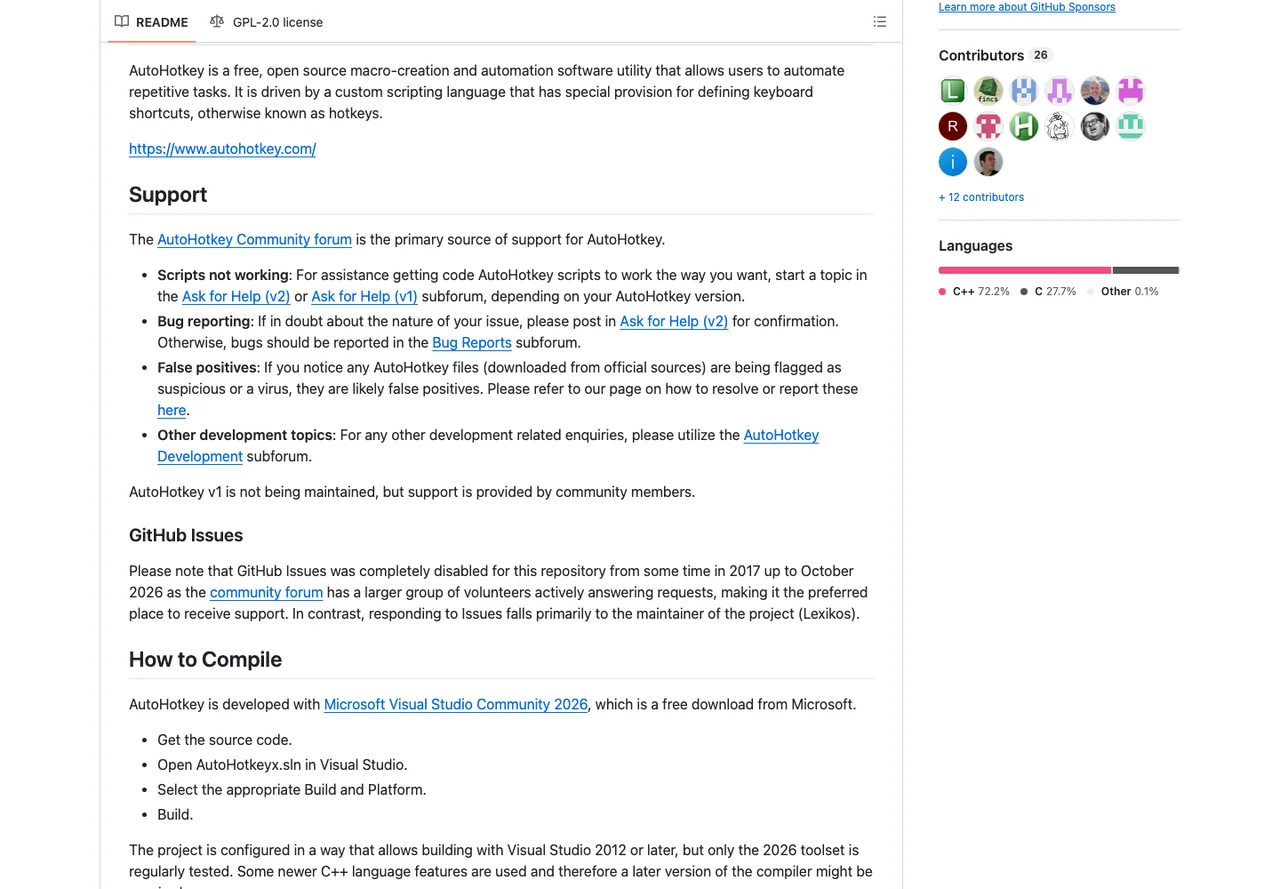
Create Windows keyboard shortcuts and scripted routines

Automation
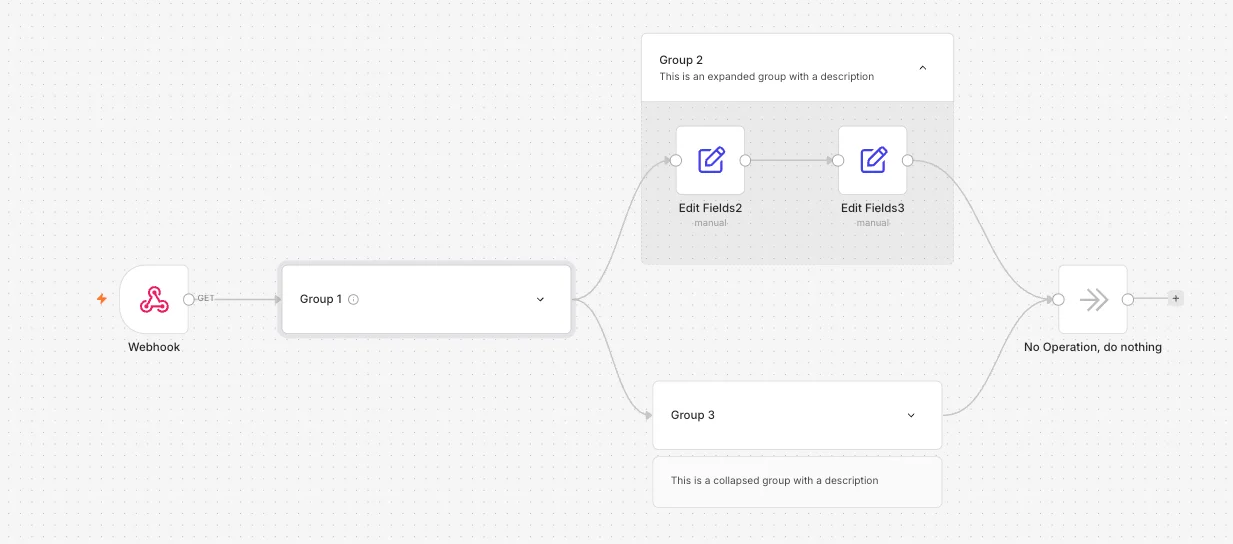
Visual automation for API integrations and multi-step workflows