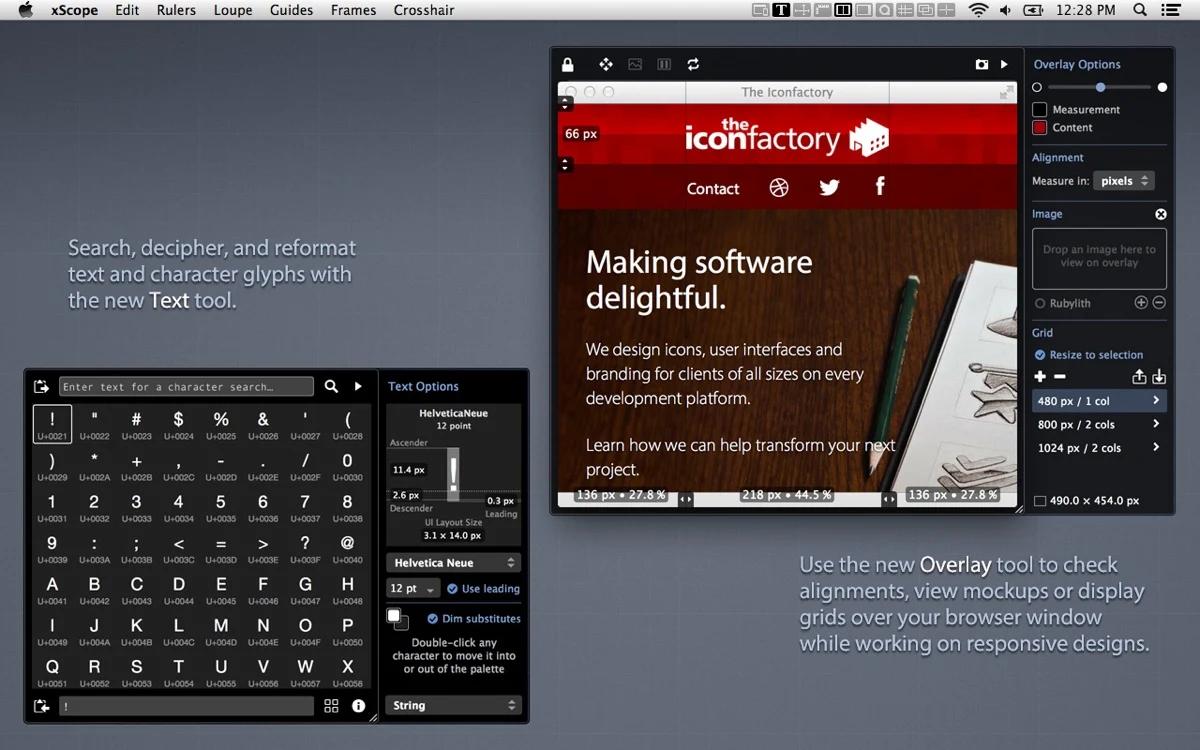

xScope 4
Design
Measure and inspect visual layouts directly on a Mac display
Editorial discoveryPaid

0 props
Be the first to give Props.
 Full size
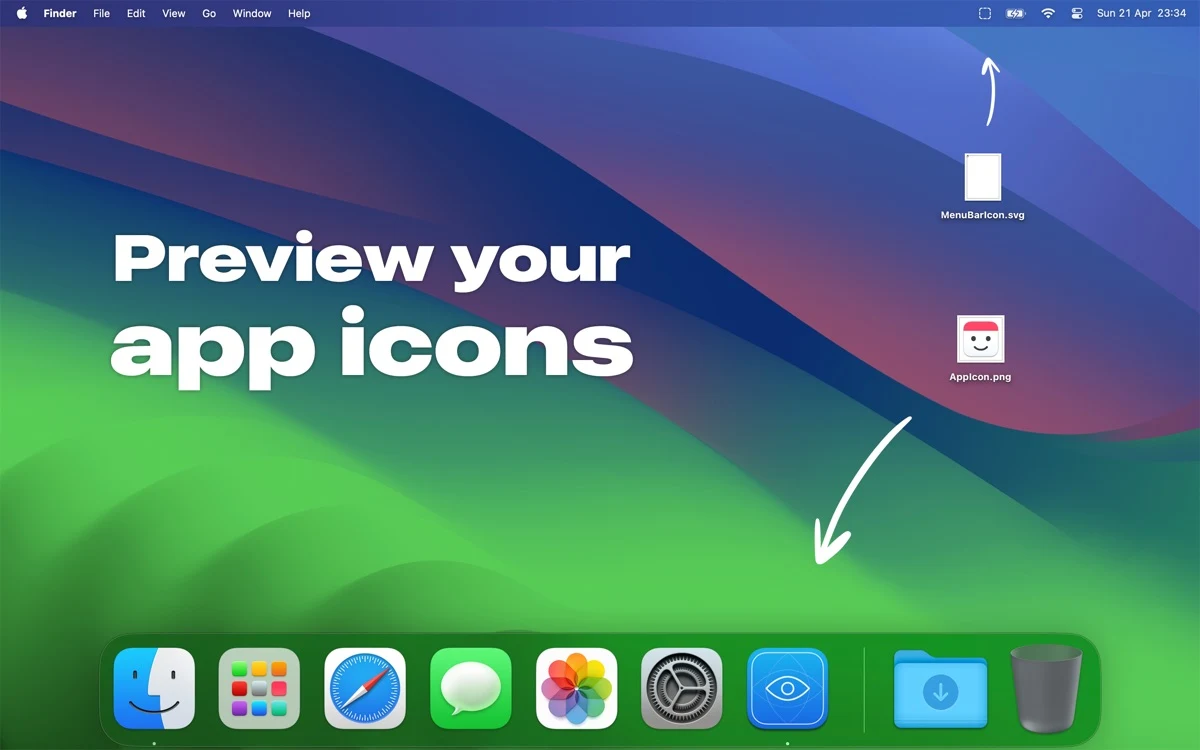
Icon Preview shows how a Mac app icon looks in the Dock or how a menu bar icon appears in context. It can update the preview when the source file changes, useful for comparing changes without moving through a full app build.
Try an icon at its normal size and check its outline and contrast against other icons. Change one detail in the file and see if it remains legible in the intended interface. Comparing a few iterations in context helps when the artwork looks clearer at full size than in the menu bar.
Good products deserve a good conversation.
Be the first to start one.
Design
Measure and inspect visual layouts directly on a Mac display

Design
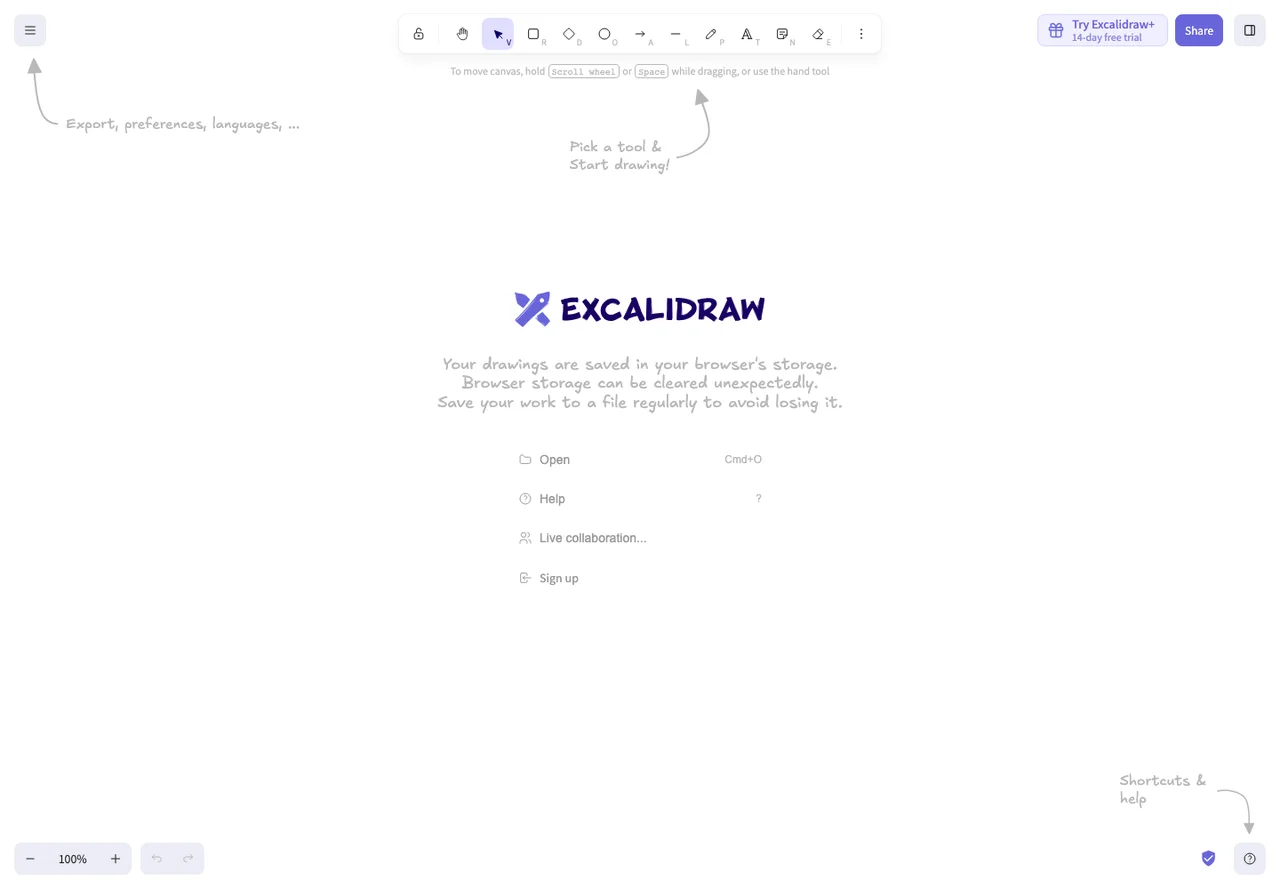
Sketch an idea before it becomes a specification

Design
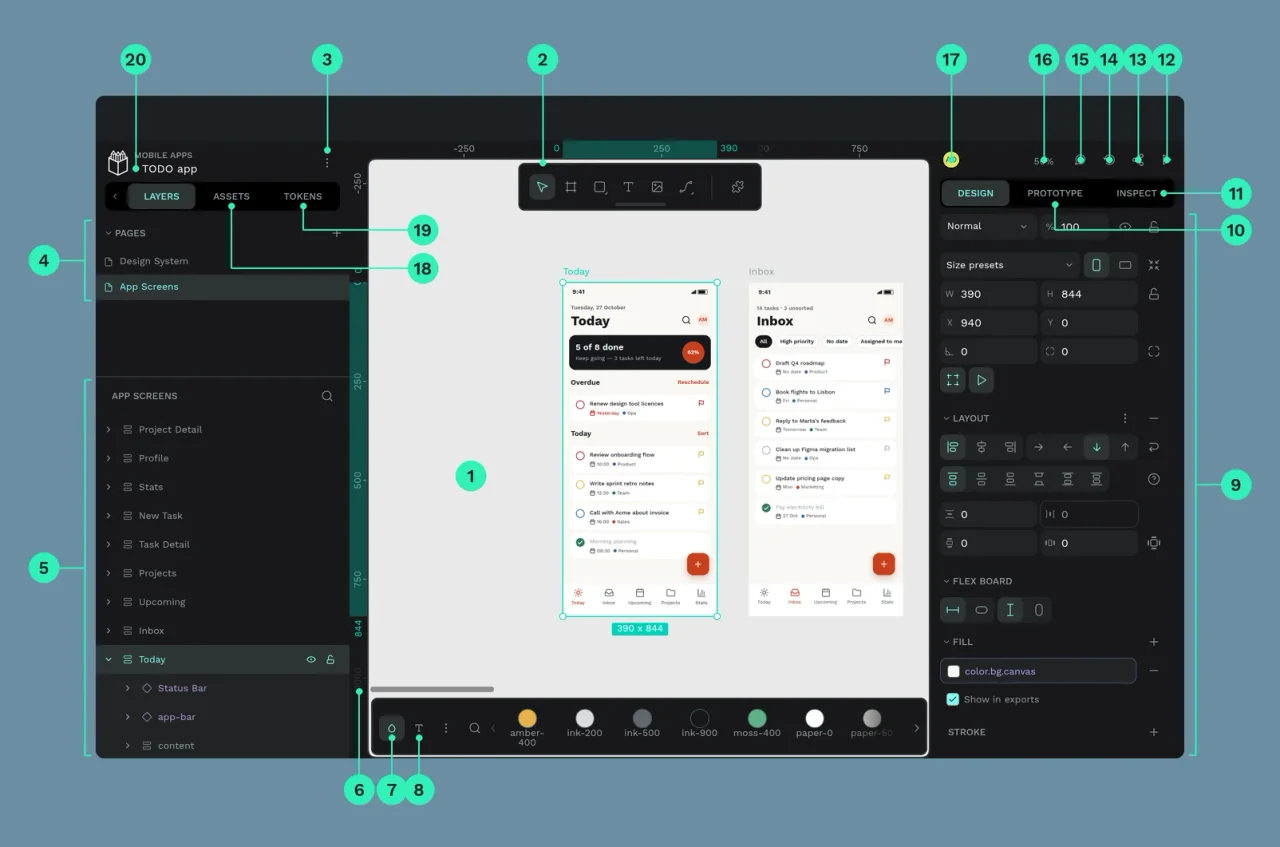
Open-source interface design and prototyping