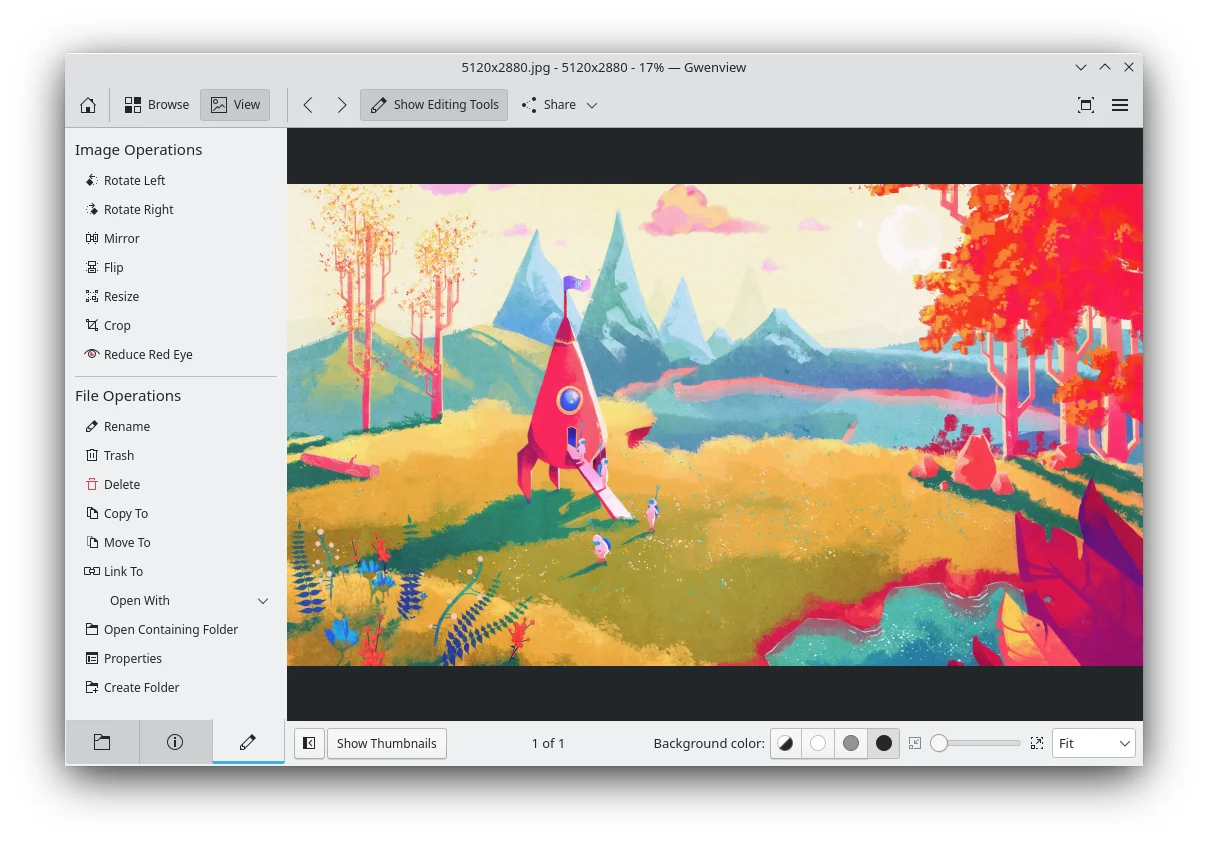

Gwenview
Design
Browse a photo folder and make quick edits or annotations
Editorial discoveryOpen source

0 props
Props are a thank-you from members.
 Full size
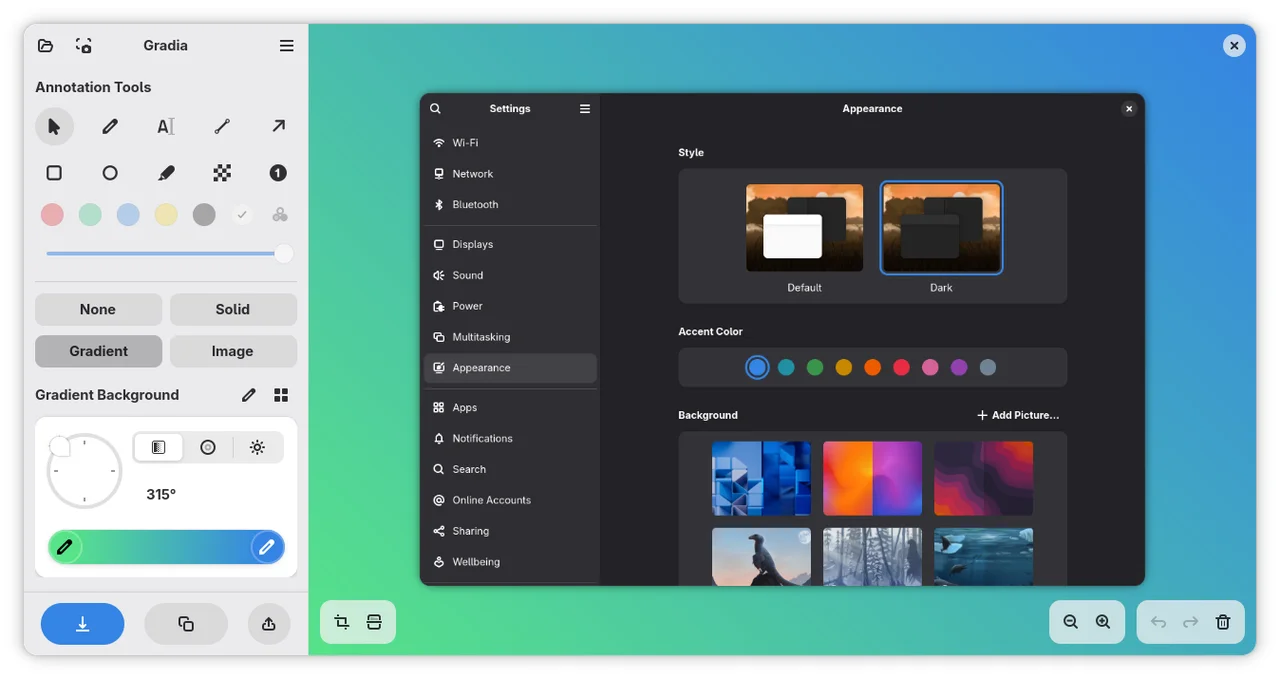
Gradia prepares screenshots for sharing in documentation, support messages or announcements. Load an image, add an arrow or text label where the reader should look, and adjust spacing or the background if the capture needs more room. The editor also offers a censor annotation and can turn a code snippet into an image. It is useful when a raw screenshot needs some explanation or a more legible frame. Before uploading a result, inspect the exported image at its final size and check that any confidential details have been removed.
Good products deserve a good conversation.
Be the first to start one.