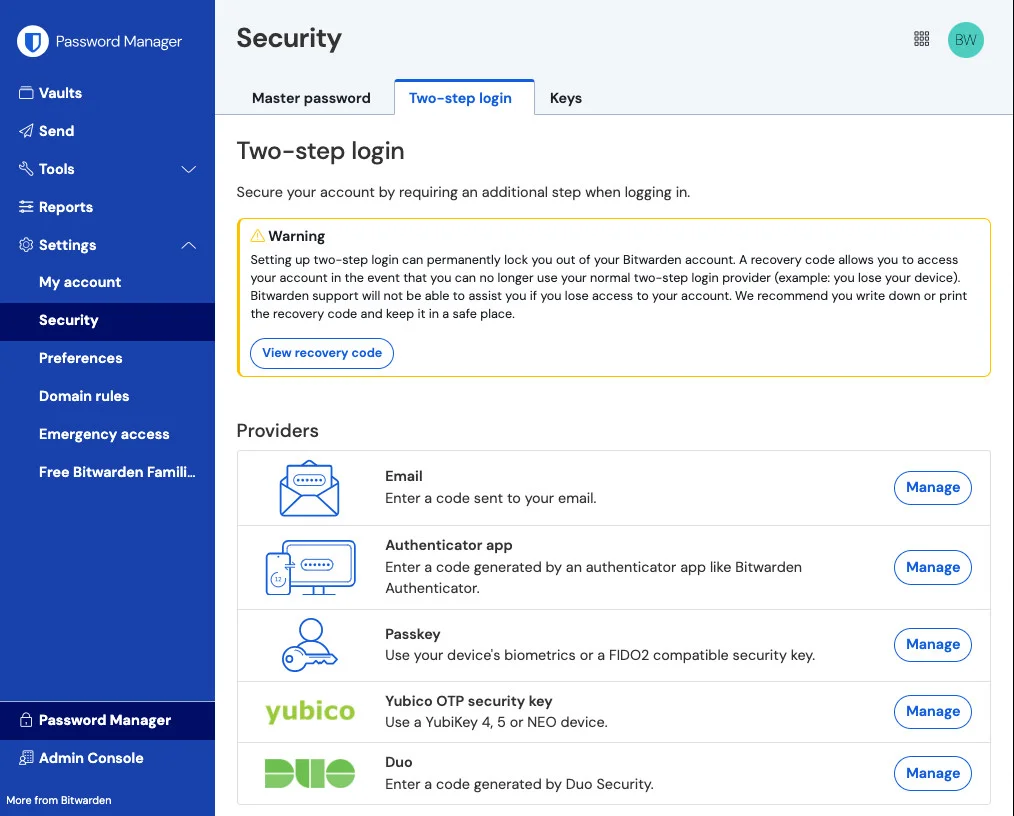

Bitwarden
Privacy & security
A password manager for people and teams
Editorial discoveryFreemium
Manage two-factor authentication codes on the GNOME desktop
Ver en español0 props
Be the first to give Props.
 Full size
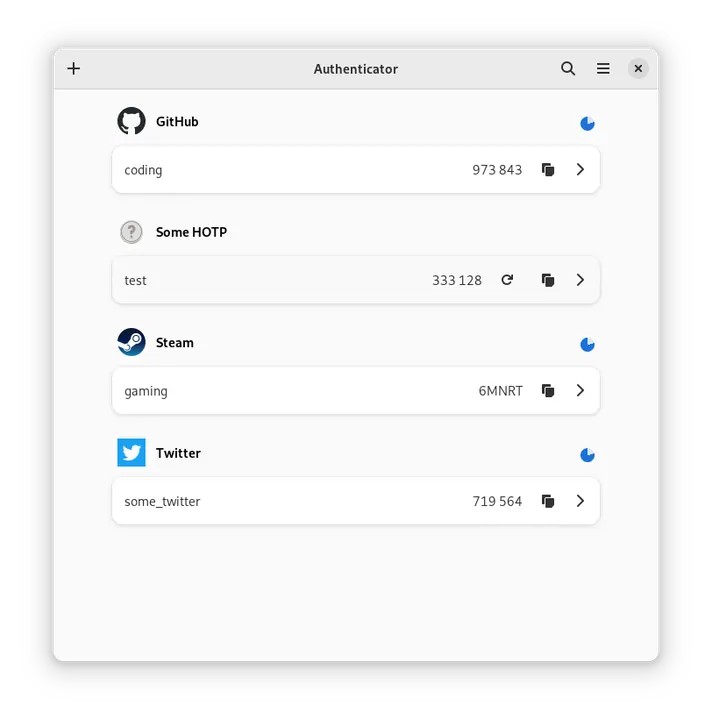
Authenticator keeps supported two-factor tokens in a Linux desktop app with QR import and backup or restore options. It accommodates time-based and counter-based methods, so check which one a service expects when adding an account. Start by setting up a noncritical token and testing that you can recover it. Save the service's recovery codes separately before removing the app you previously used to sign in. A backup can make moving to another desktop easier once you have tested the restore workflow.
Good products deserve a good conversation.
Be the first to start one.
Privacy & security
A password manager for people and teams
Privacy & security
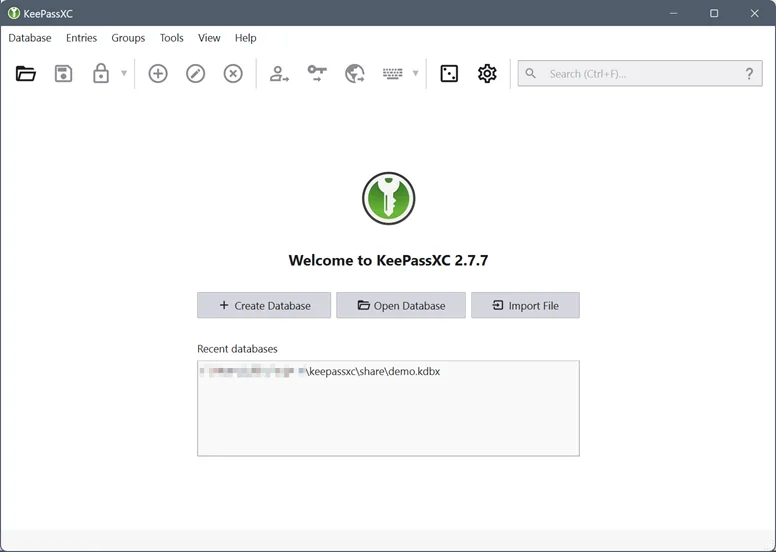
Keep passwords in a database you control

Privacy & security
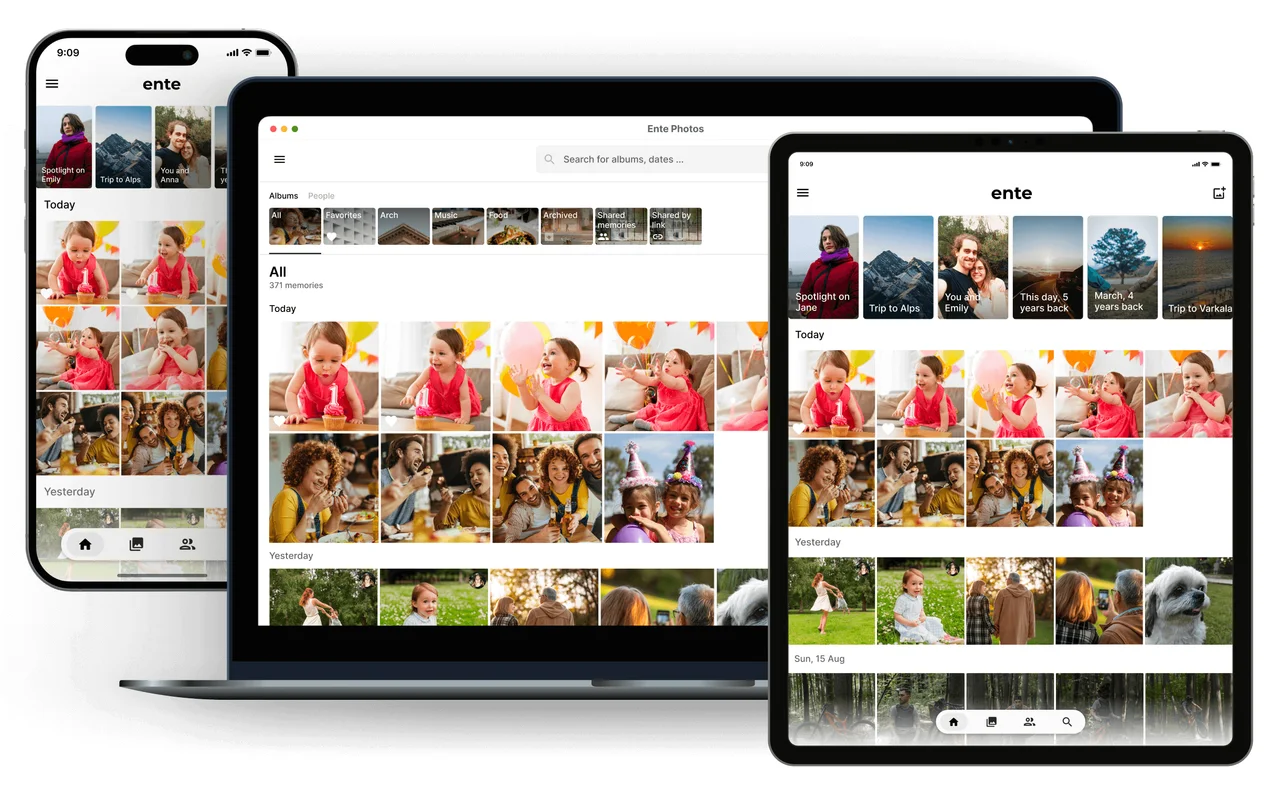
A private home for photos and more