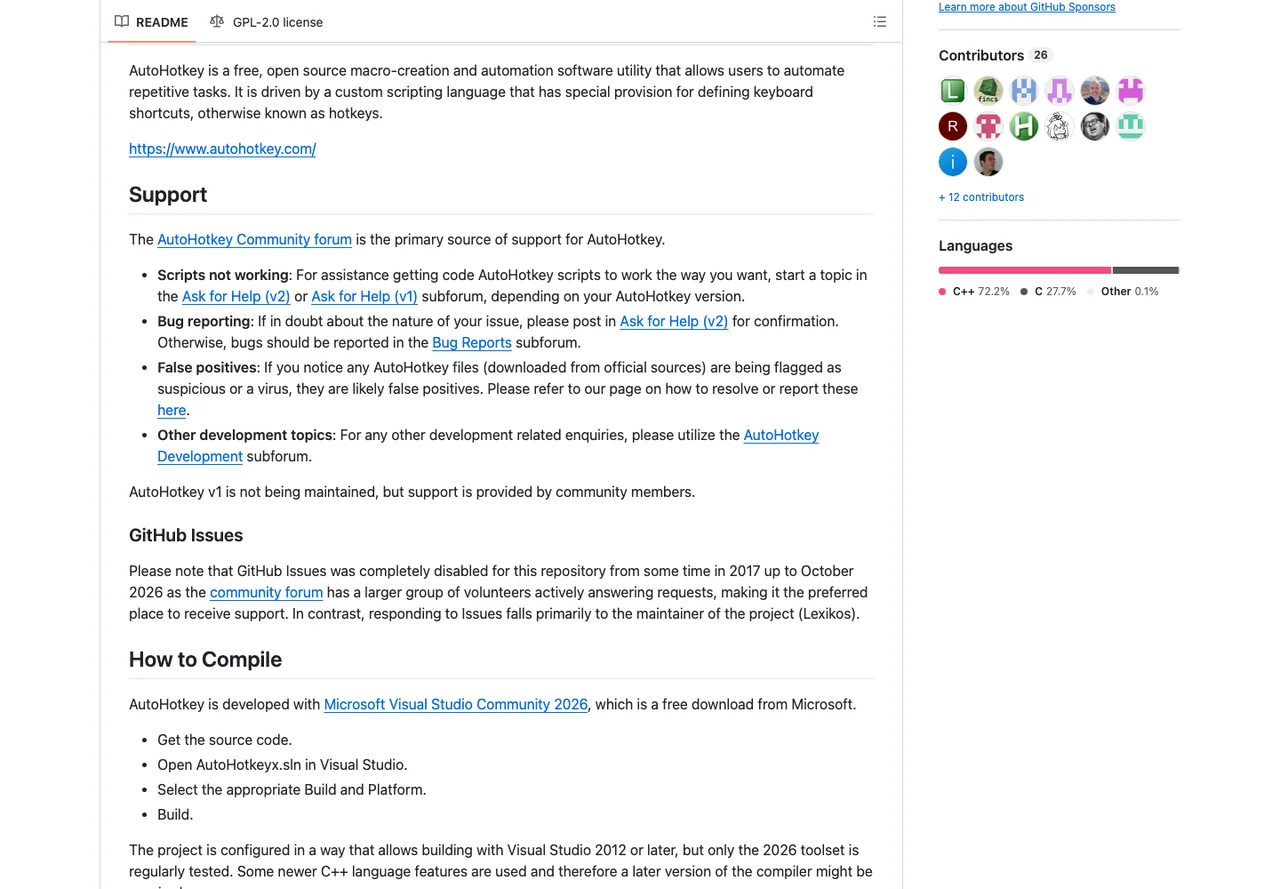

AutoHotkey
Automation
Create Windows keyboard shortcuts and scripted routines
Editorial discoveryOpen source

0 props
Props are a thank-you from members.
 Full size
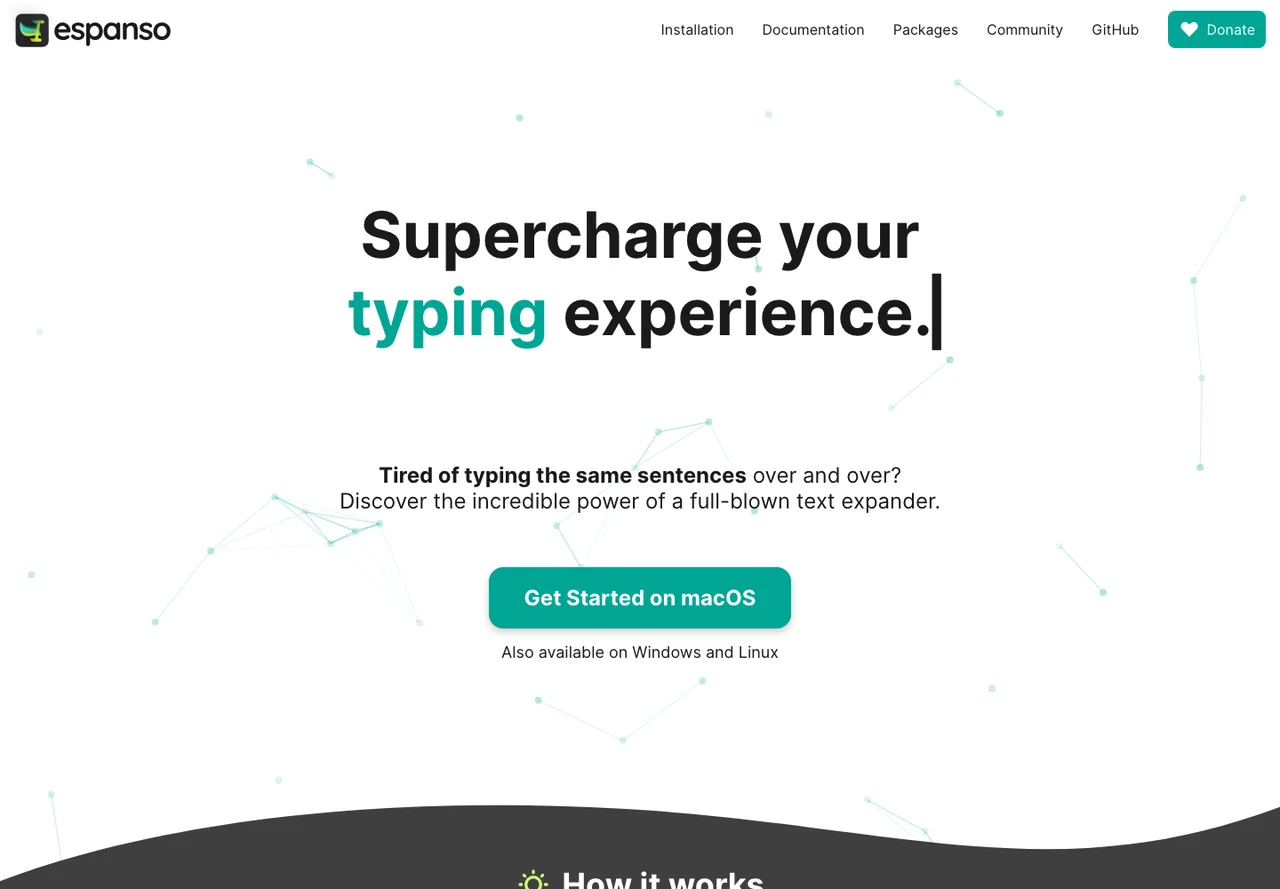
Espanso turns typed triggers into longer snippets. Set up a couple of short, unambiguous triggers for repeated text, then check how expansions work in the browsers, editors and messaging apps you use. Configuration files define matches and can be useful if you want to organize snippets or move them to another machine. More advanced matches may call built-in extensions or scripts, which means the behavior can depend on your environment. Choose triggers that are unlikely to appear in ordinary writing and avoid storing credentials in snippets. Operating system input methods and application behavior vary, so check the project’s setup notes before depending on it across devices.
Good products deserve a good conversation.
Be the first to start one.
Automation
Create Windows keyboard shortcuts and scripted routines

Automation
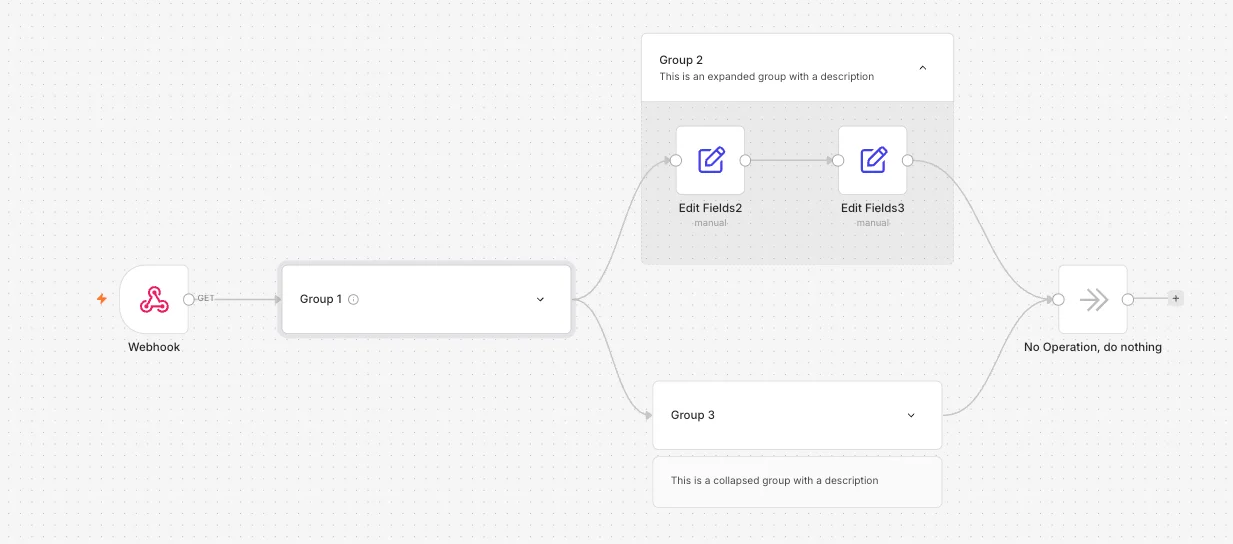
Visual automation for API integrations and multi-step workflows

Automation
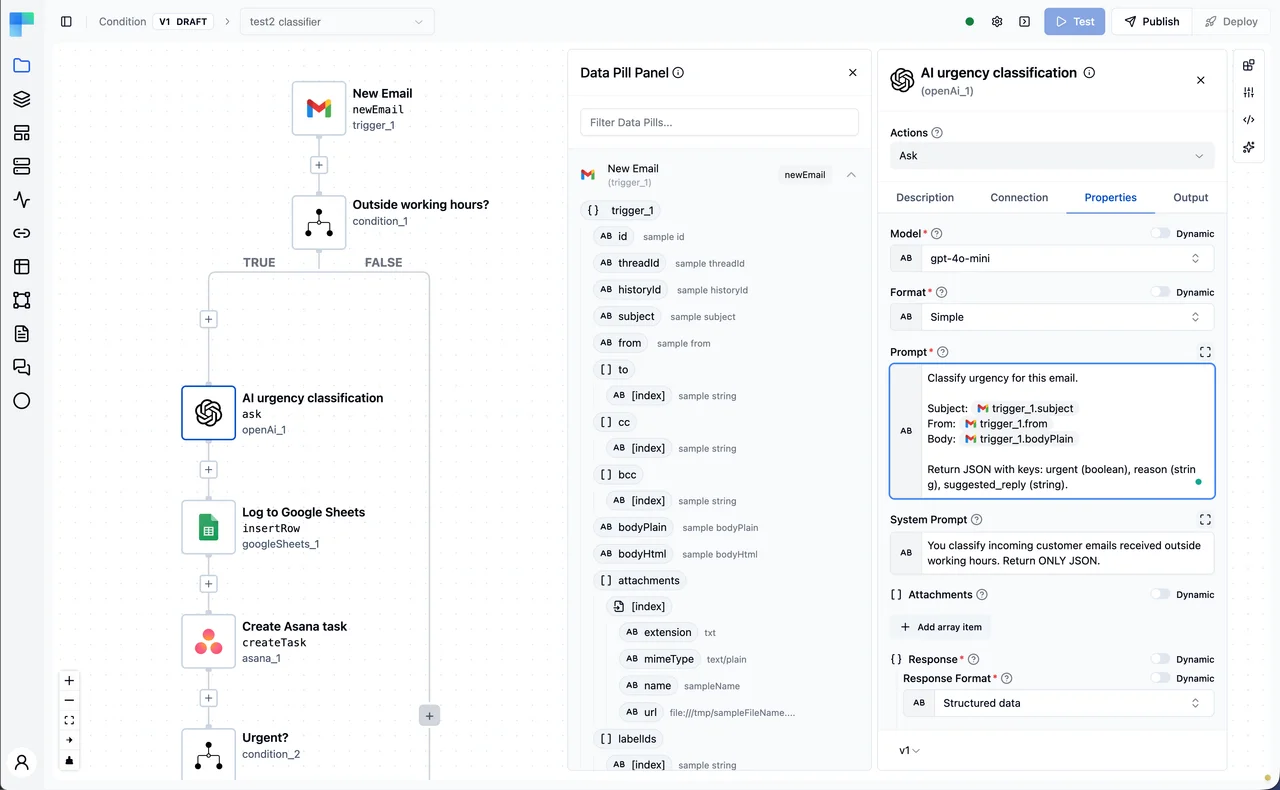
Connect services and inspect the results of visual workflows