
PeerTube
Creative tools
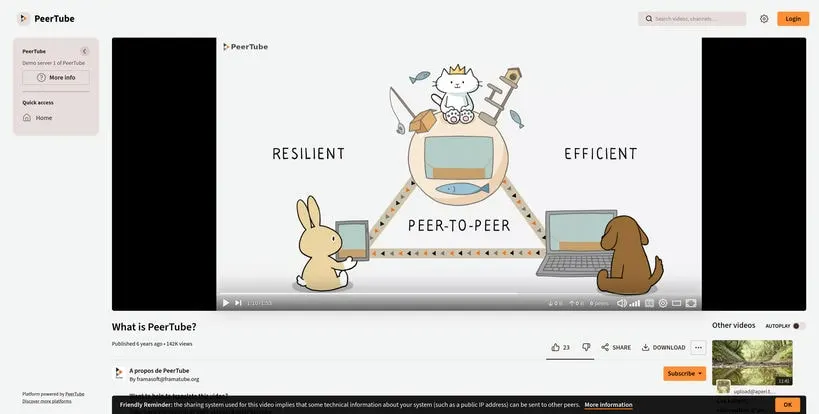
Publish and watch videos on independently operated platforms
Editorial discoveryOpen source

0 props
Props are a thank-you from members.
 Full size
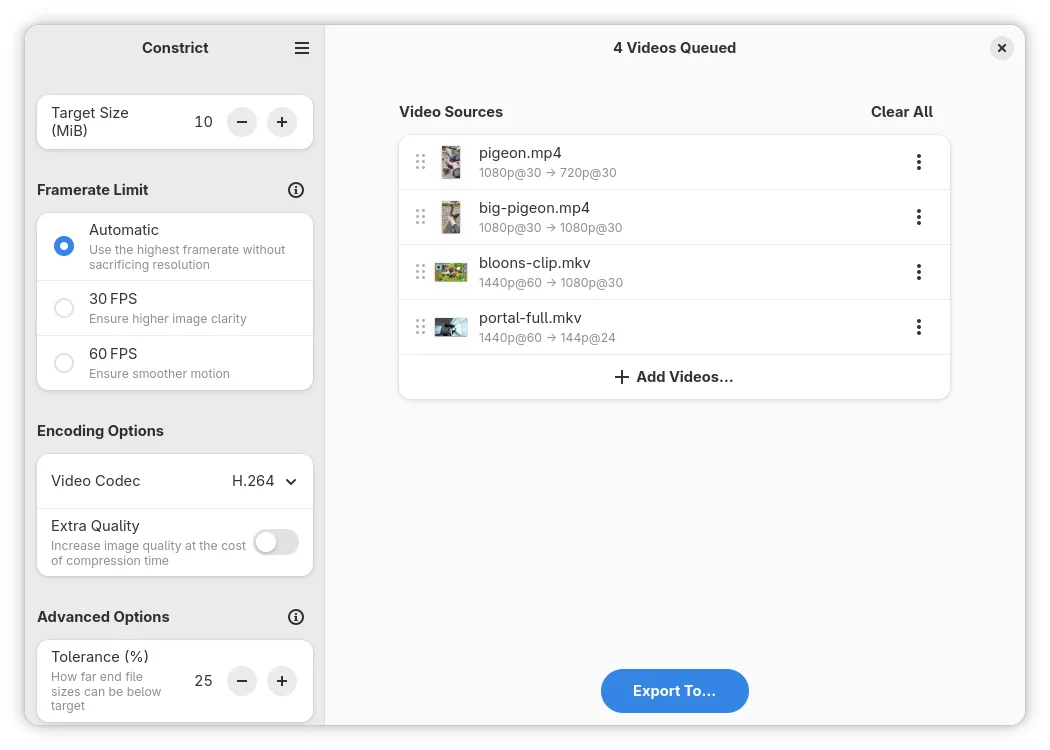
Constrict re-encodes video files toward a size you specify, useful when a service has an upload limit. Add a clip, set a target and pick a codec the recipient or site can play. The app estimates encoding settings and can process multiple videos into an output folder. Try one representative clip before starting a batch. A very small target can make text, motion or audio noticeably worse, so inspect the exported result and keep the original if you may need a higher-quality version later.
Good products deserve a good conversation.
Be the first to start one.
Creative tools
Publish and watch videos on independently operated platforms

Creative tools
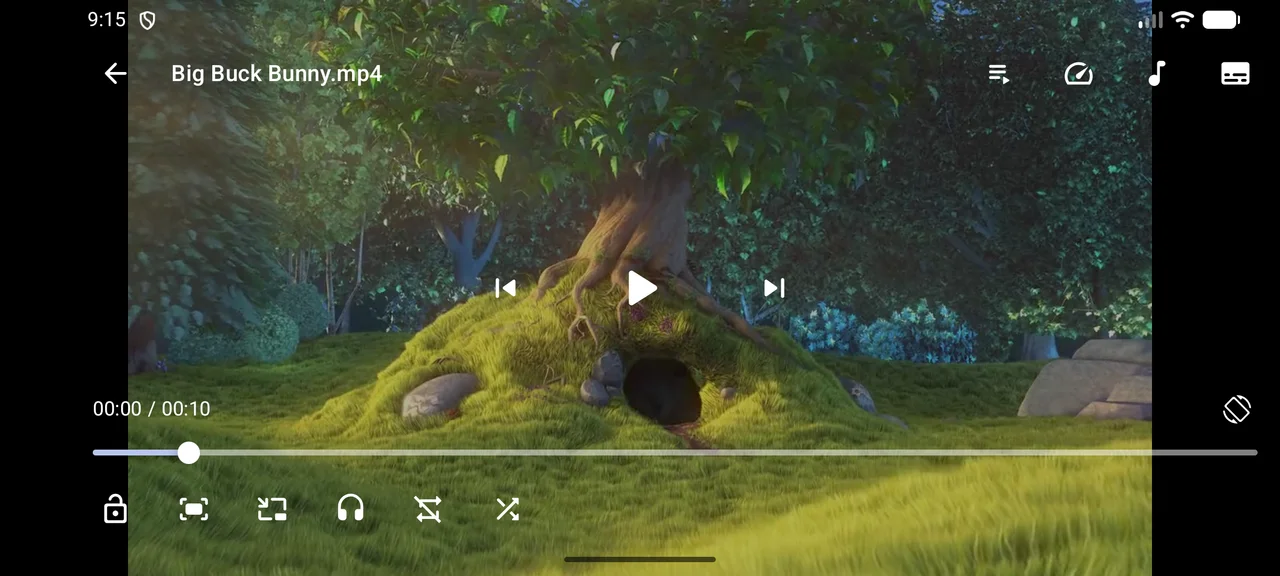
Browse and watch video files in a native Android player

Creative tools
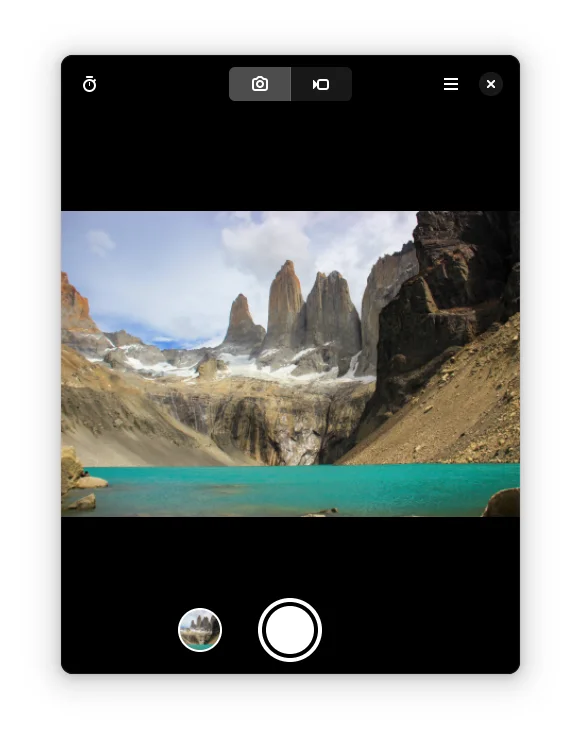
Take photos or record video with a simple GNOME camera app