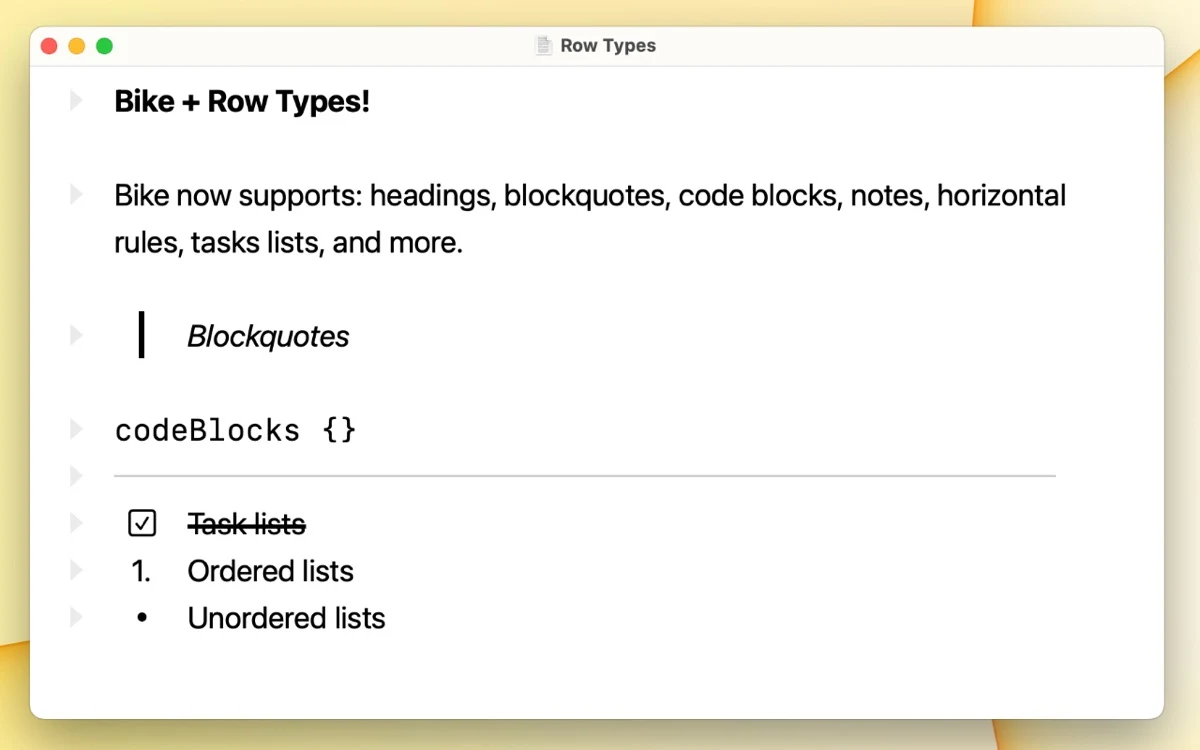

Bike
Productivity
Build structured outlines with nested rows on Mac
Editorial discoveryFreemium

0 props
Be the first to give Props.
 Full size
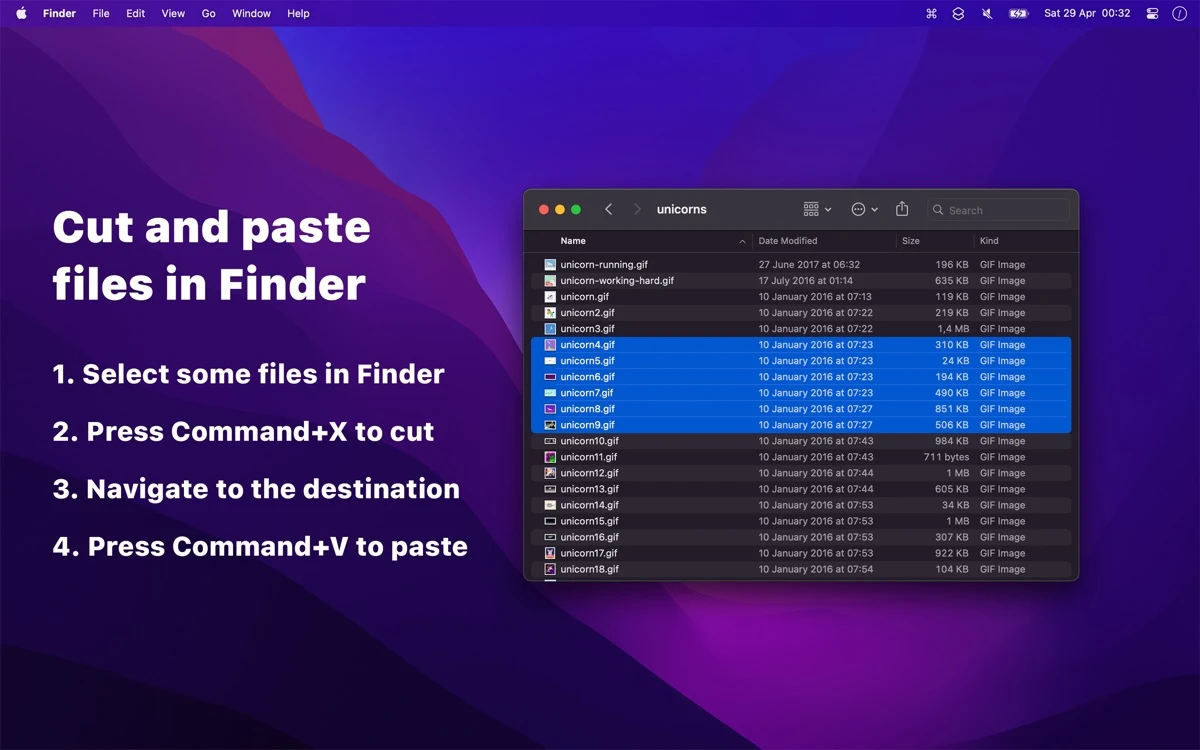
Command X lets you use cut and paste shortcuts to move files or folders in Finder. It runs in the background while Finder handles the actual movement, making the workflow familiar if you use cut and paste elsewhere.
Try the shortcuts with temporary files and verify both the source and destination afterward. Confirm that existing Finder shortcuts still behave as expected for the moves you use regularly. The tool is a good fit if the normal Finder move shortcut is the step you regularly forget.
Good products deserve a good conversation.
Be the first to start one.
Productivity
Build structured outlines with nested rows on Mac

Productivity
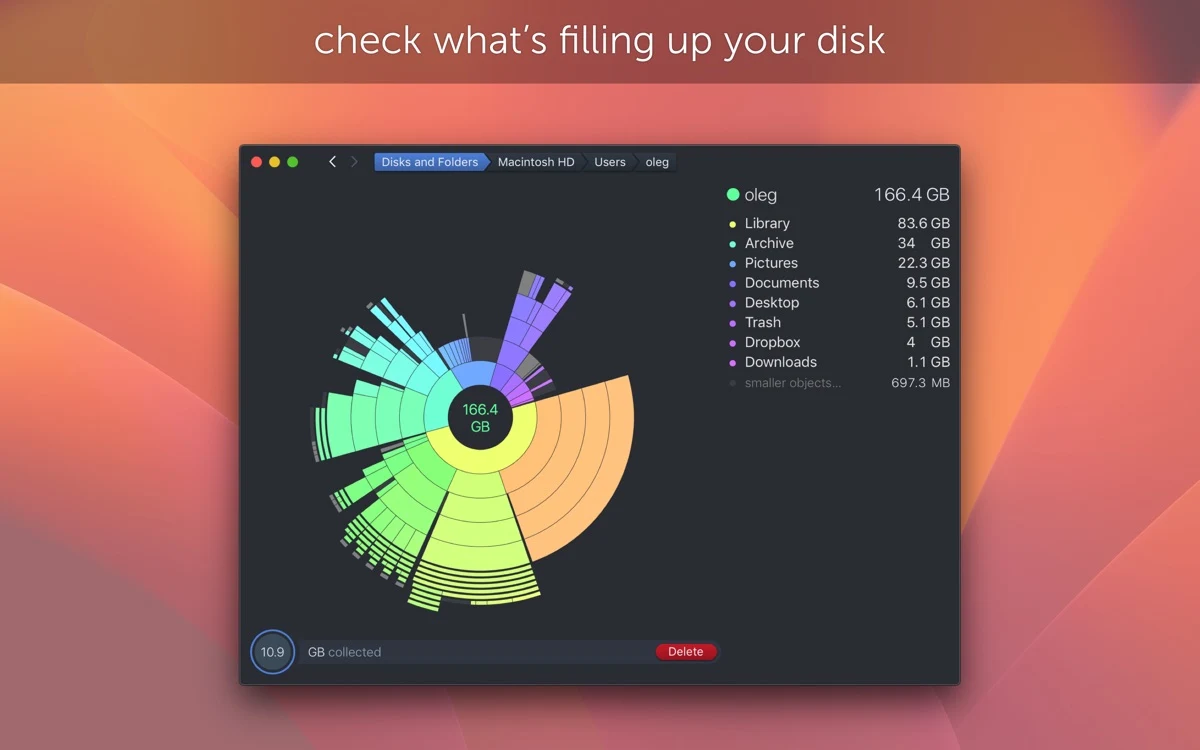
Inspect what fills a Mac drive using an interactive disk map

Productivity
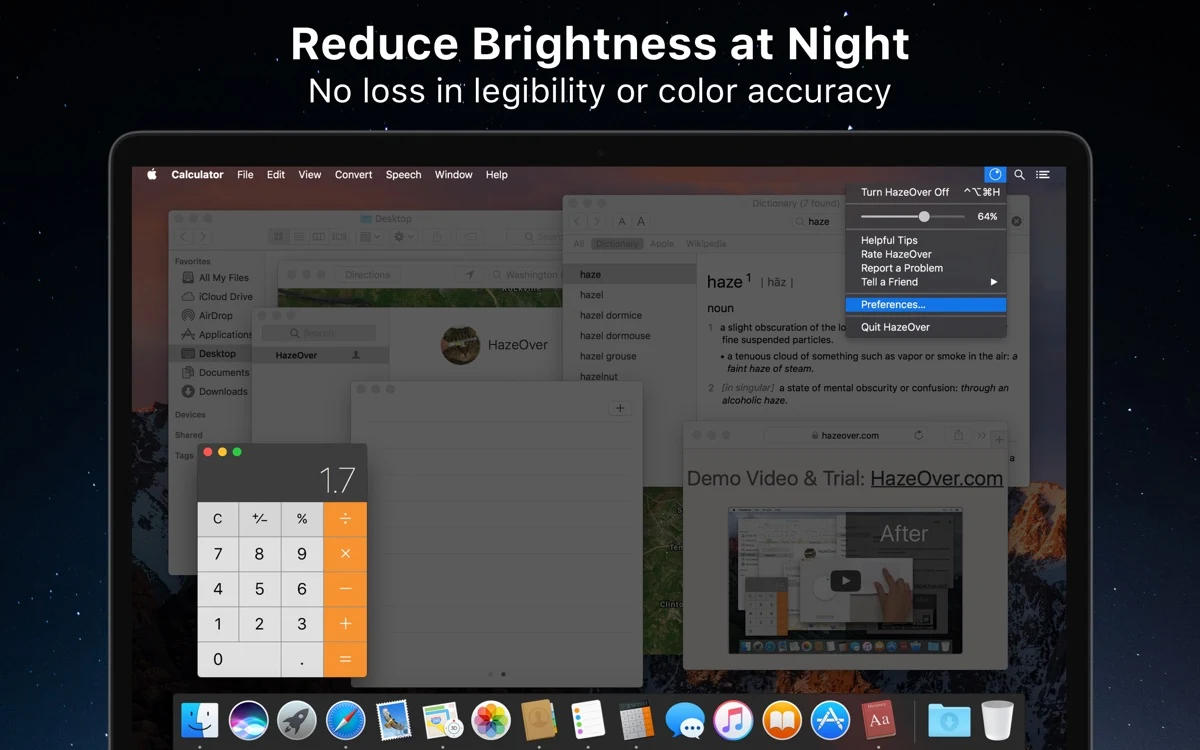
Dim background Mac windows while keeping the active one visible