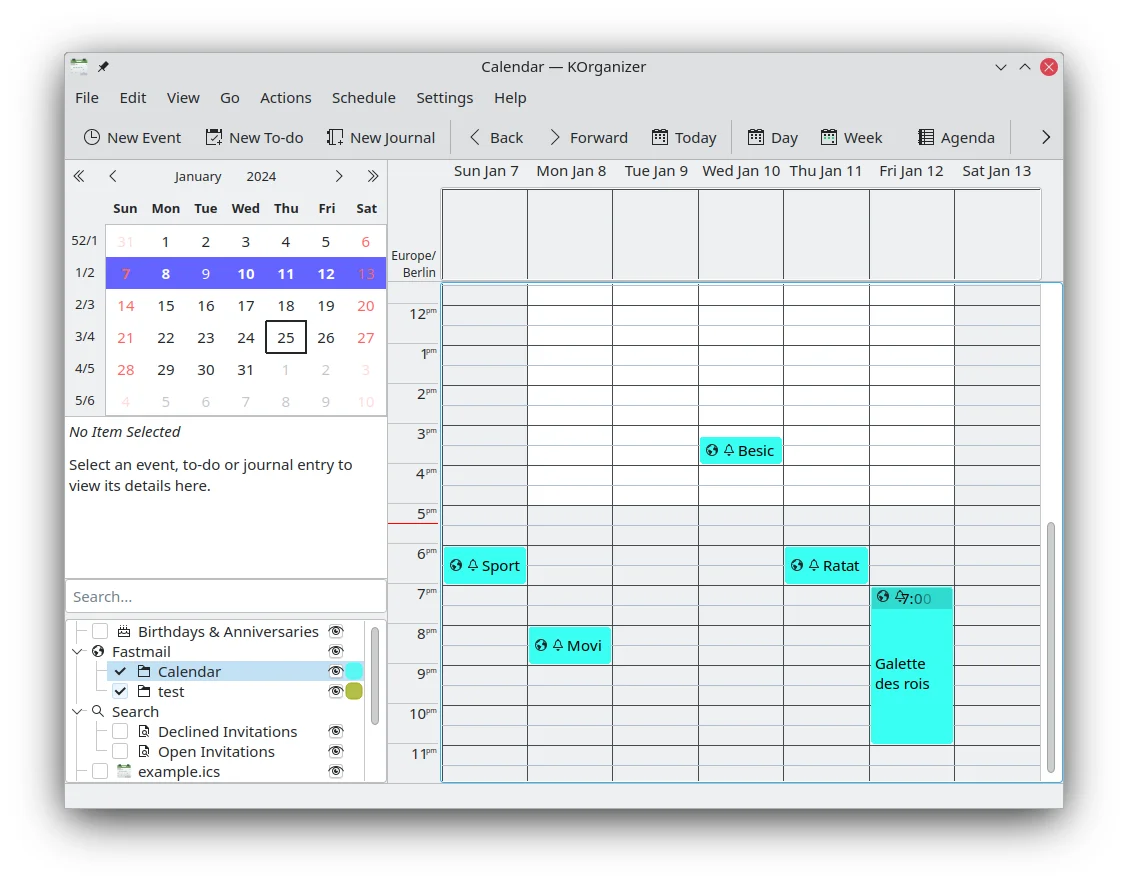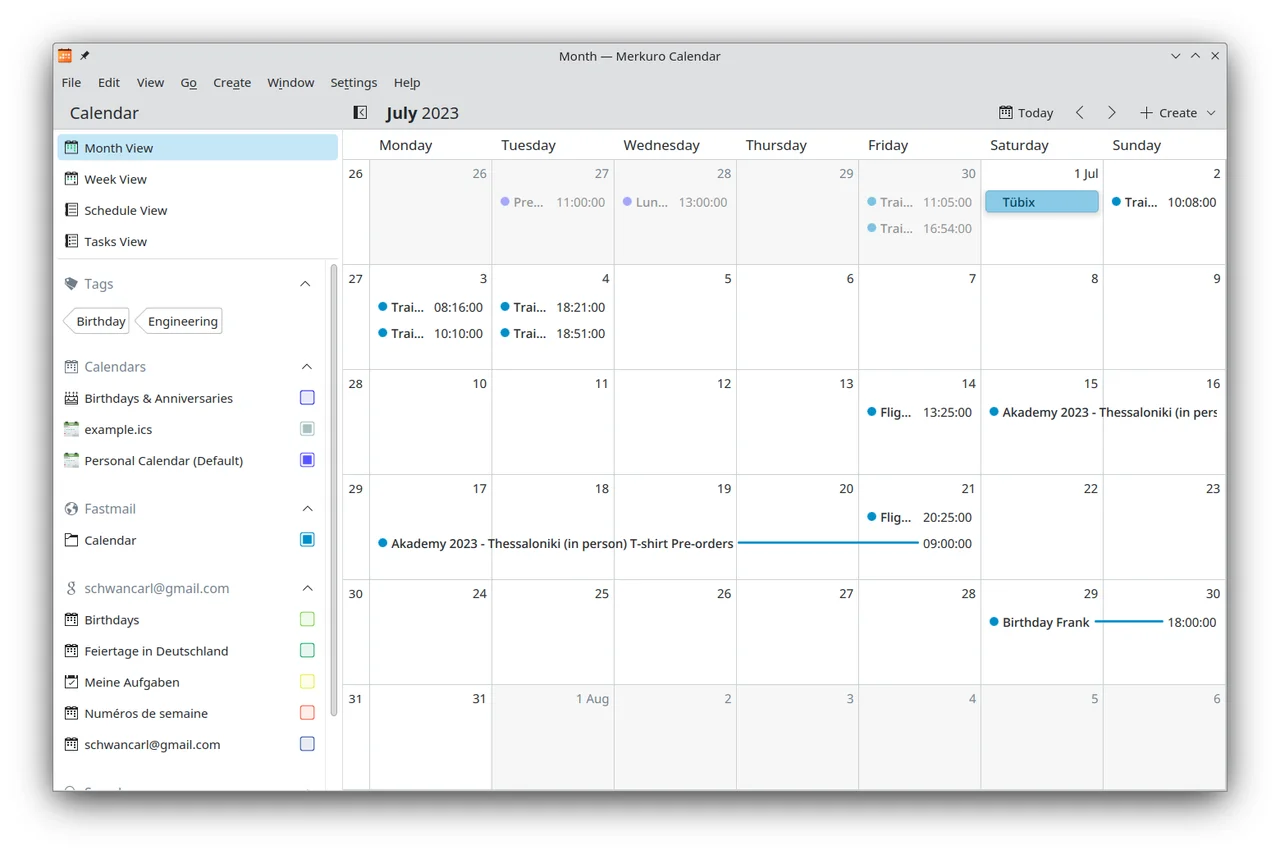

Merkuro
Productivity
Keep events, tasks and contacts together in KDE
Editorial discoveryOpen source

0 props
Props are a thank-you from members.
 Full size
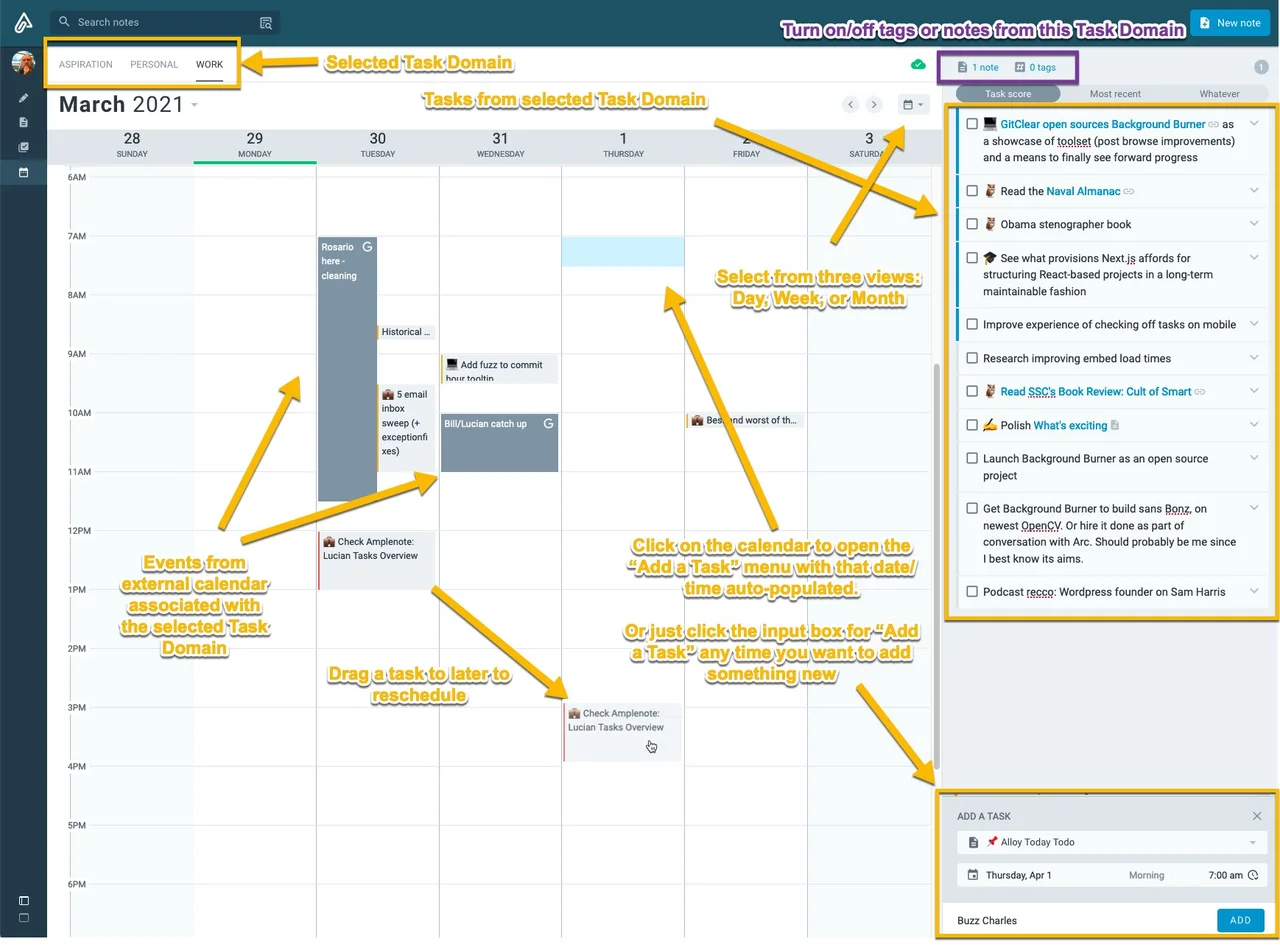
Amplenote connects a notebook with task lists and a calendar view. Start with a running project note, pull out the next actions and schedule the ones that need time on the calendar. This is useful if tasks otherwise get buried in meeting notes or require a second tool to plan. Check which calendar providers, integrations and sync behavior are available in your plan. Use a small sample of recurring and unscheduled tasks before moving an existing task system. If you work with someone else’s calendar, confirm how planned work appears on both sides and whether editing preserves the information you expect.
Good products deserve a good conversation.
Be the first to start one.