Open-source budgeting apps for personal finance
Choose between envelope budgeting, transaction management and a desktop accounting workflow.
Source check ·
Leer en español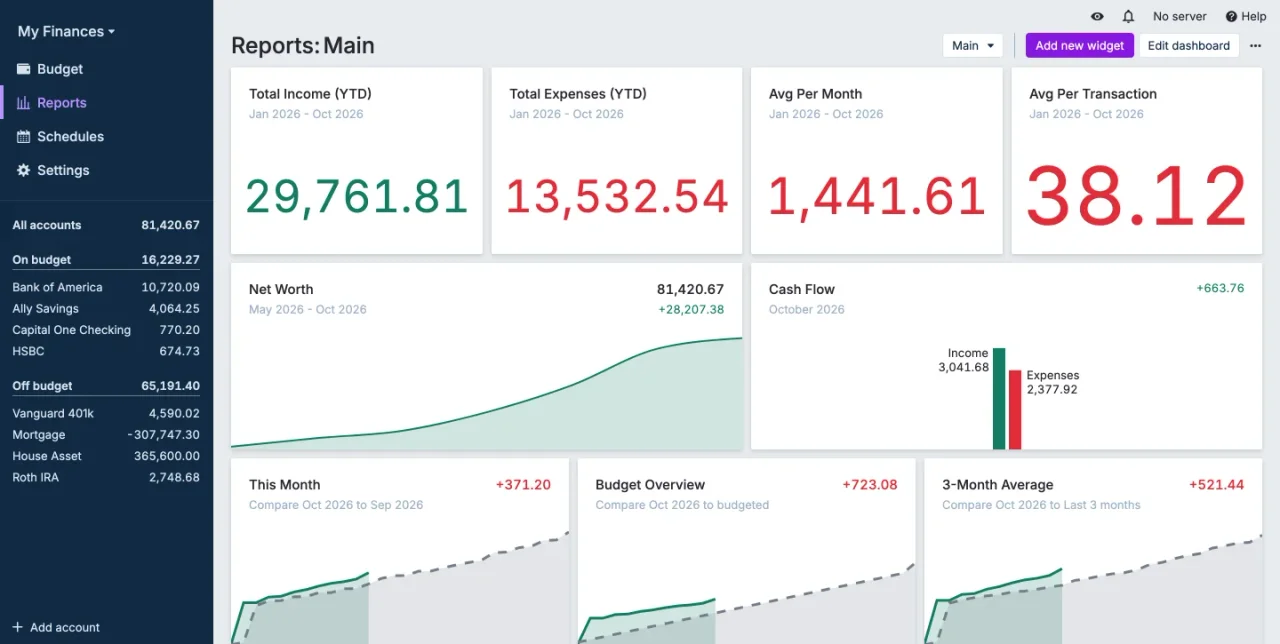
A budgeting tool can help you assign money before you spend it or explain where it went afterward. Decide which is more valuable to you. Try importing a small set of test transactions first. You will learn more from fixing transfers and categorizing recurring expenses than from comparing the number of chart types.
Compare the options

Actual Budget
Envelope budgeting with a local-first workflow
Workflow
Assign money to categories before spending and use imported or manually entered transactions to keep the plan current.
What to check
Review how syncing and bank connections work for your setup. Test restoring a budget before trusting sync as your only copy.
Official details
Firefly III
A self-hosted record of accounts, budgets and expenses
Workflow
Track transactions in your own instance, organize spending with categories and budgets, and try rules on a small import.
What to check
Hosting and imports require setup. Check the official importer and supported formats before choosing it for a bank-connected workflow.
Official details
GnuCash
Desktop double-entry accounting and reconciliation
Workflow
Create accounts, enter transactions and reconcile balances against statements. Use reports to review the ledger over time.
What to check
Double-entry accounting has a learning curve. Verify your statement format and back up the local accounting file.
Official detailsBefore you choose
- Import a few transactions and check how the app represents a transfer, refund and recurring bill.
- Check whether it supports the currency and import format you need before moving the whole history.
- Export your records, then test a restore in a separate file or instance.